22
General: Thermostat Configuration
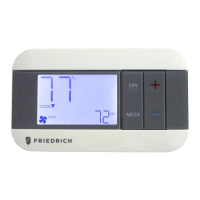
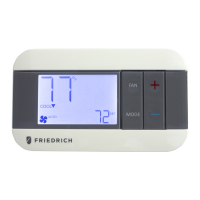
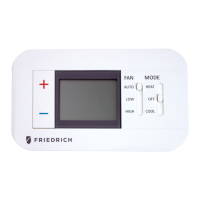
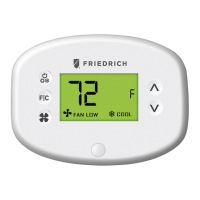
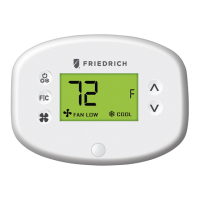
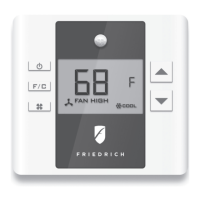
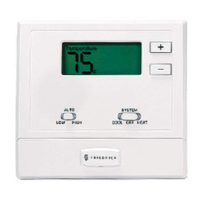
Understanding the Thermostat Screen
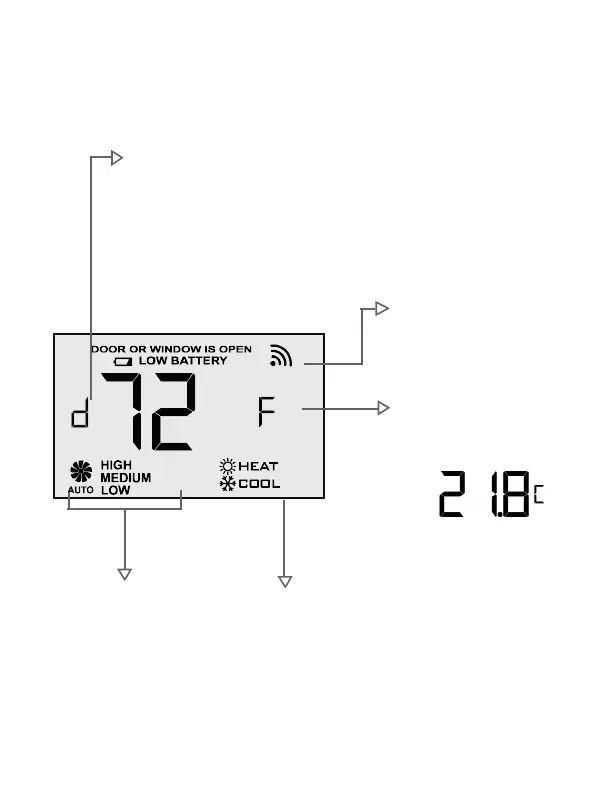
Disconnected sensor
How to fix it:
• Check sensor’s batteries
• Check sensor’s distance or if there is any large metal obstacle
Note: the d icon will disappear within 5min if new batteries are
inserted and within 60 minutes if distance or metal obstacles issues
are resolved.
Temperature display
Displayed in Fahrenheit by
default, can also be set to
Celsius, F will become C:
Fan mode
Auto: fan speed automatically
adjusted according to demand
High/Medium/Low: user set fan
speed
Heat or cool mode
Thermostat displays its
current operating mode.
Wireless connection
Shows up when the thermostat
is disconnected and is searching
for connection


 To Next Page