49
General: Custom Energy Savings Settings
If you do not want to use one of the energy saving presets detailed in Appendix 1,
you can enter the custom energy savings settings.
Accessing the Custom Energy Savings Settings
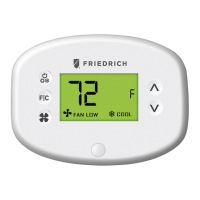
• Ensure the thermostat is powered and faceplate removed;
• Press and hold the config button to get to the Mesh ID screen.
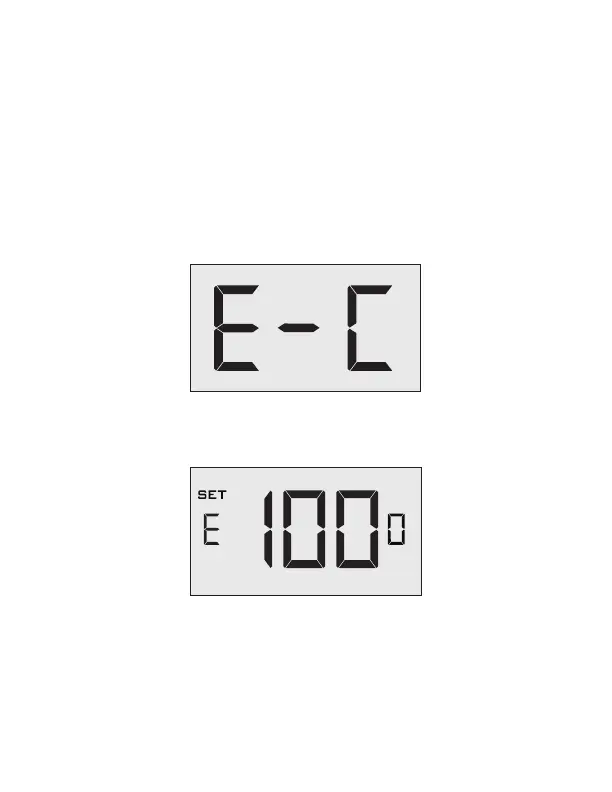
• Press the F|C button to navigate to the Energy Saving Settings screen:
• From the Energy Savings Settings screen, press and hold the config button
until the first custom energy saving settings screen appears:


 To Next Page