34
General: Configuring & Managing Accessories
Verifying Sensor Connection Status and Unlinking Sensors
With the thermostat and HVAC unit powered;
• Remove the faceplate from the thermostat
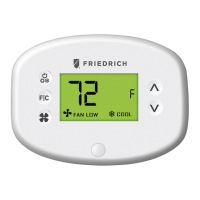
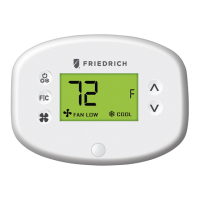
• Press and hold the config button until the MESH ID appears on the screen;
• Press and hold the config button again until SENS appears on the screen;
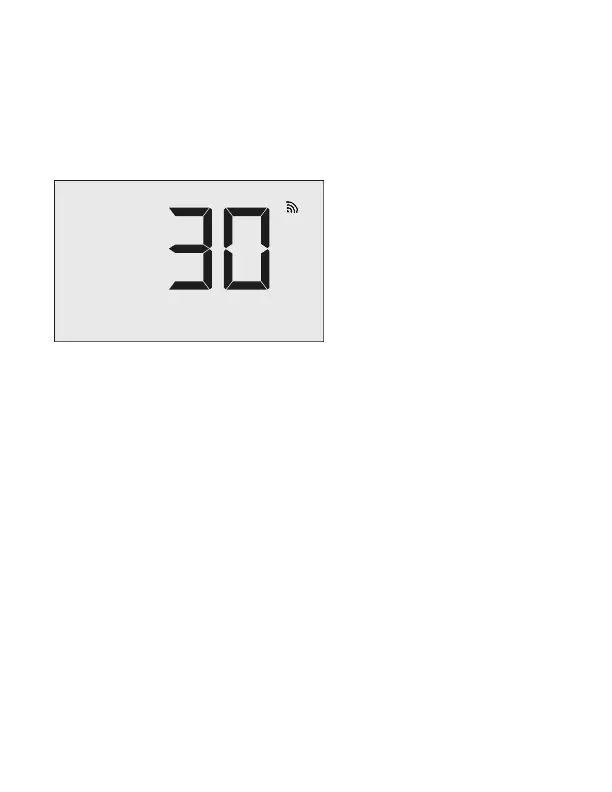
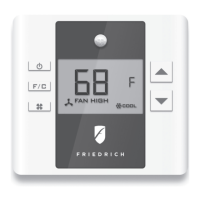
• Press the F|C button. The Thermostat will initiate a ten (10) second
countdown before displaying the number of linked sensors currently
communicating with the thermostat (e.g. ‘01.02’ means one (1) out of two (2)
linked sensors is communicating with the thermostat;
• Press the F|C button. The thermostat will display the first linked sensor;
• Use the UP and DOWN buttons to cycle through linked sensors;
• After selecting the sensor to be unlinked, press and hold the CONFIG button.
The thermostat will inititate a ten (10) second contdown before displaying the
new number of linked sensors;
• Press the ON/OFF button to exit this configuration menu;
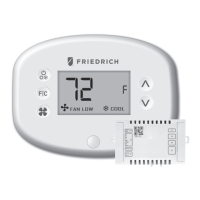
• Press the button on the sensor for three (3) seconds until a yellow light turns
on. The sensor is now reset.


 To Next Page