50
General: Custom Energy Savings Settings
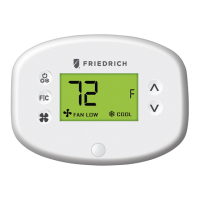
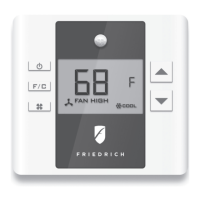
Using the Thermostat Settings Screens
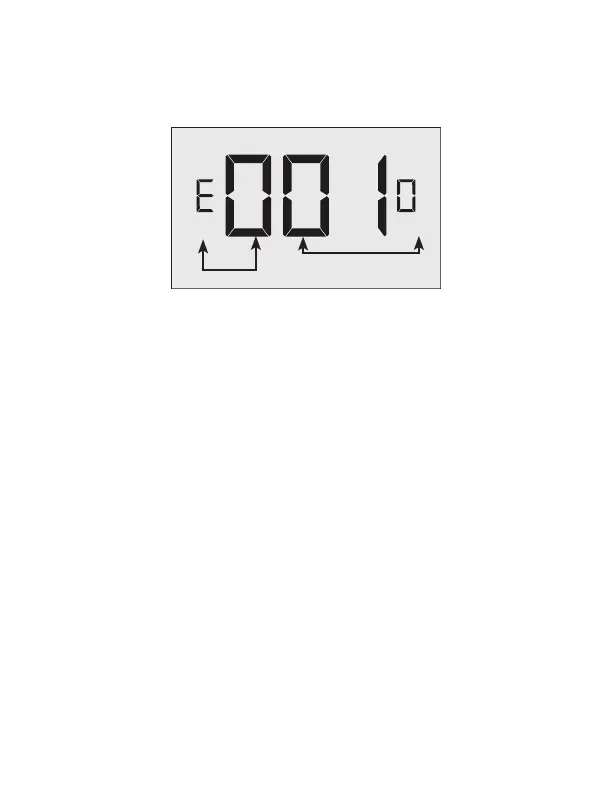
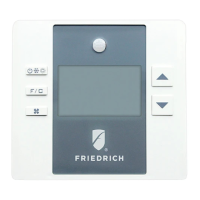
• Use the “Up” and “Down” buttons to select the desired ‘index setting’.
• Press the “Config” button to edit the value of the ‘index setting’;
• Use the “Up” and “Down” buttons to change the ‘setting value’ (see Custom
energy saving settings section for more info and Min-Max values).
• Press the “Fan” button to temporarily store the ‘setting value’.
• Press the “Fan” button to save the profile and exit the Custom Energy Savings
Settings.
• To discard the changes, press the “On/Off” button at any time.
SETTING INDEX
SETTING VALUE


 To Next Page