92
General: Troubleshooting
Restoring Factory Settings
If there are reported errors or configuration issues, the user may restore factory
settings to return the thermostat to its default parameters.
Procedure
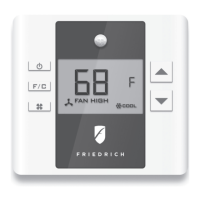
• Remove the faceplate from the thermostat;
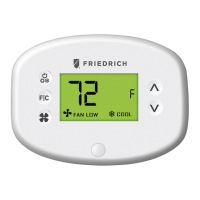
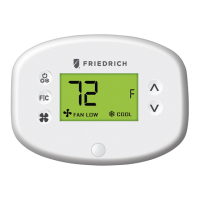
• Make sure you are on the temperature screen
• Press and hold the CONFIG button located on the control board inside the
thermostat to move to the MESH ID screen.
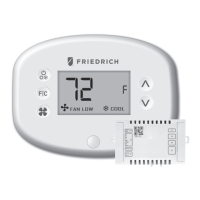
• Press F I C to reach the thermostat equipment type configuration screen;
• Press and hold the CONFIG button until the thermostat displays “RST”, then
press the F|C button.
• If the master reset was successful, the thermostat will display SETUP after
three (3) seconds and the thermostat must be re-configured. Refer to the
thermostat configuration section of this manual.
Contact Friedrich technical support if the issues are not resolved.


 To Next Page