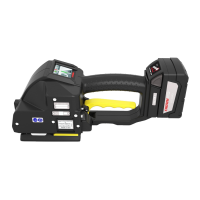
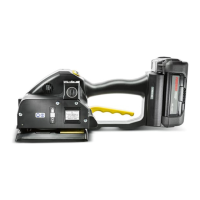
Operation manual P328S
© 2018 FROMM Holding AG 13
All rights reserved. Reproduction and duplication - also in extracts - are not permitted.
6Akku
The batteries are supplied partially charged.
Before the first use, the battery must be completely charged.
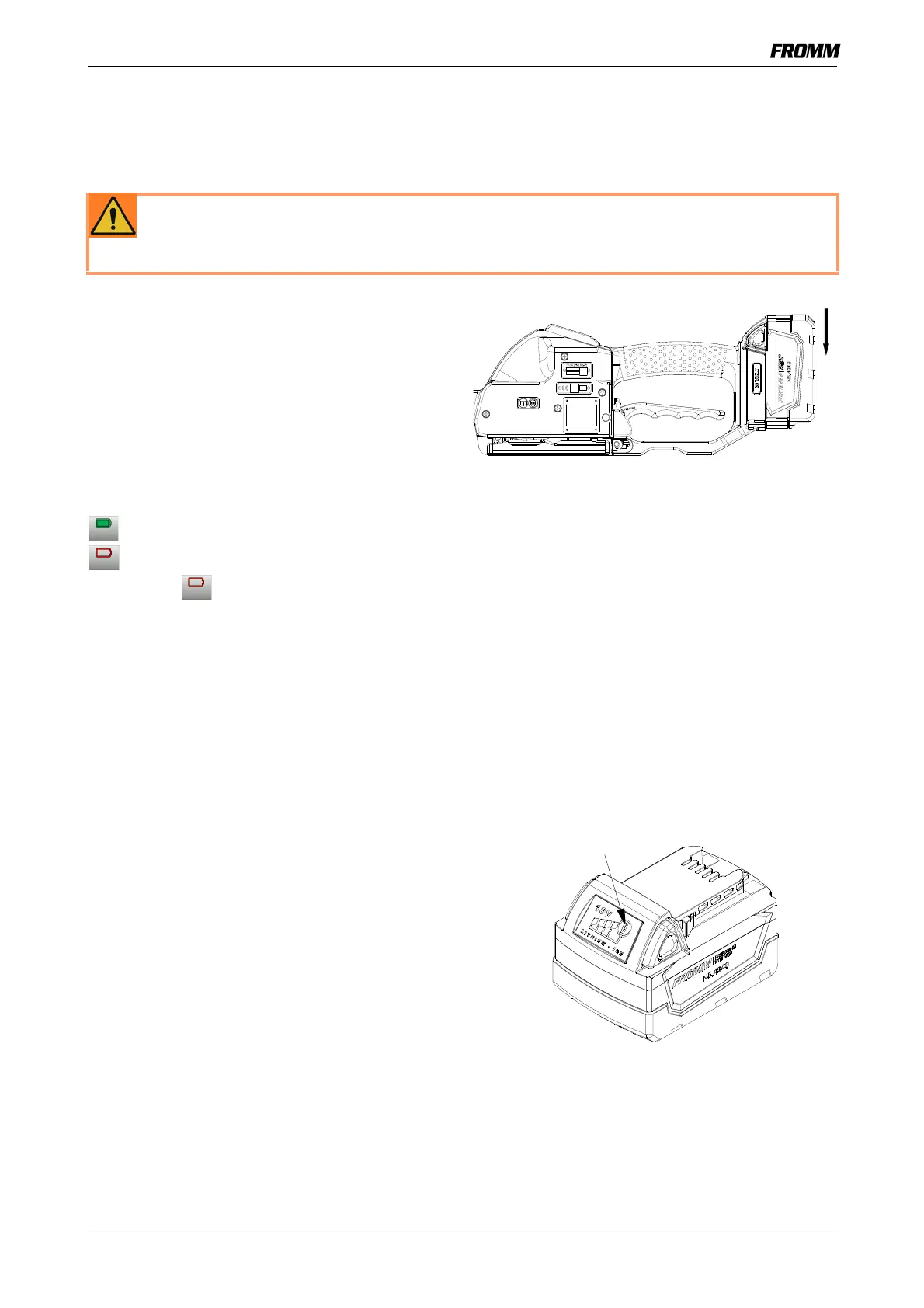
Inserting the battery
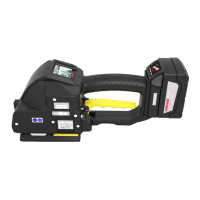
• Insert the battery from top to bottom into the tool
until both unlatching push buttons are engaged.
- The touchscreen is activated, the tool is
operational.
Removing the empty battery
The battery charge is displayed in the touchscreen.
= Battery full
= Battery empty
If the symbol appears in the touchscreen, the
battery capacity is empty.
The battery must be recharged.
• Push the unlatching push buttons at both sides of
the battery.
• Pull the battery out of the tool.
Display of the battery charge status on
the battery
By pressing a button the status of the battery can be
shown in four steps.
If four lamps are lighting the battery is full.
If only one lamp is lighting shortly the battery has to
be charged.
WARNING The use of unsuitable batteries and chargers as well as the improper use of them
can cause fires, explosions, and serious injuries.
Only use the batteries and chargers indicated in this operating manual.
The separate operating manual for the battery and charger must be observed.


 To Next Page