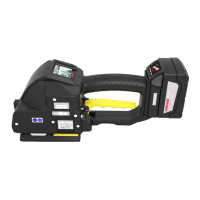
Operation manual P328S
© 2018 FROMM Holding AG 19
All rights reserved. Reproduction and duplication - also in extracts - are not permitted.
7.8 Update the firmware for tools with an active remote module
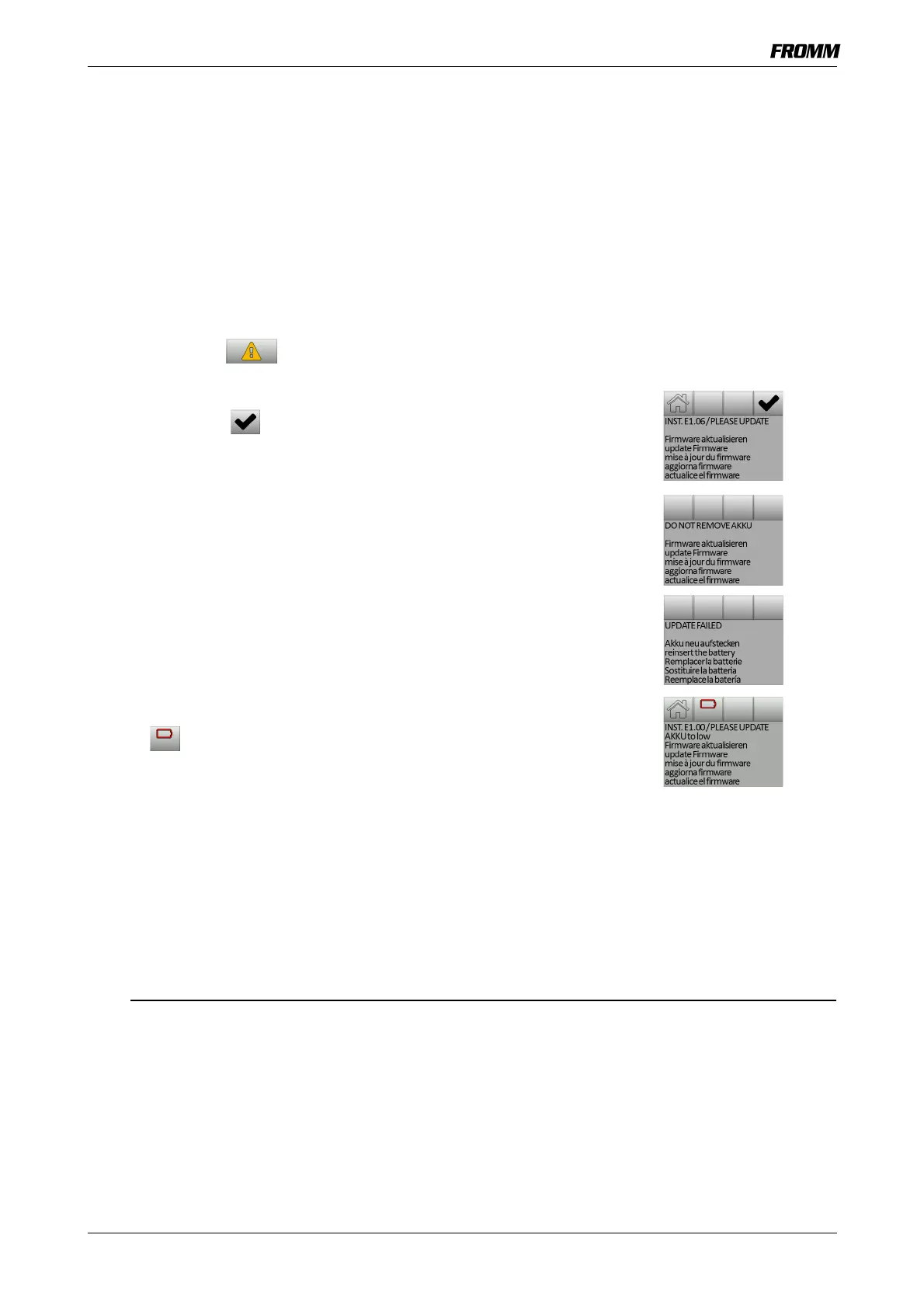
If a new firmware update is copied to the tool, when the battery is inserted,
the warning symbol appears on the touchscreen.
• Tap to open the update menu.
• Tap the OK key to start the update.
- After a successful update, the control returns to the work menu.
During the update, the battery may not be removed from the tool.
If the touchscreen shows the message “UPDATE FAILED”, the update was
not successful.
• Remove the battery and insert it again.
- The update starts automatically.
If the symbol appears on the touchscreen when the battery is
inserted, the battery must be charged.
7.9 Energy Saving Mode (Standby Operation)
After about 3 minutes without activity, the controller switches to the energy saving mode.
The touchscreen switches off.
• Press the lever.
- The tool is operational


 To Next Page