PAG.
8
rev 1.1
ENGLISH
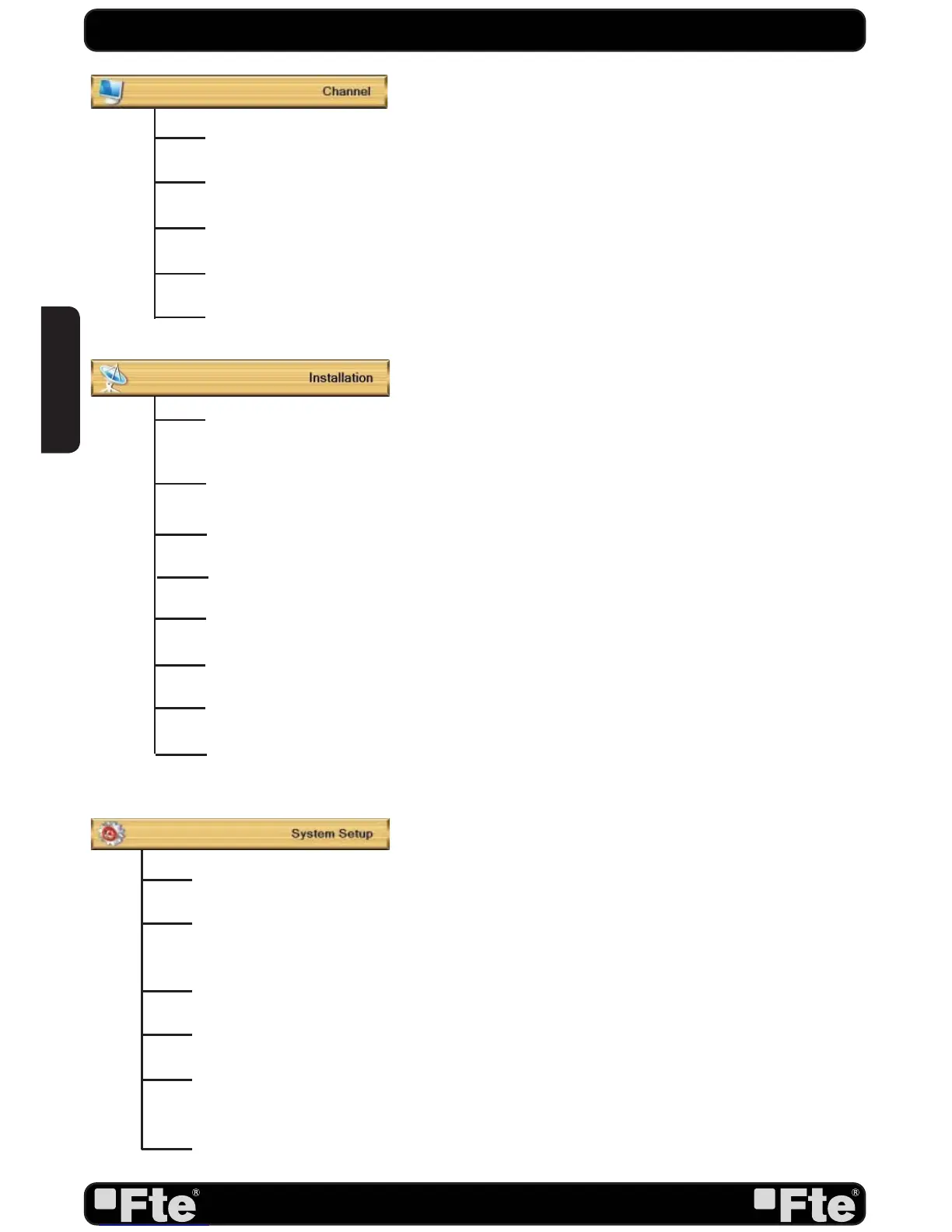
Language: This option allows choosing the language of the menus.
TV System: This option allows choosing the video Standard and other parameters of the
screen.
Time & Timer Setting: Timer setting menu.
OSD Setting: This option allows configuring the subtitles of the channel information.
Parental Lock: In this option, user can lock the access to the menu and change the
password of the receiver.
Power setting: Activate or deactivate the automatic Standby option after 3 hours, turns on
or off the LNB power or enable / disable Low Power Consumption mode.
TV Channel List: This option shows the list of TV stored channels.
Radio Channel List: This option shows the list of Radio stored channels.
Channel Setup: This option allows setting the receiver to start in a predefined channel.
Favourite Channel List Name: It allows changing the name of the favourite groups.
Delete All: This option deletes all TV and Radio stored channels.
Antenna connection: It allows choosing the type of installed antenna, between fixed,
motorized and Unicable.
Antenna Setup: It allows to configure Antenna parameters.
Satellite List: This option shows all the stored satellites. This list can be modified.
TP List: This option shows all the stored TP. This list can be modified.
Single Satellite Search: This option allows search for the channels of one satellite.
Multi Satellite Search: This option allows search for the channels of various satellites.
TP Scan: This option allows search for the channels of one TP.
Satellite Guide: After introducing some data, this application allows to know which
orientation and elevation should be the antenna.
QUICK INSTALLATION GUIDE


 To Next Page