174 Troubleshooting
Clearing Paper Jams From the Front of the Printer
NOTE:
• To resolve the error displayed on the LCD panel, you must clear all print media from the print media path.
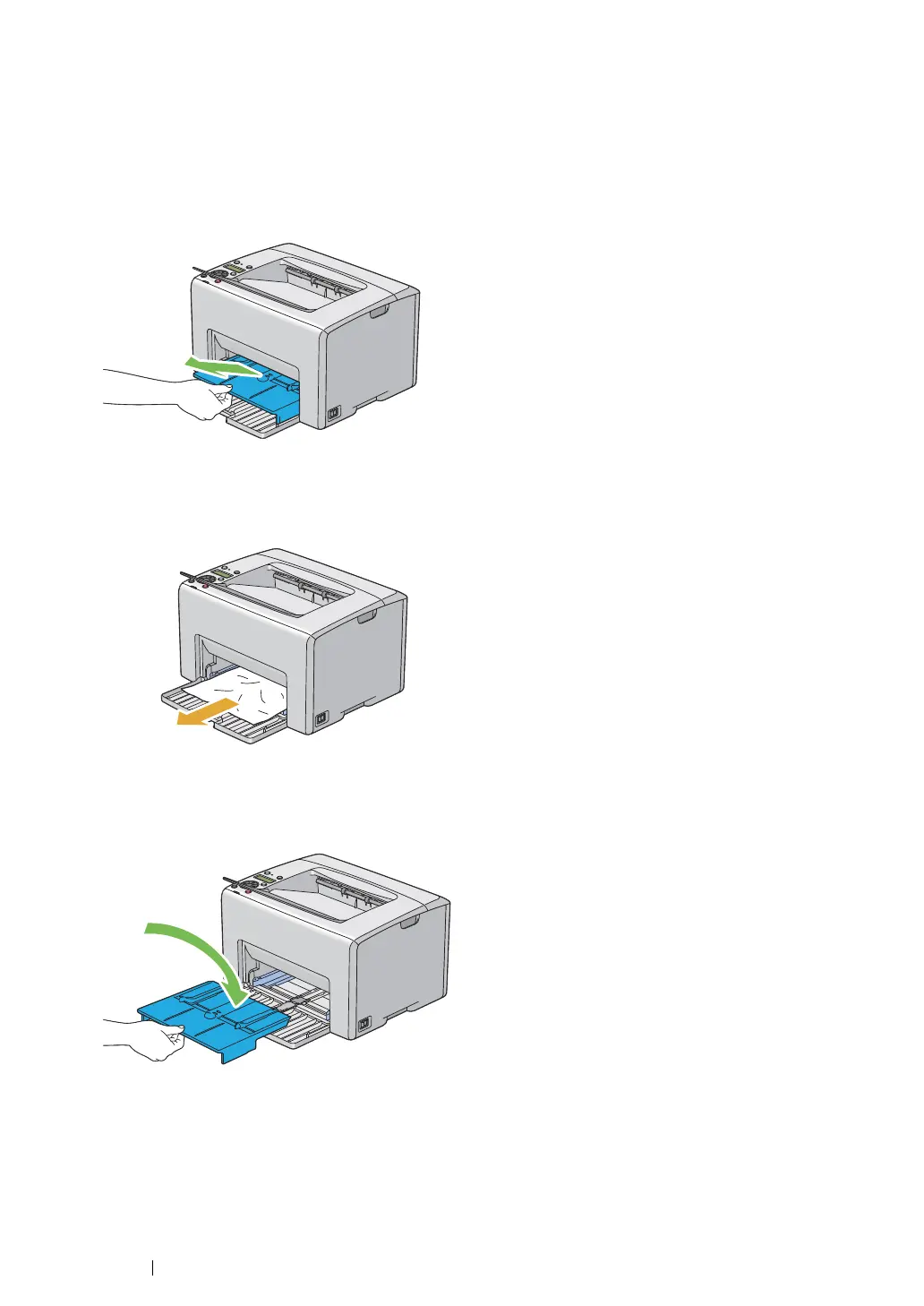
1 Pull the priority sheet inserter out.
2 Remove any paper jammed from the front of the printer.
3 Replace the priority sheet inserter in the printer.
IMPORTANT:
• Do not use excessive force on the priority sheet inserter. Doing so could damage it or the inside of the
printer.



 To Next Page
 Loading...







