186 Troubleshooting
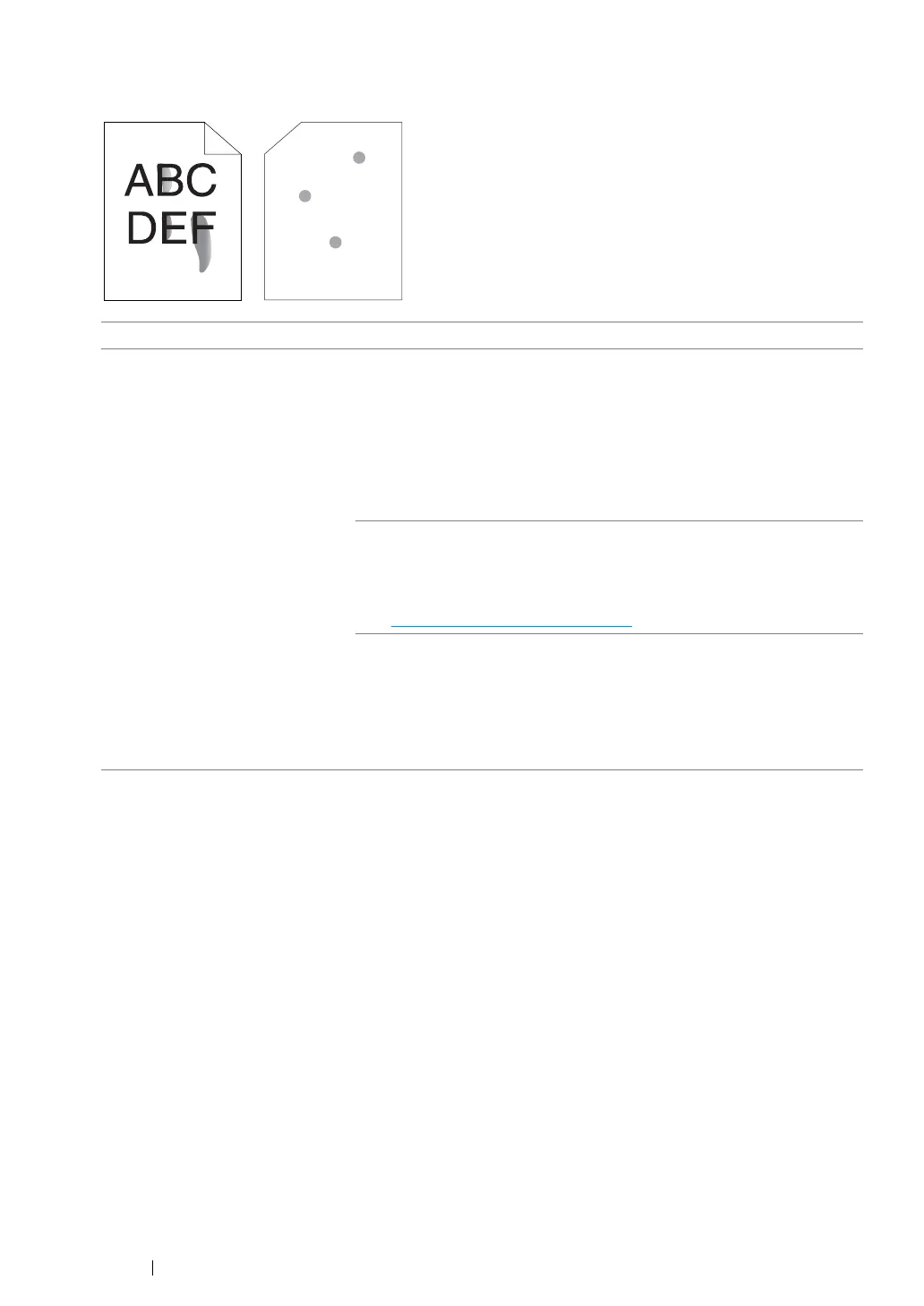
Toner Smears or Print Comes Off/Stain on Back Side
NOTE:
• If the problem continues even though you have taken suggested actions described above, contact the Fuji
Xerox local representative office or an authorized dealer.
Problem Action
Toner smears or print comes off.
The output has stain on the back
side.
The print media surface may be uneven. Try changing the paper type
setting in the print driver. For example, change Plain to Lightweight
Cardstock. The following procedure uses the Windows print driver as
an example.
1 On the Paper/Output tab in Printing Preferences of the print
driver, select Advanced Paper Selection from the Paper drop-
down menu.
2 Change the Bypass Paper Type setting.
Verify that the correct print media is being used.
If not, use the print media recommended for the printer.
See also:
•"Usable Print Media" on page 108
Adjust the temperature of the fusing unit.
1 Launch the Printer Setting Utility, and click Adjust Fusing Unit on
the Printer Maintenance tab.
2 Adjust the fixing temperature by turning up the value for your
printing media.
3 Click the Apply New Settings button.



 To Next Page
 Loading...







