46 Printer Management Software
Launcher (Windows Only)
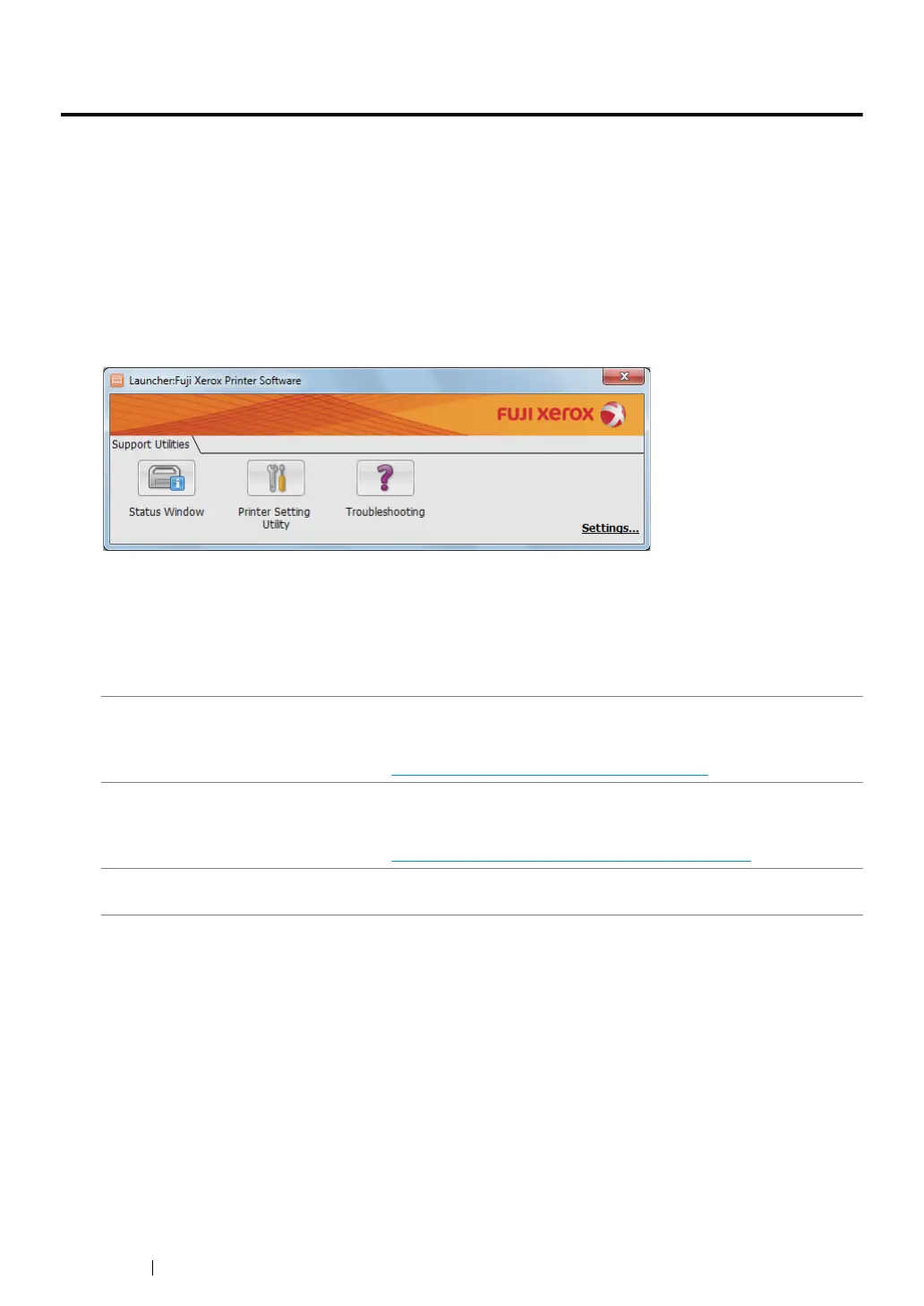
Using the Launcher window, you can open the Status Monitor window, Printer Setting Utility, and
Troubleshooting Guide.
To use the Launcher, select to install the Launcher when you install the print driver.
The following procedure uses Windows 7 as an example.
To open the Launcher window:
1 Click Start → All Programs → Fuji Xerox → Fuji Xerox Printer Software for Asia-Pacific →
Launcher.
The Launcher dialog box appears.
2 The Launcher window provides three buttons; Status Window, Printer Setting Utility, and
Troubleshooting.
To exit, click the X button at the top-right of the window.
For details, click the Help button/icon of each application.
Status Window Click to open the Status Monitor window.
See also:
•"SimpleMonitor (Windows Only)" on page 45
Printer Setting Utility Click to open the Printer Setting Utility.
See also:
•"Printer Setting Utility (Windows Only)" on page 44
Troubleshooting Click to open the Troubleshooting Guide, which allows you to resolve
issues by yourself.



 To Next Page
 Loading...







