Troubleshooting 151
5
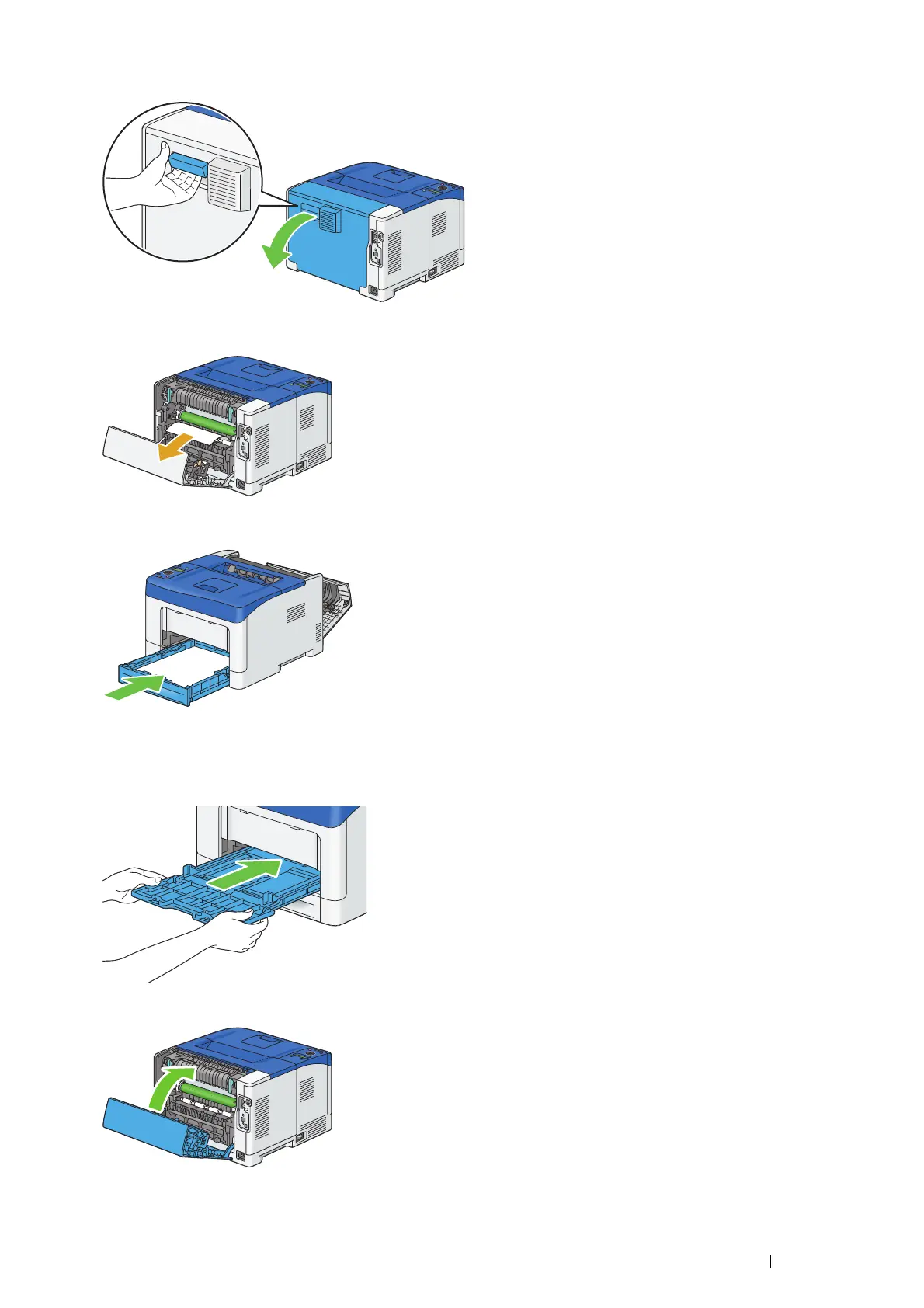
Pull the rear door handle to open the rear door.
\
6
Remove the jammed paper from the regi roll.
7
Insert the standard 250 sheet tray into the printer, and push until it stops.
IMPORTANT:
• Do not use excessive force on the tray. Doing so could damage the tray or the inside of the printer.
8
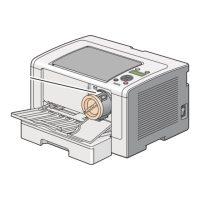
Insert the bypass tray into the printer, push until it stops, and close the cover.
9
Close the rear door.


 To Next Page
 Loading...