Maintenance 189
2
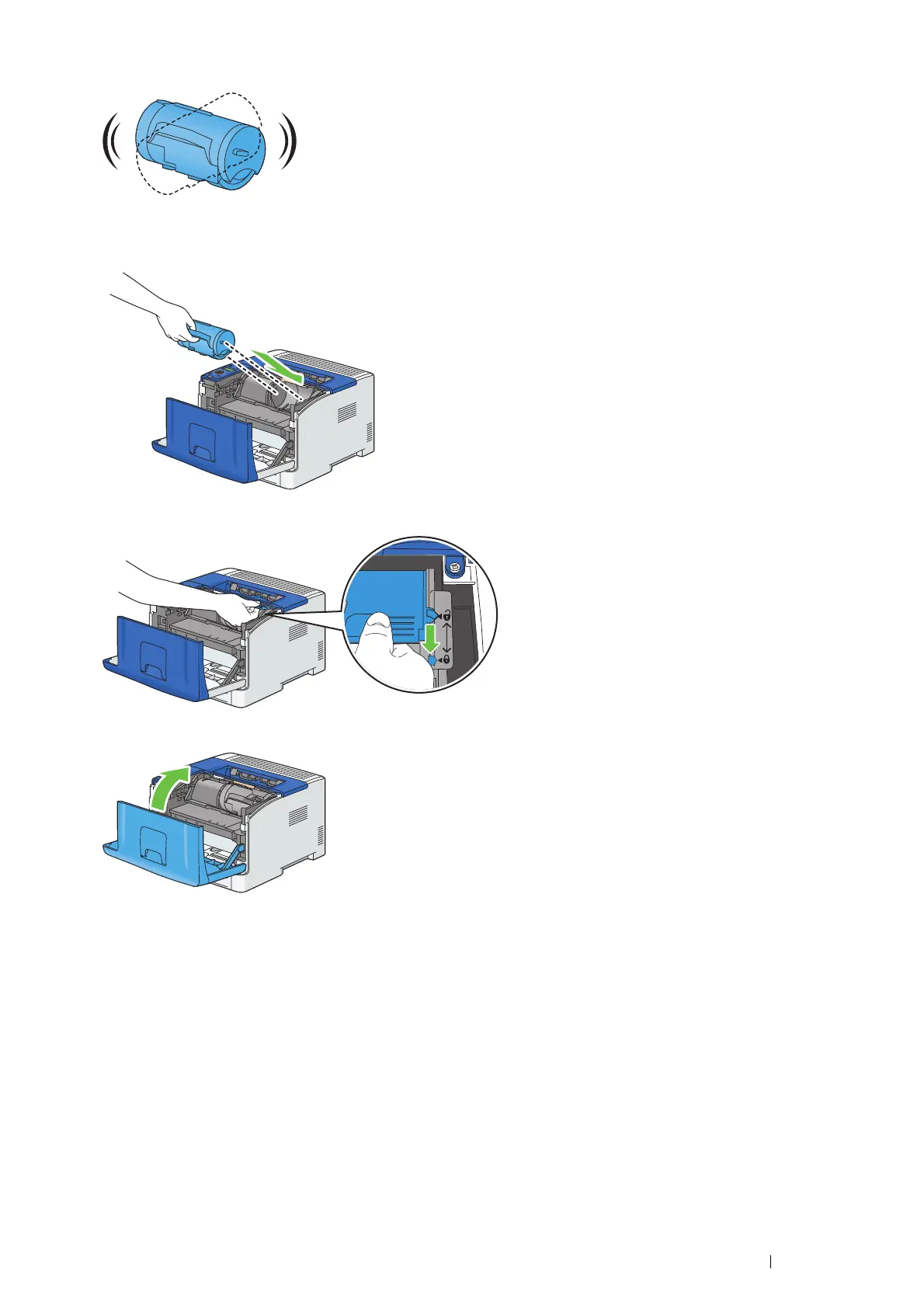
Shake the new toner cartridge five or six times to distribute the toner evenly.
3
Make sure that the two tabs of the toner cartridge align with the grooves on the printer, and then insert it into the
printer until it clicks.
4
Grasp the toner cartridge lock lever, and then pull it down until it stops.
5
Close the front cover.
Replacing the Drum Cartridge
This section describes how to replace the drum cartridge.
IMPORTANT:
• Protect the drum of the drum cartridge against bright light. If the rear door remains open for more than 3 minutes, print quality may
deteriorate.
This section includes:
•
"Removing the Drum Cartridge" on page 190
•
"Installing a Drum Cartridge" on page 191


 To Next Page
 Loading...