Operation
A26361-K675-Z120-1-7619, edition 3 21
4 - Power-on indicator
– The indicator lights green:
The PC is on.
i
The display can also light up green if the PC has been switched off by holding
the ON/OFF switch (see the "Tips" section).
– The indicator lights orange:
The PC is in energy-saving mode. After being switched on, the PC returns to the state it
was in before the energy-saving mode.
!
In an energy-saving mode the PC must not be switched off with the power
switch or disconnected from the mains supply, as this may result in data loss.
– The indicator does not light up:
The PC is switched off (power switch at 0 or disconnected from the power supply) or
ready-to-operate. If the PC is ready-to-operate, the PC can be enabled with the ON/OFF
switch.
5 - Hard disk indicator
The indicator lights up when the hard disk drive of the PC is accessed.
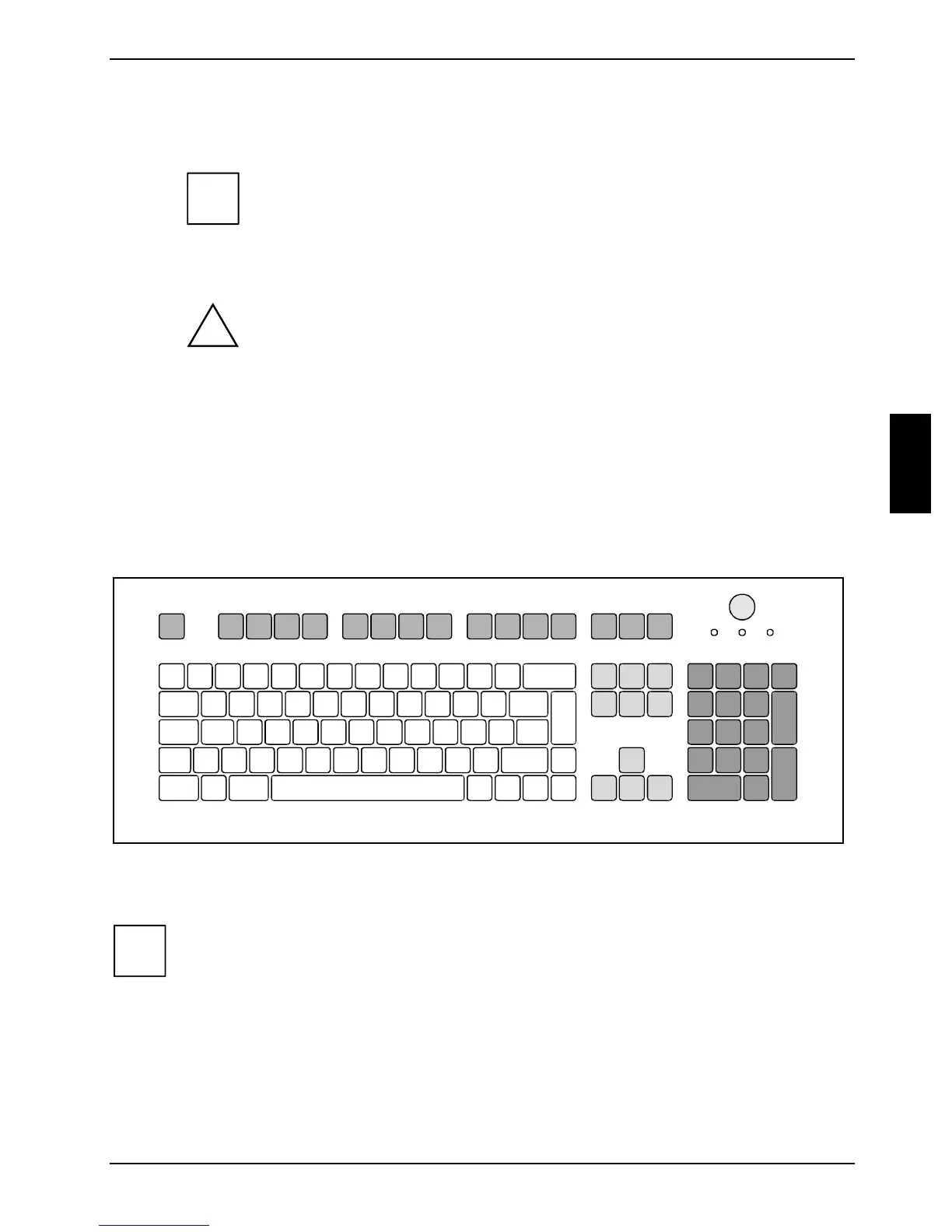
Keyboard
1
34
5
2
1 = Function keys
2 = Power button (optional)
3 = Alphanumeric keypad
4 = Cursor keys
5 = Numeric keypad (calculator keypad)
i
The illustrated keyboard is an example and may differ from the model you use.



 To Next Page