System expansions
34 A26361-K675-Z120-1-7619, edition 3
Installing and removing a board
!
Please take note of the section "Information about boards".
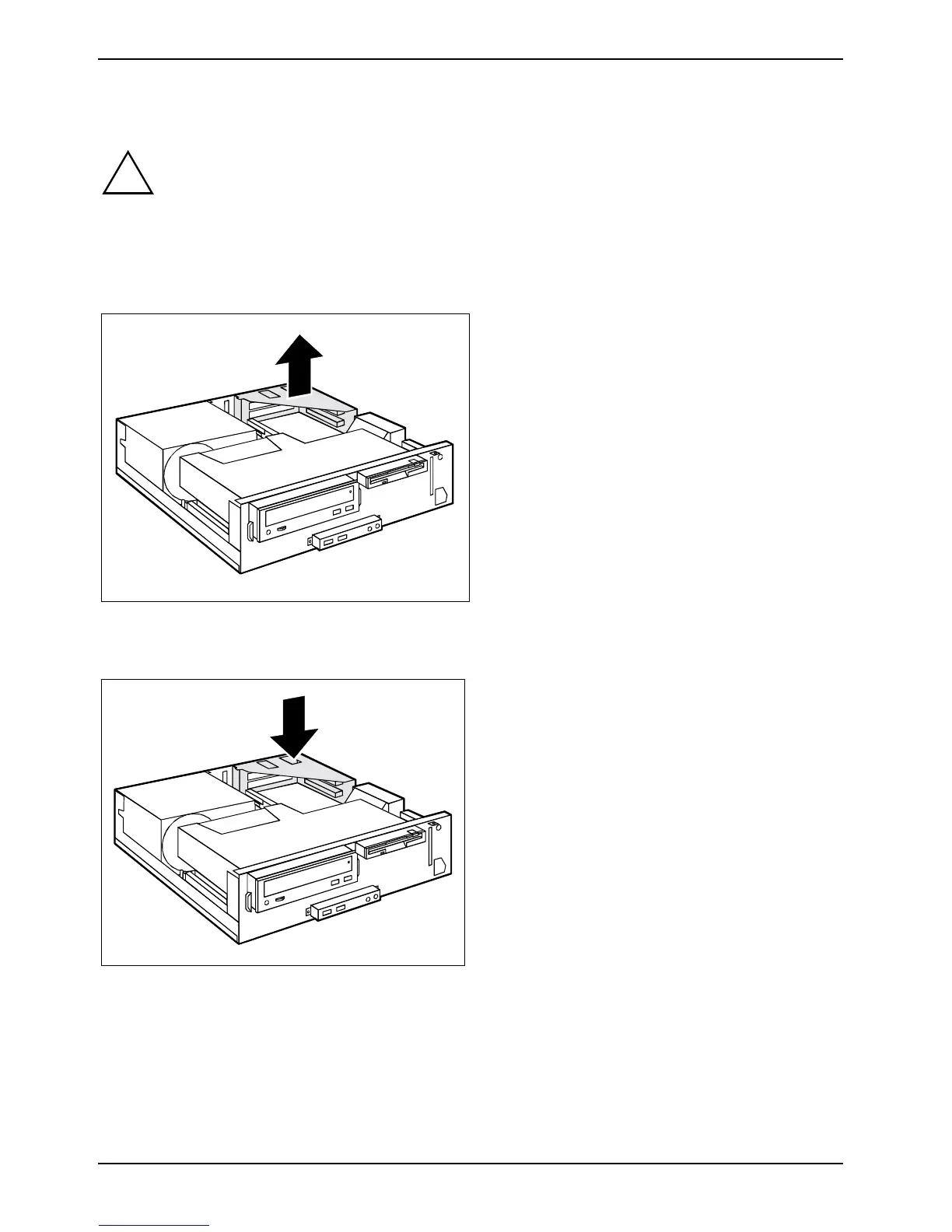
Removing board bracket
► Open the casing (see "Opening the casing").
► Pull the board bracket out of the casing in
the direction of the arrow.
Installing board bracket
► Insert the board bracket into the casing in
the direction of the arrow until it clicks into
position.
► Close the casing (see "Closing the
casing").



 To Next Page