124
5 Device
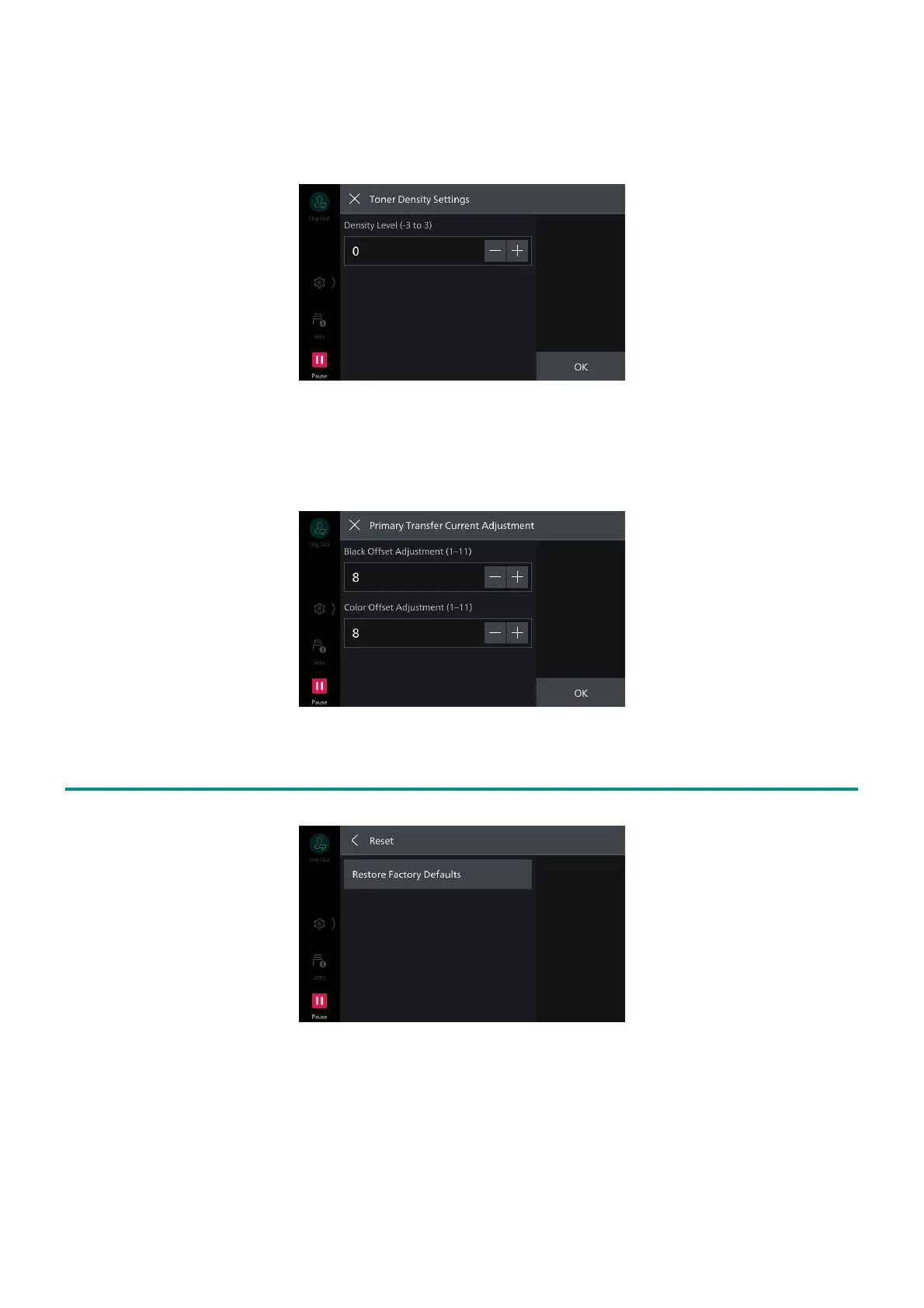
[Toner Density Settings]
Adjusts the maximum density for printing on paper. Lowering the density saves toner, while
increasing the density produces clearer print results.
[Primary Transfer Current Adjustment]
Adjusts the transfer voltage of the black toner and color toner when a poor transfer due to paper
type or environment causes missing a part of image.
5.8 [Reset]
[Restore Factory Defaults]
Restores all settings of the machine to state at factory shipment.



 To Next Page
 Loading...








