130
6 Authentication and Accounting Feature
Authentication and Accounting Method
You can set the authentication/accounting method also in [Authentication/Accounting Settings] of
[Accounting].
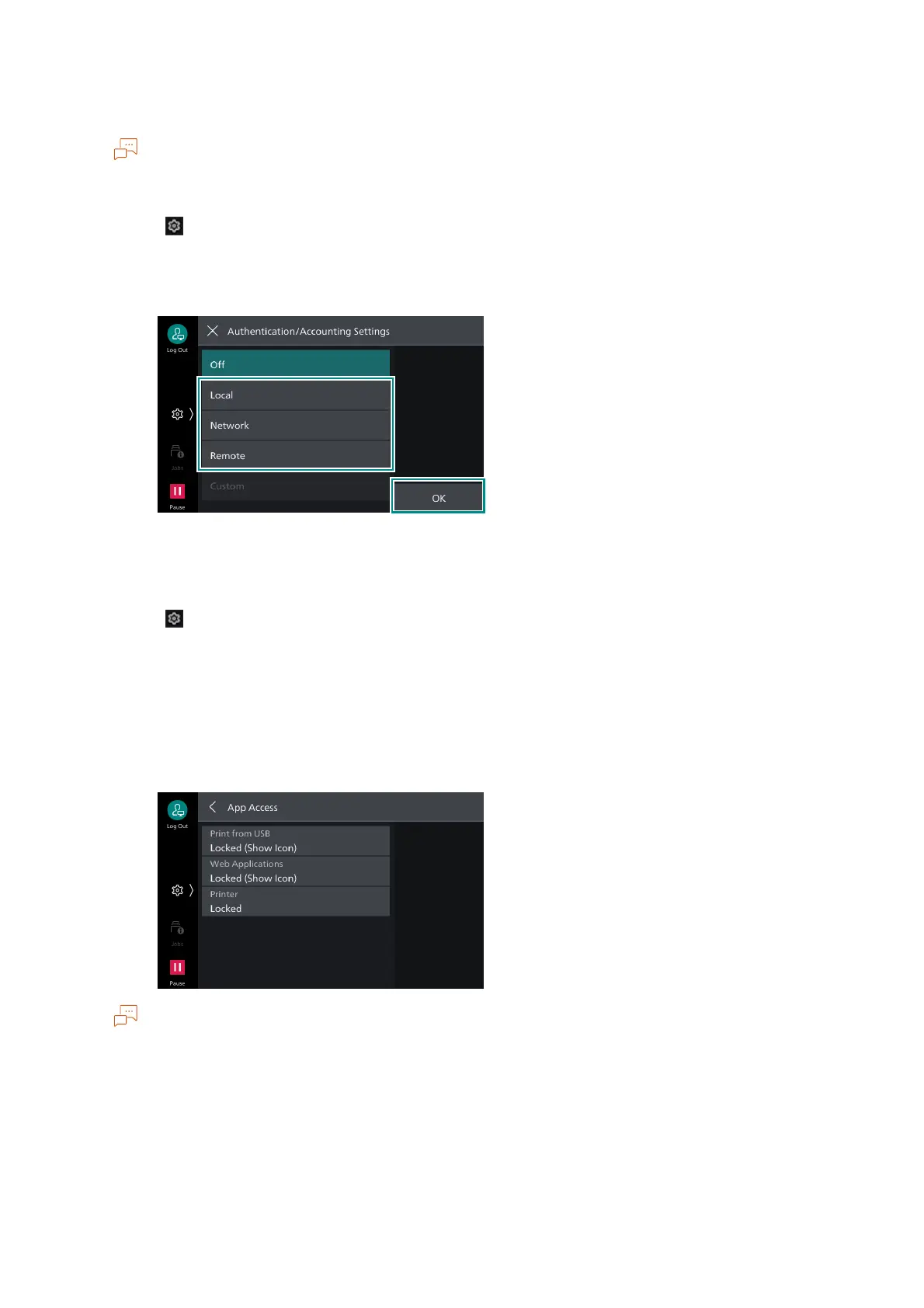
1. Tap on > [Device] > [Authentication/Accounting] > [Authentication/Security Settings] >
[Authentication] > [Authentication/Accounting Settings].
2. Select [Local] or [Remote], tap on [OK].
Access Control
1. Tap on > [Device] > [Authentication/Accounting] > [Authentication/Security Settings] >
[Authentication] > [Access Control].
2. Tap on [Device Access] and select [Unlocked] or [Locked].
3. Tap on [App Access].
4. Configure authentication requirements for actions by service.
If [Locked (Show Icon)] is set, the confirmation screen displays when you tap on the icons on the Home
screen without authentication.
If [Locked (Hide Icon)] is set, the icons for the corresponding function button are not displayed on the
Home screen without authentication.



 To Next Page
 Loading...








