14
2 Setup
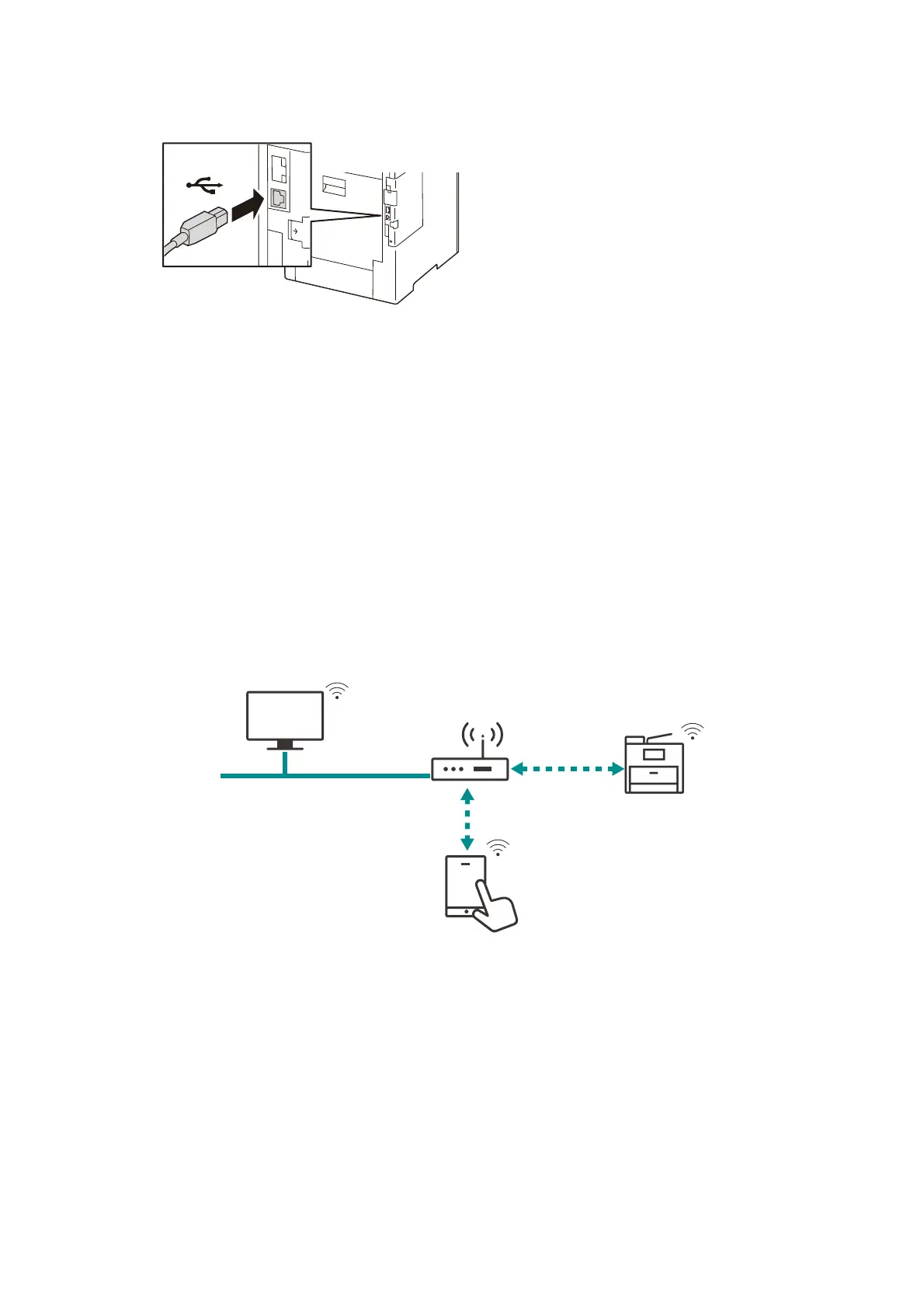
2. Connect a USB interface cable to the interface connector.
3. Connect the other connector of the USB interface cable to the computer.
4. Press the <Power/Power Saver> button and switch on the machine.
5. Restart the computer.
Wireless LAN
When connecting network using the wireless LAN, install the Wireless LAN Kit (optional) in the
machine.
It is necessary to log in to Administrator Mode to perform settings.
Wi-Fi
Connect the machine and mobile device via the wireless LAN access point.
Wi-Fi Connection
Wired LAN
Wi-Fi Connection



 To Next Page
 Loading...








