190
10 Appendix
10.4 Web Applications
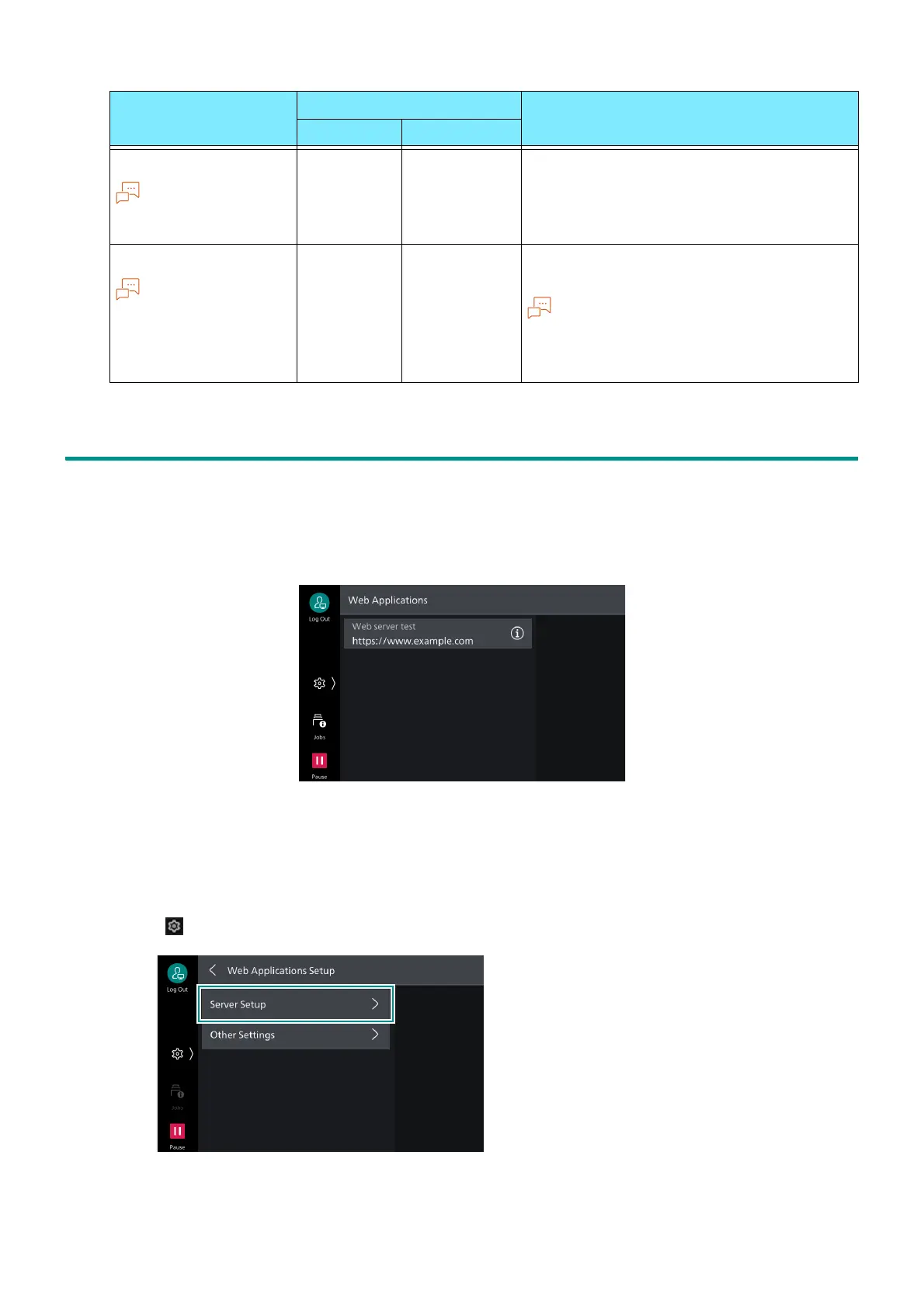
This function allows you to access Web servers via networks from the browser included with this
machine in order to store or display data.
Access an external service and display an external service screen linked with this machine
Print a file stored in an external server
Server Setup
1. Log in to Administrator Mode.
2. Tap on > [Device] > [App Settings] > [Web Applications Setup] > [Server Setup].
Color mode
This setting is valid
for color printers.
407 507 [0]: Auto
[1]: Black and white
Print process mode
This is displayed
when Adobe
®
PostScript
®
3
TM
kit is
equipped.
408 - [0]: PDF Bridge
[1]: PS
“Layout” setting becomes invalid if “PS” is
specified.
Item Item Number Specification value
PDF DocuWorks



 To Next Page