59
5.1 [Paper Tray Settings]
5 Device
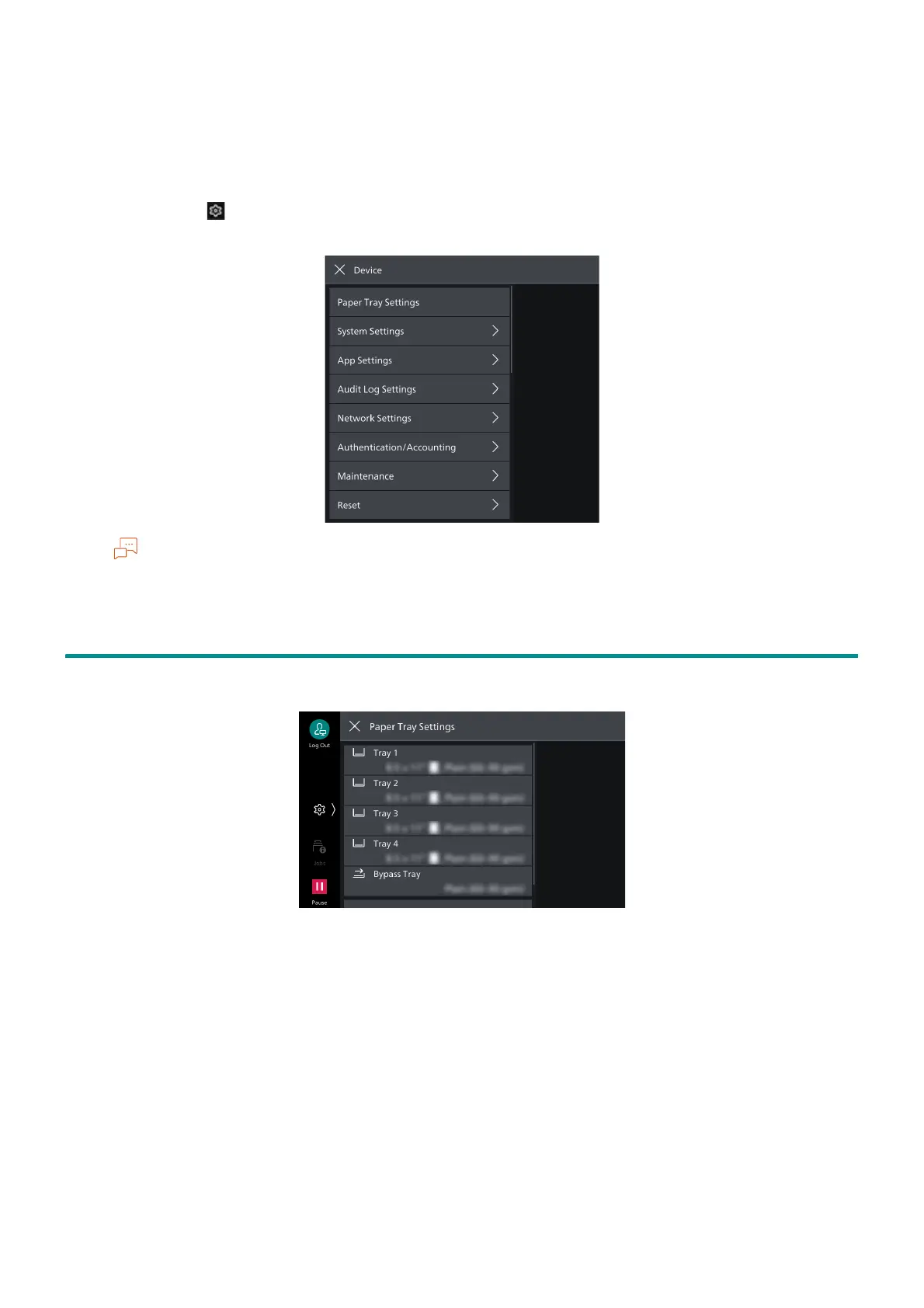
If you tap on > [Device] on the Home screen, the [Device] screen can be displayed on the Home
screen. Configure the various settings of this machine here.
The section also covers settings that can only be manipulated in Administrator Mode.
5.1 [Paper Tray Settings]
The type of paper loaded is set by tapping on a tray number.



 To Next Page
 Loading...








