129
6.2 Enabling User Authentication
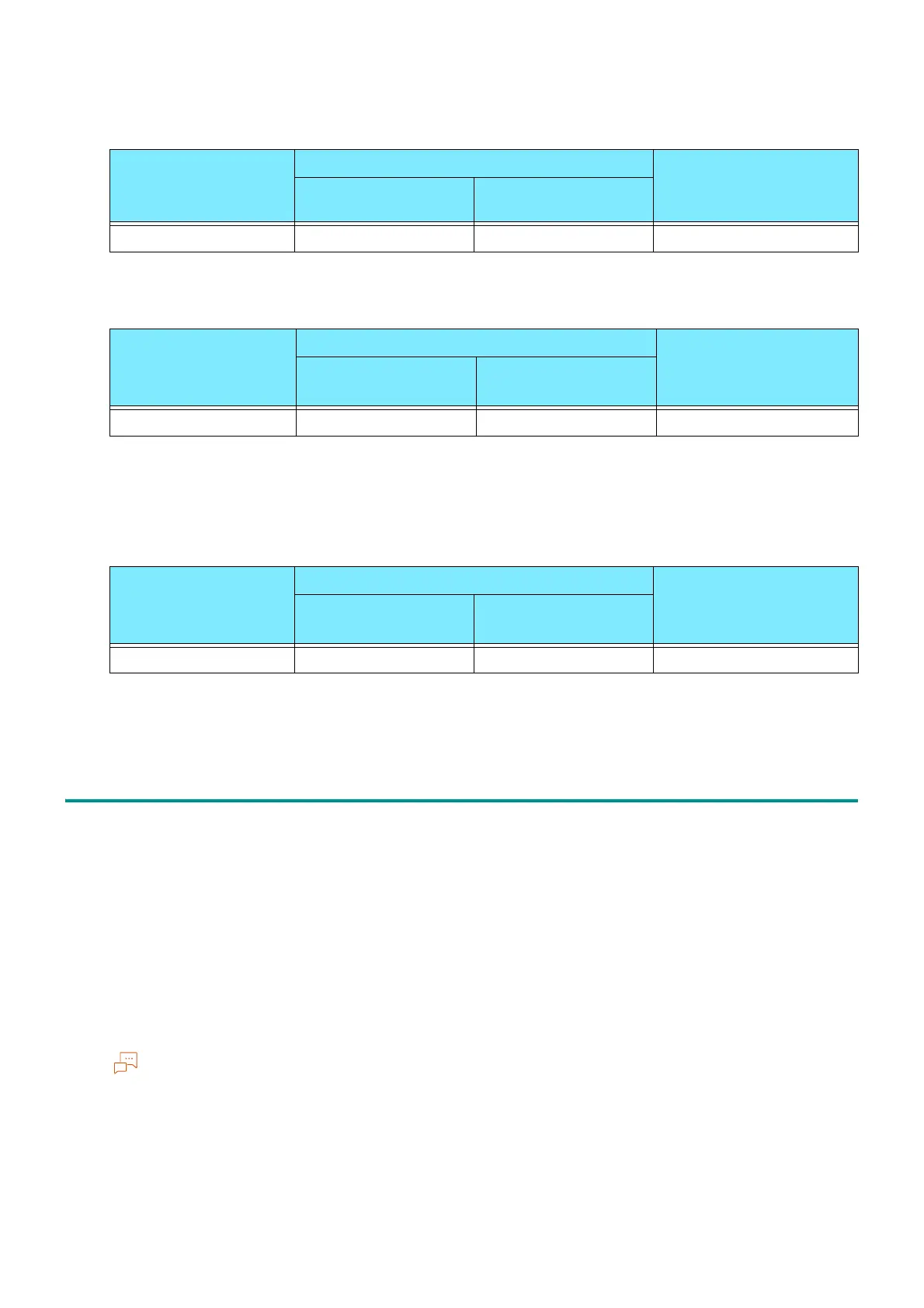
When Using [Local] as Authentication/Accounting Mode
: Available; -: Not available
When Using [Network] as Authentication/Accounting Mode
: Available; -: Not available
*1 :Usage Limit can be configured in our products (sold separately).
*2 :This can be processed in our products (sold separately).
When Using [Remote] as Authentication/Accounting Mode
: Available; -: Not available
*1 :Usage Limit can be configured in our products (sold separately).
*2 :This can be processed in our products (sold separately).
6.2 Enabling User Authentication
When using local accounts, configure settings in the following order.
"Authentication and Accounting Method" (P.130)
"Access Control" (P.130)
"Authorization Groups" (P.131)
"User Registration (Log In to Local Accounts)" (P.131)
When using remote accounts, configure settings in the following order.
"Authentication and Accounting Method" (P.130)
"Access Control" (P.130)
"Authentication System Setup (Log In to Remote Accounts)" (P.134)
To require password entry for authentication, set [Password for Control Panel Login] or [Password for IC
Card Login] to [On]. For details, refer to "[Authentication]" (P.108).
It is necessary to log in to Administrator Mode to perform the following settings.
Service Usage Limit by User Aggregation by User
Usage Limit by
Feature
Account Limit
[Print]
Service Usage Limit by User
Aggregation by User
*2
Usage Limit by
Feature
*1
Account Limit
[Print] -
Service Usage Limit by User
Aggregation by User
*2
Usage Limit by
Feature
*1
Account Limit
[Print] -



 To Next Page
 Loading...








