15
2.2 Connecting to the Computer
Wi-Fi Connection Settings
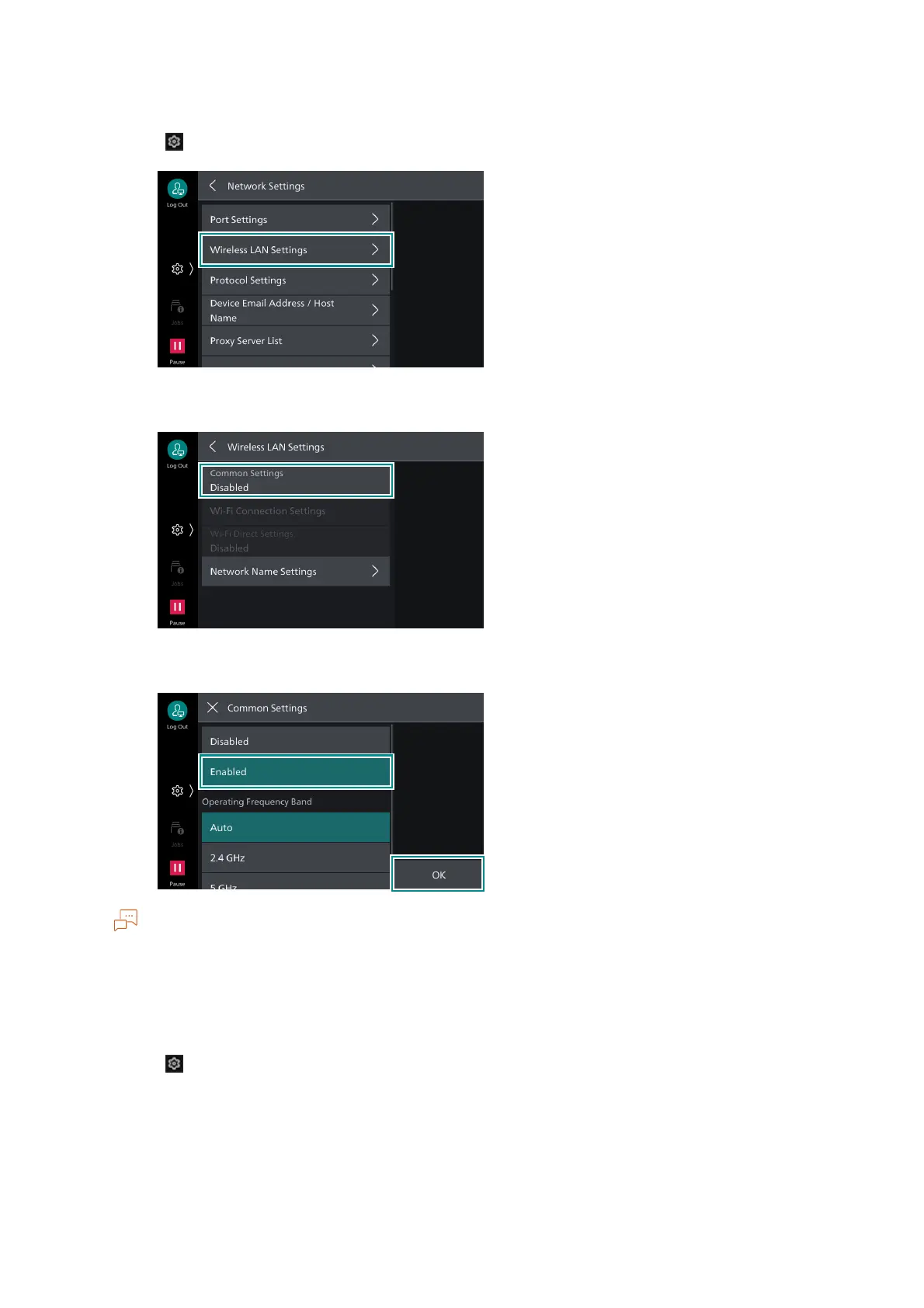
1. Tap on > [Device] > [Network Settings] > [Wireless LAN Settings].
2. Tap on [Common Settings].
3. Tap on [Enabled] > [OK].
When connecting to a wireless LAN access point that uses RADIUS server authentication (IEEE802.1X
authentication), it is necessary to set the certificate in Internet Services.
4. Tap on [Confirm].
The machine restarts.
5. Tap on > [Device] > [Network Settings] > [Wireless LAN Settings].



 To Next Page
 Loading...








