16
2 Setup
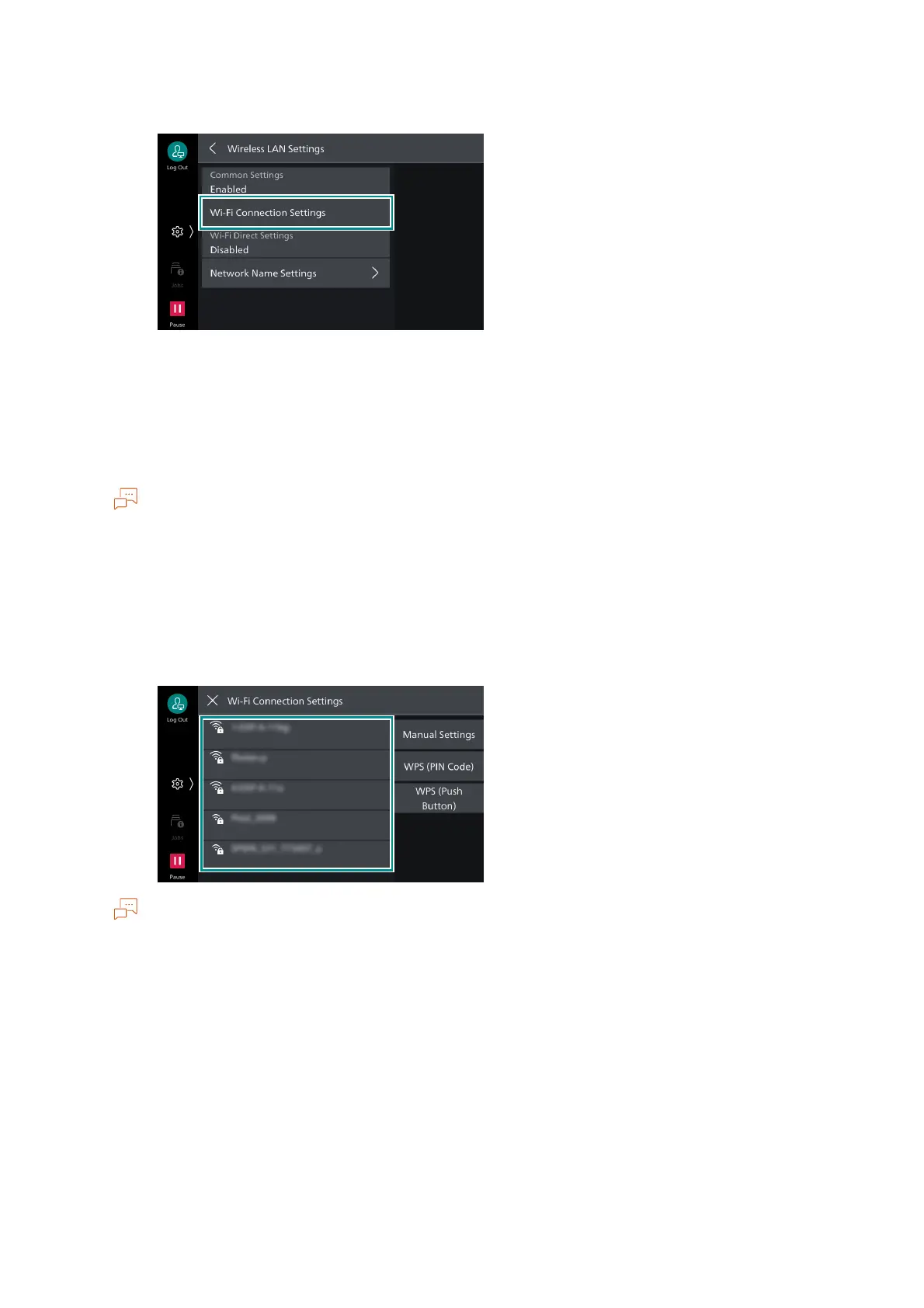
6. Tap on [Wi-Fi Connection Settings].
7. Connect to the wireless network using one of the following methods.
"Selecting from the list" (P.16)
"Manual Settings" (P.17)
"WPS (Push Button)" (P.18)
"WPS (PIN Code)" (P.18)
The wireless LAN access point SSID and authentication information (WEP key, Passphrase, etc.) are
required.
Selecting from the list
1. Tap on the access point to connect.
If the access point has no security settings, setup is complete.
If the access point has security settings, proceed to step 2.
A maximum of five wireless LAN access points are displayed in the list in the order of the strongest signal
first.
When connecting to another access point, a screen to confirm the disconnection appears.


 To Next Page
 Loading...









