54
4 Print
Sample Set
Prints the remaining number of copies of the file specified for Sample Set (printing one copy for trial).
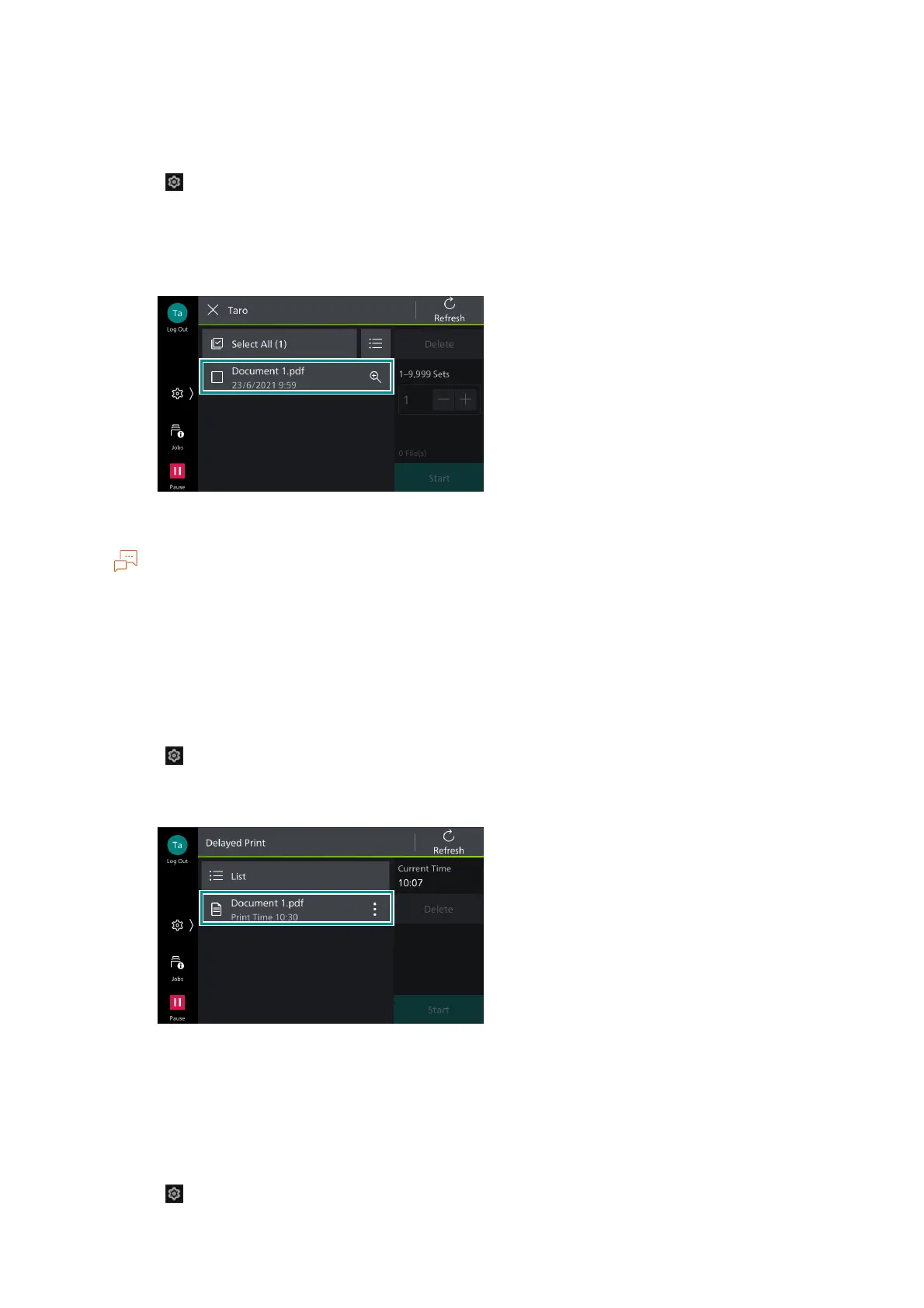
1. Tap on > [Jobs] > [Stored Print Jobs] > [Sample Set].
2. Tap on the target user.
3. Tap on the file to be printed, to apply a check mark.
4. Change the print quantity as needed.
The print quantity displayed is the print quantity set in the printer driver less one copy.
5. Tap on [Start].
Delayed Print
Enables you to print the Delayed Print files (files with specified print time) before the specified time.
1. Tap on > [Jobs] > [Stored Print Jobs] > [Delayed Print].
2. Tap on the file to be printed.
3. Tap on [Start].
Secure Print
Print Secure Print files (files with password set).
1. Tap on > [Jobs] > [Stored Print Jobs] > [Secure Print].



 To Next Page
 Loading...








