147
7.2 Cleaning the Main Unit
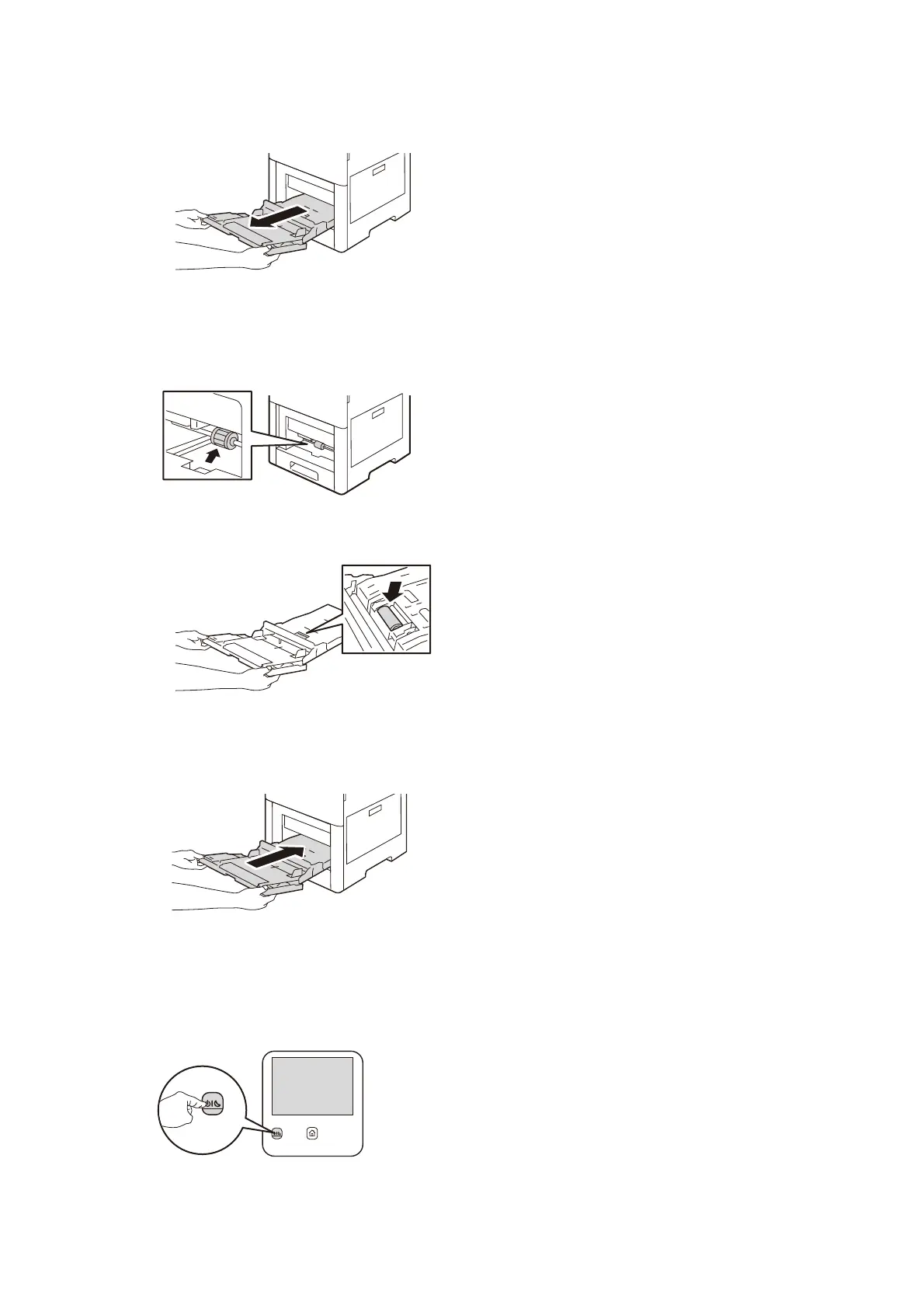
4. Hold both sides of the Bypass Tray, then pull it straight out of the main unit.
5. Wipe the rubber surface of the bypass tray and the paper feed roller in front of the machine
gently and without pressing with a soft, moistened, and tightly-squeezed cloth.
6. Insert the bypass tray completely into the main unit, then close the bypass tray cover.
Cleaning the Paper Feed Roller of the Tray
1. Push the <Power/Power Saver> button.
2. Tap on [Power Off Device] and turn off the power.



 To Next Page
 Loading...








