166
9 Installing Optional Accessories
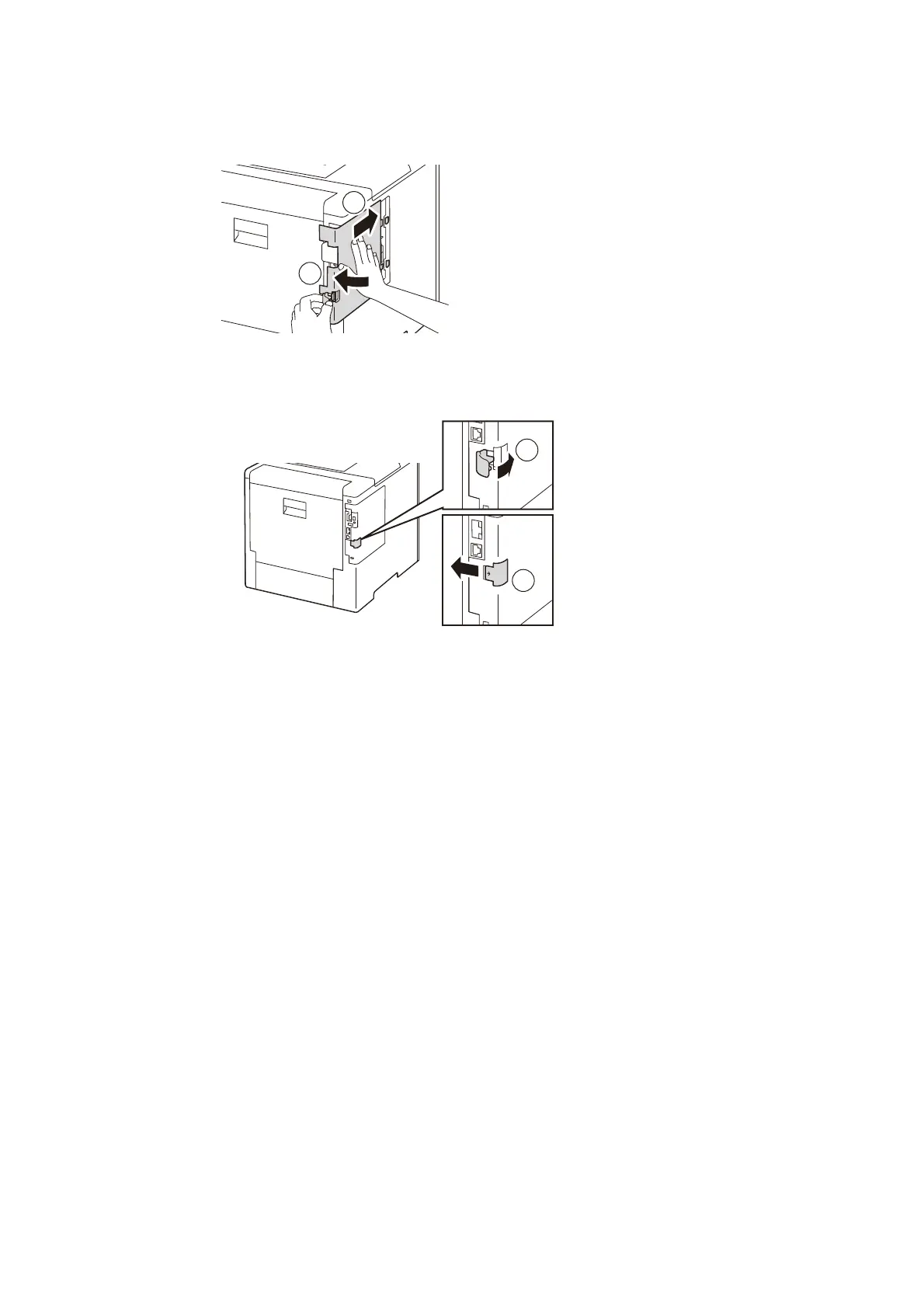
6. Slide the cover on the left side toward the front of the machine, and insert the protrusion into the
hole on the main unit.
7. Tilt the latch forward, then slide it to the left to lock the cover.
8. Attach the cover of the Wireless LAN Kit socket.
9. Connect the power cord to the power outlet and the machine, and press the <Power/Power
Saver> button to switch on the machine.



 To Next Page
 Loading...








