75
5.3 [App Settings]
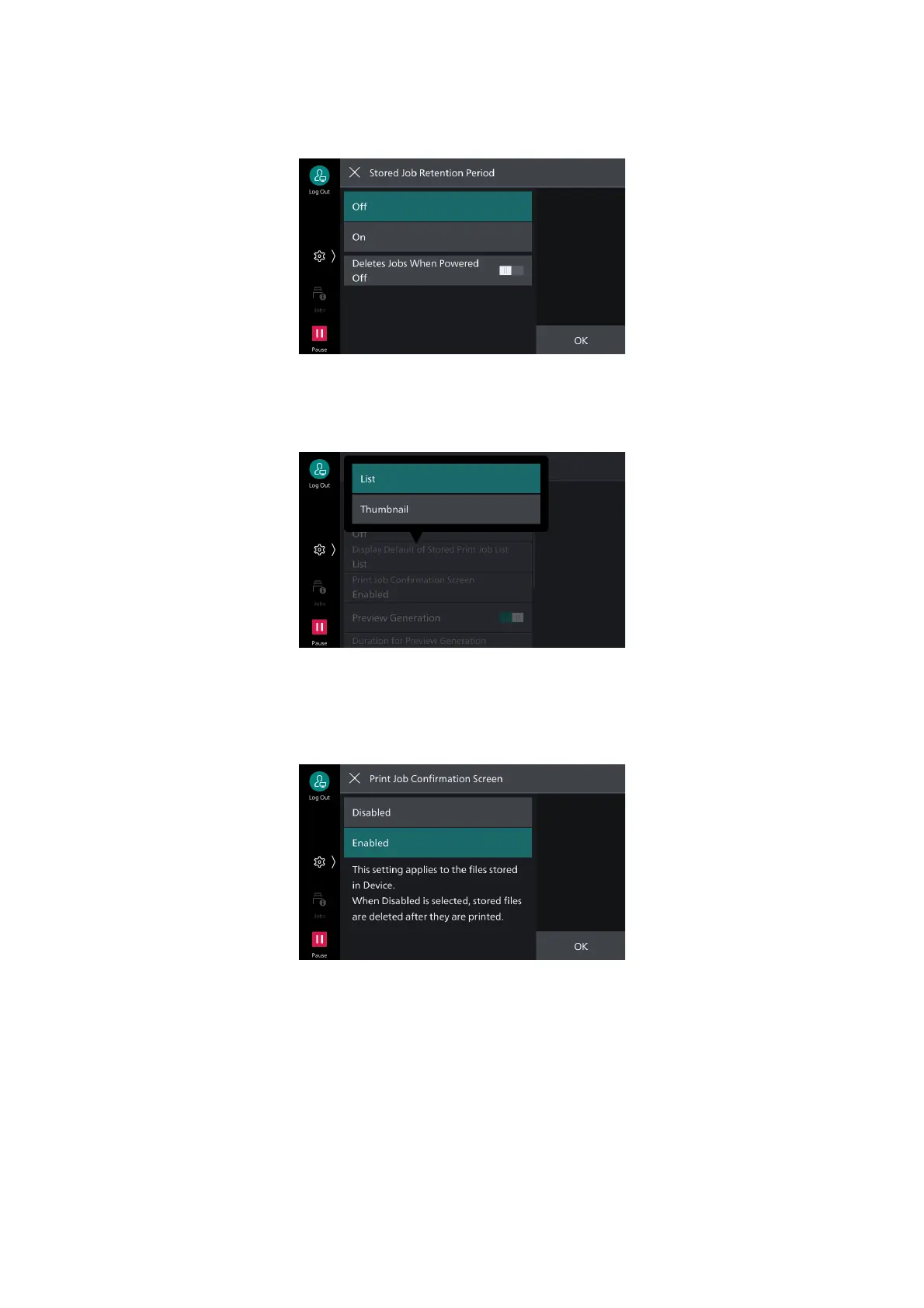
[Stored Job Retention Period]
Sets delete method for stored print jobs.
[Display Default of Stored Print Job List]
Sets [List] or [Thumbnail] display for stored print job list.
[Print Job Confirmation Screen]
When printing a stored print job, a confirmation screen can be displayed for deletion of the file after
printing. If set to [Disabled], the job is deleted after printing.



 To Next Page
 Loading...








