77
5.3 [App Settings]
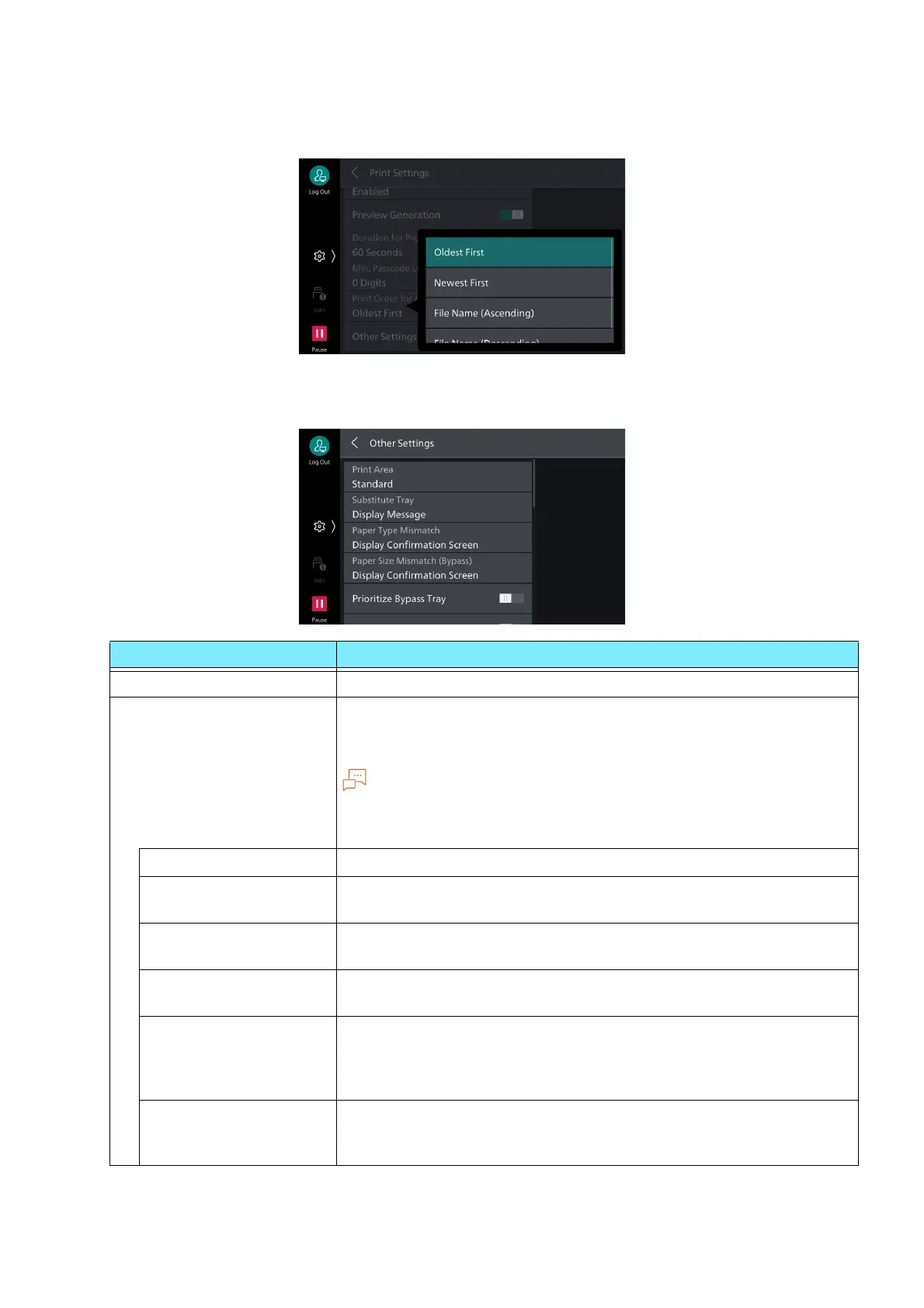
[Print Order for All Selected Files]
Enables setting of print sequence when all files are selected for stored print jobs.
[Other Settings]
Item Description
[Print Area] Expands print area.
[Substitute Tray] Sets processing when paper of the specified paper size has not been
loaded in the tray.
If printing is done using emulation, such as ESC/P, HP-GL/2, etc., then
the message to replenish paper is displayed regardless of the setting
here.
[Display Message] Displays the message to replenish paper, without substitution.
[Use Larger Size] Prints with no reduction on paper of the next larger size above the
specified paper size.
[Use Closest Size] Prints on paper of the size closest to the specified paper size. Prints
by reducing if paper length or width is insufficient for the paper size.
[Use Closest Size (No
Reduce)]
Prints on paper of the size closest to the specified paper size.
No reduction is performed, even if the image will not fit.
[Use Closest Size
(Works When Invalid
Size Is Specified)]
Prints on paper of the size closest to the specified paper size even if
its size cannot be output by this machine.
Prints by reducing if paper length or width is insufficient for the
paper size.
[Use Closest (No
Reduce, Works When
Invalid Size Is Specified)]
Prints on paper of the size closest to the specified paper size even if
its size cannot be output by this machine.
No reduction is performed, even if the image will not fit.



 To Next Page
 Loading...








