FUJITSU DL3100
User’s Manual 7-3
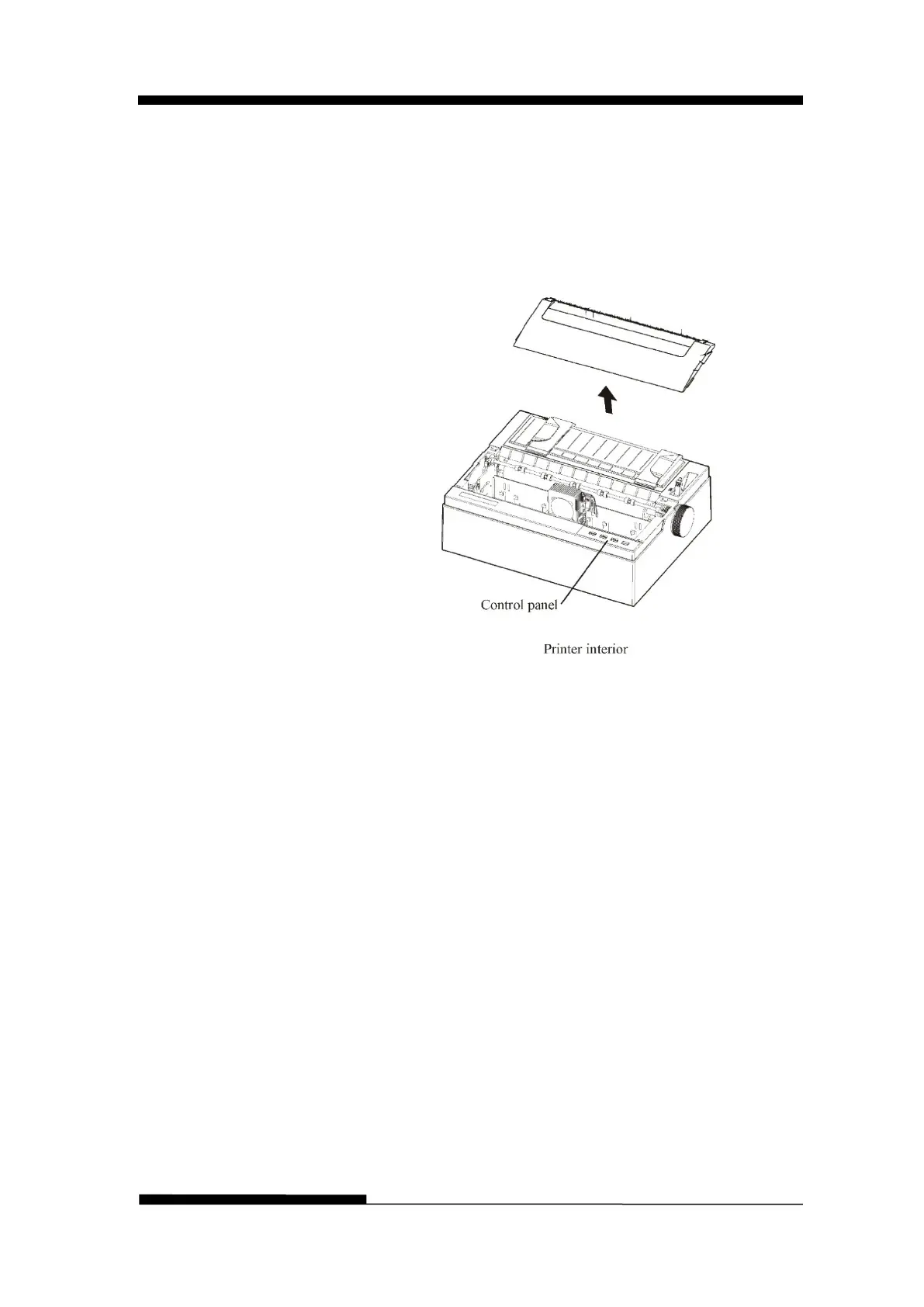
4. Open the cover of the printer and remove the ribbon
cartridge. Using a soft vacuum brush, gently vacuum the
platen, the print head carriage and shaft, and surrounding
areas. You can easily slide the print head to the left or
right when the power is off. Be careful not to press too
hard on the flat head cable that extends from the print
head carriage.
5. Re-install the ribbon cartridge.
6. Remove the single sheet feeder and clean the form
tractors and the surrounding areas.
7. Re-install the single sheet feeder.











 To Next Page