FUJITSU DL3100
7-2 User’s Manual
CLEANING
Cleaning and Vacuuming the Printer
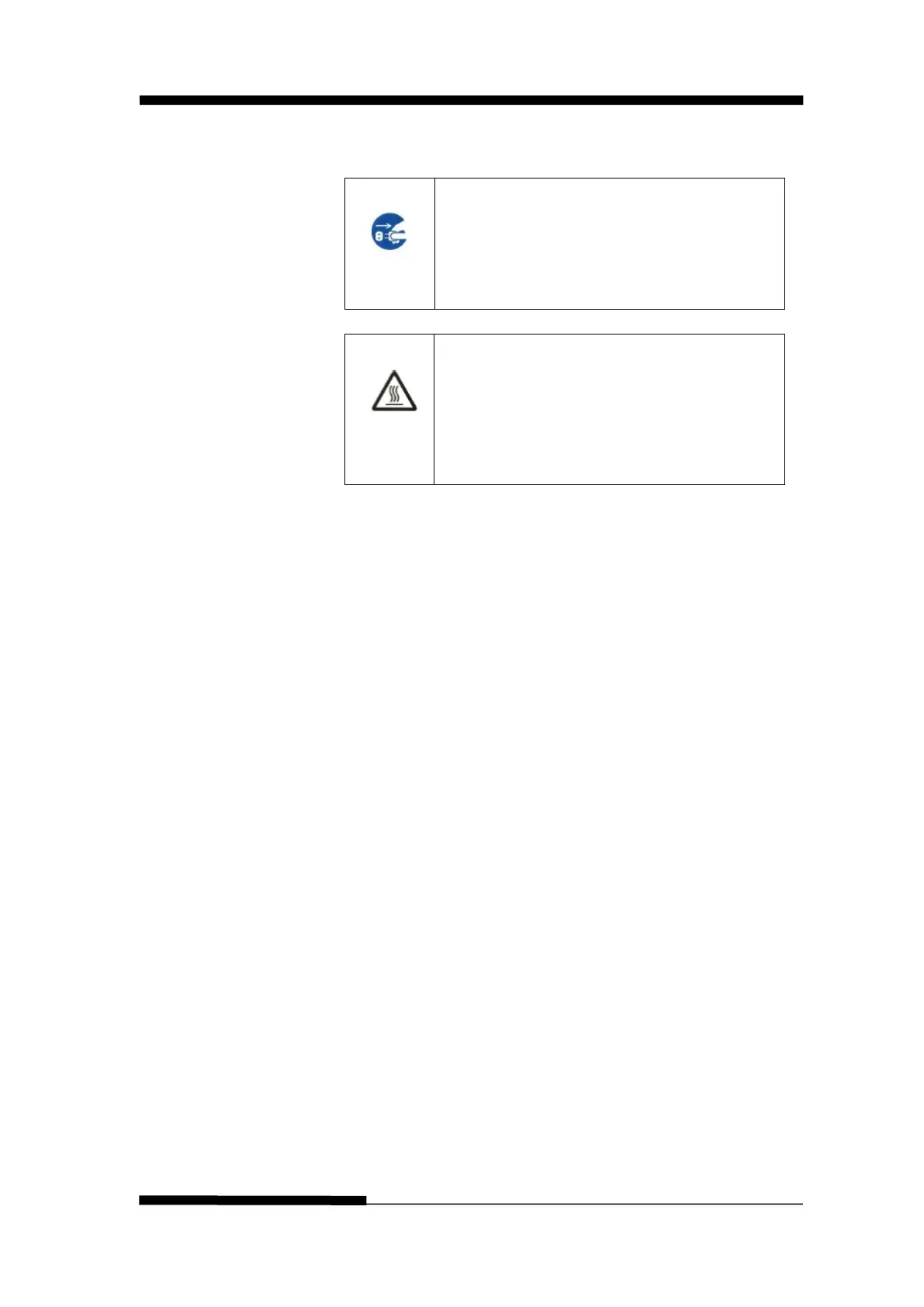
To avoid any possibility of injury, before
cleaning the printer, turn off the power to
both the printer and the computer, and
CAUTION<HOT>
The print head and metal frame is hot
during printing or immediately after
printing. Do not touch them until it cools
down.
Use the following procedure to clean and vacuum the
printer as required:
1. Remove any paper from the printer. Make sure that the
power is off, and then disconnect the printer power cord.
2. Using a soft vacuum brush, vacuum the exterior of the
printer. Also vacuum the cut sheet edge.
3. Use a soft, damp cloth to wipe the exterior of the printer,
including the cover. A mild detergent may be used.
CAUTION
Do not use solvents, kerosene, or abrasive cleaning
materials that may damage the printer.











 To Next Page