FUJITSU DL3100
2-2 User’s Manual
INSTALL
RIBBON
Installing the Ribbon cartridge
(HOT)
CAUTION <HOT>
The print head and metal frame is hot during
printing or immediately after printing. Do not touch
them until it cools down.
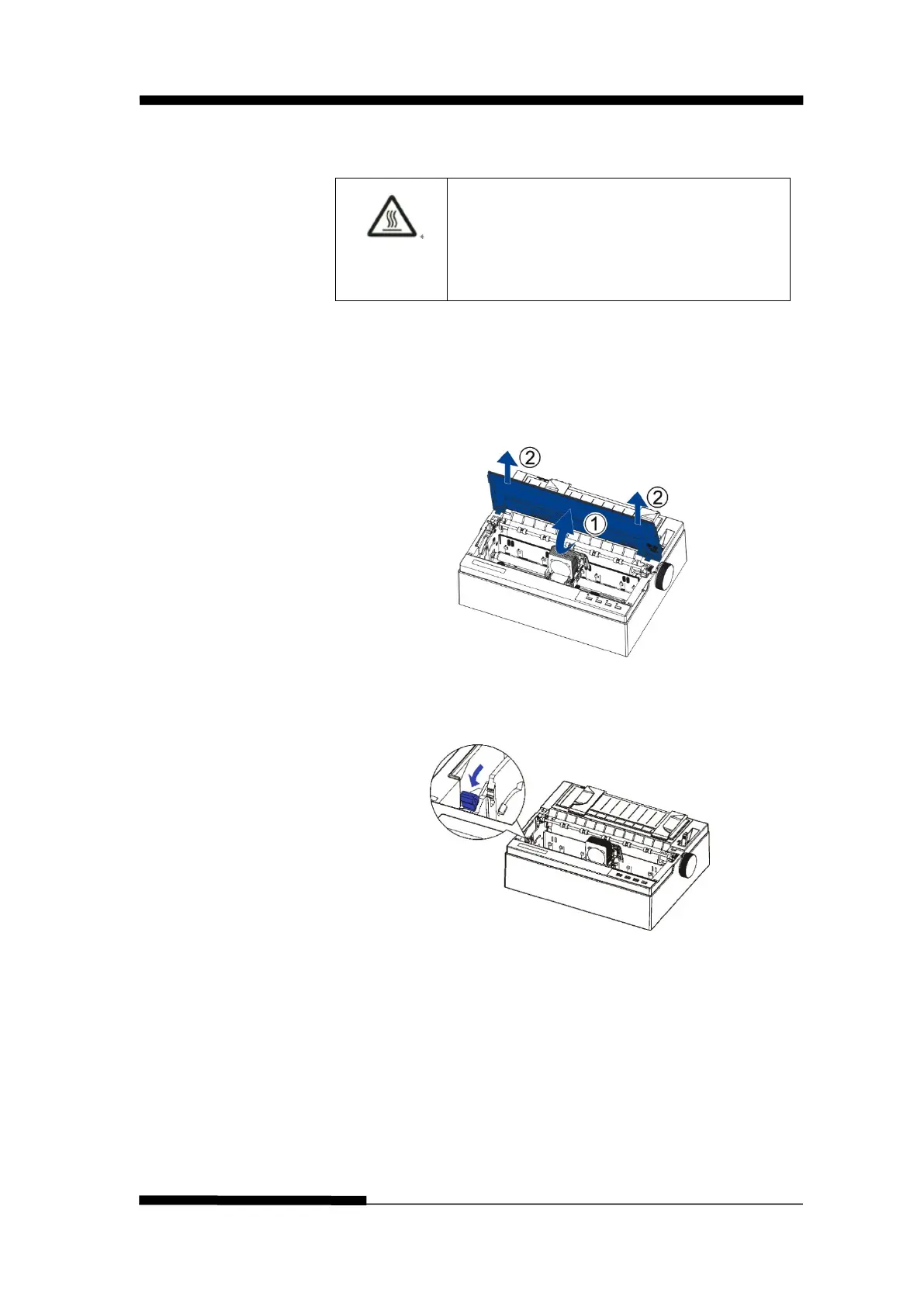
1. Ensure the power to the printer is off. Open the printer’s
cover backward and remove it upward.
2. Adjust the lever forwa
rd to the maximum gear, that is
“Ribbon” gear.











 To Next Page