FUJITSU DL3100
2-10 User’s Manual
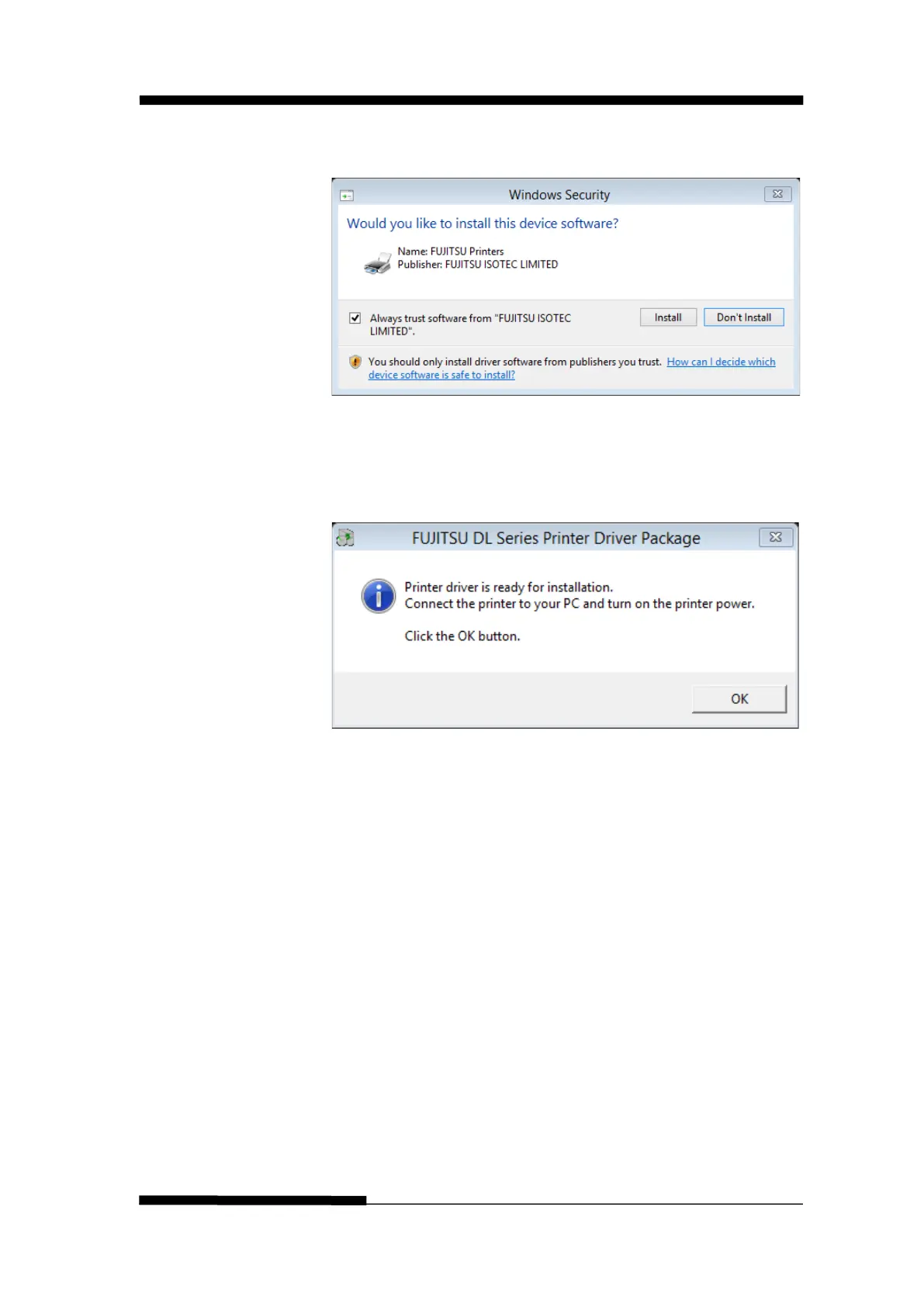
3. If the following window appears, choose the “Always trust
software…….”, click “Install”.
4. Connect the printer to the computer and switch on the
printer. When the printer power on, it will install the
DL3100 driver automatically. When the installation is
finished, click “ok”.











 To Next Page