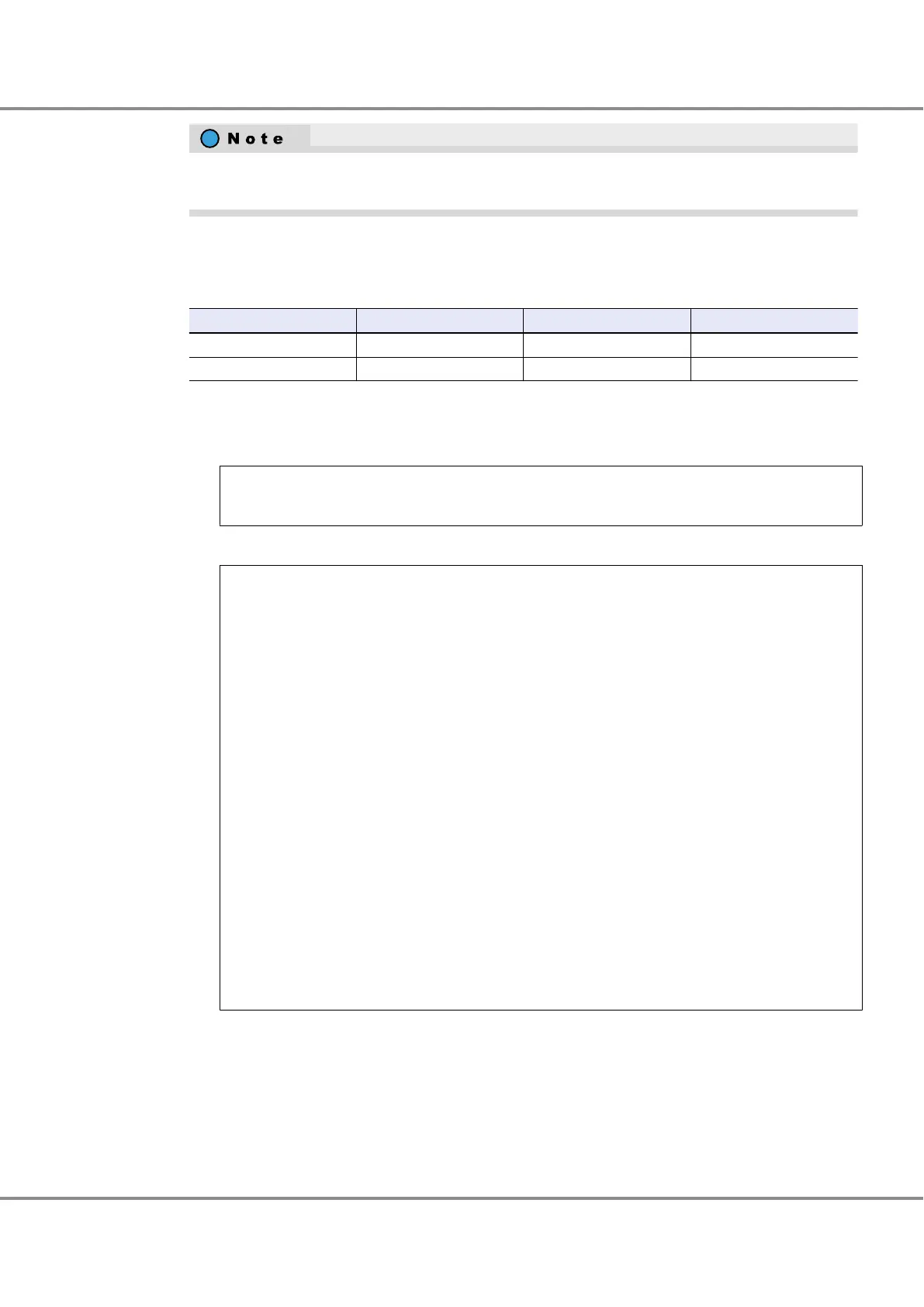
"hba0" is the instance name of the "/pci@b,2000/QLGC,qla@2" path Fibre Channel card. "hba1" is the
instance name of the "/pci@b,2000/QLGC,qla@2,1" path Fibre Channel card.
2 Enter the results in "Instance name" and "Physical path name" columns of the "WWN instance manage-
ment table for the server".
Example:
Physical slot name WWN Instance name Physical path name
hba0 /pci@b,2000/QLGC,qla@2
hba1 /pci@b,2000/QLGC,qla@2,1
3 Check the WWN of each Fibre Channel card.
(1) Execute the following command to check the WWN that corresponds to the Fibre Channel card in-
stance name.
# scli
(2) Follow the on-screen directions.
Searching for QLogic FC HBA(s) and attached device(s) ...
SANsurfer FC HBA CLI
v1.7.0 Build 12
Main Menu
1: Display System Information
2: Display HBA Settings
3: Display HBA Information
4: Display Device List
5: Display LUN List
6: Configure HBA Settings
7: Target Persistent Binding
8: Selective LUNs
9: Boot Device Settings
10: Driver Settings
11: HBA Utilities
12: Flash Beacon
13: Diagnostics
14: Statistics
15: Help
16: Quit
Chapter 3
Setup Procedure for QLogic Fibre Channel Cards
3.3 Setting Up the Server
57
FUJITSU Storage ETERNUS DX, ETERNUS AF Configuration Guide -Server Connection- (Fibre Channel) for Oracle Solaris
Copyright 2017 FUJITSU LIMITED
P3AM-6312-18ENZ0






 To Next Page