2.1 Installing the Supplied Programs
ScanSnap S510 Operator's Guide 11
Connecting the ScanSnap
2
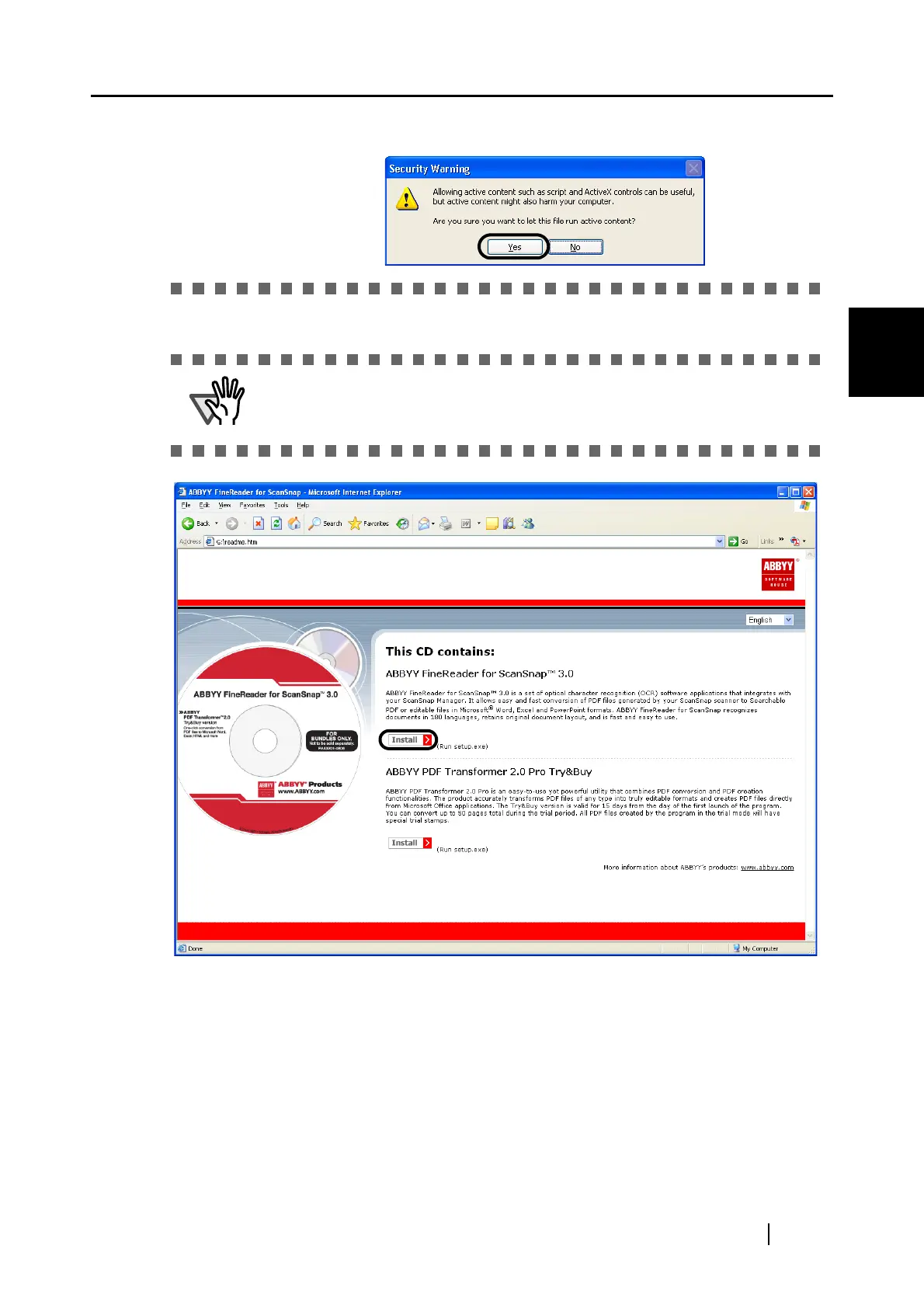
2. Click [Install>] to proceed with installation.
⇒ The file folder containing the setup.exe file appears.
Finally, click the [Yes] button on the "Security Warning" dialog to proceed.
The "ABBYY FineReader for ScanSnap" window may not be displayed when
the "AutoPlay" setting on your CD drive is disabled. In this case, run
"autorun.exe" in this CD-ROM directly using "Explore" or "My computer."















 To Next Page