29
Recording
EN
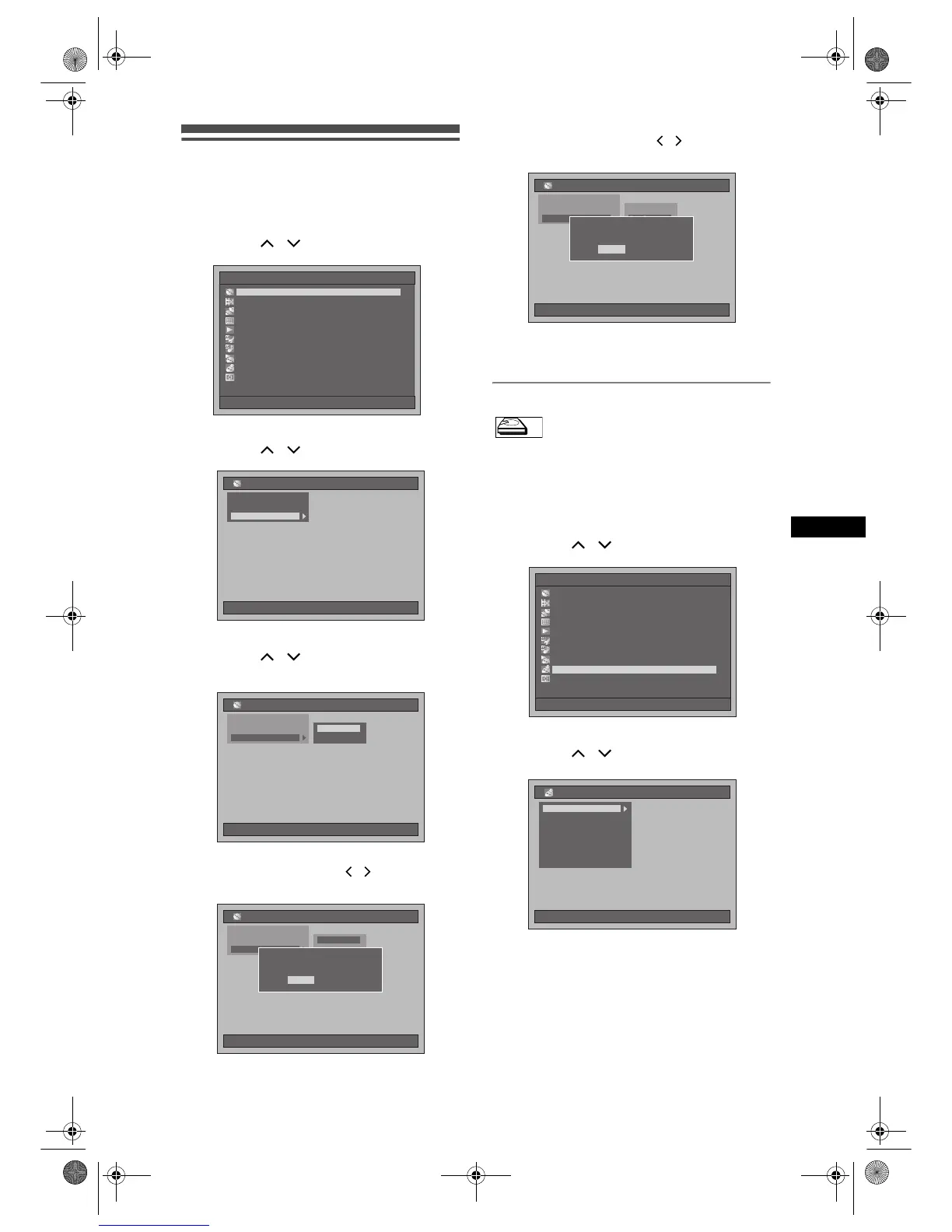
Deleting all contents in HDD
1 Press [SETUP] in stop mode.
Setup Menu will appear.
2 Select “Disc Management” using
[Cursor
/ ], then press [ENTER].
3 Select “HDD Initialise” using
[Cursor
/ ], then press [ENTER].
4 Select a setting using
[Cursor
/ ], then press [ENTER].
• The default setting is “All Erase”.
All Erase:
Select “Yes” using [Cursor
/ ], then press
[ENTER].
All contents in HDD will be deleted.
• The default setting is “No”.
Part Erase:
Select “Yes” using [Cursor
/ ], then press
[ENTER].
The protected contents in HDD will not be
deleted.
• The default setting is “No”.
Creating chapter marks automatically
You can sort out the recording by adding chapter
marks every set time interval.
1 Press [SETUP] in stop mode.
Setup Menu will appear.
2 Select “Recording” using
[Cursor
/ ], then press [ENTER].
3 Select “Auto Chapter [HDD]” using
[Cursor
/ ], then press [ENTER].
Setup Menu
10/04/06(Mon) 19:34
Disc Management
EditingEditing
DubbingDubbing
Timer ProgrammeTimer Programme
Title ListTitle List
Initial SettingInitial Setting
Digital Audio SettingDigital Audio Setting
PlaybackPlayback
RecordingRecording
DisplayDisplay
DVD Disc Control
10/04/06(Mon) 19:34
Disc Management
DVD Format
HDD Initialise
DVD Disc Control
10/04/06(Mon) 19:34
Disc Management
DVD Format
HDD Initialise
All Erase
Part Erase
DVD Disc Control
10/04/06(Mon) 19:34
Disc Management
DVD Format
HDD Initialise
All Erase
Part Erase
Delete the contents of the HDD.
Protected titles will also be deleted.
Delete the contents of the HDD.
Protected titles will also be deleted.
OK to proceed? OK to proceed?
No
Yes
DVD Disc Control
10/04/06(Mon) 19:34
Disc Management
DVD Format
HDD Initialise
All Erase
Part Erase
Delete the contents of the HDD.
Protected titles will not be deleted.
Delete the contents of the HDD.
Protected titles will not be deleted.
OK to proceed?OK to proceed?
No
Yes
HDDHDD
Setup Menu
10/04/06(Mon) 19:34
Disc Management
Editing
Dubbing
Timer Programme
Title List
Initial Setting
Digital Audio Setting
Playback
Recording
Display
10/04/06(Mon) 19:34
Recording
Noise ReductionNoise Reduction
Bilingual Recording AudioBilingual Recording Audio
Fast Dubbing Audio (Video Mode)Fast Dubbing Audio (Video Mode)
External Input AudioExternal Input Audio
Recording Audio Select [XP]Recording Audio Select [XP]
InitialiseInitialise
Auto Chapter [HDD]
E2B21BD_E2B28BD_EN.book Page 29 Monday, August 21, 2006 5:05 PM



 To Next Page