63
Editing
EN
Note
• You cannot delete chapter marks from a title being
recorded currently.
• Edit marks cannot be deleted (see “About Edit
Mark:” on page 62).
Creating titles to a Playlist
You can create a title to the Playlist as you prefer.
You can make it up to 99 titles for DVDs and 600 titles
for HDD.
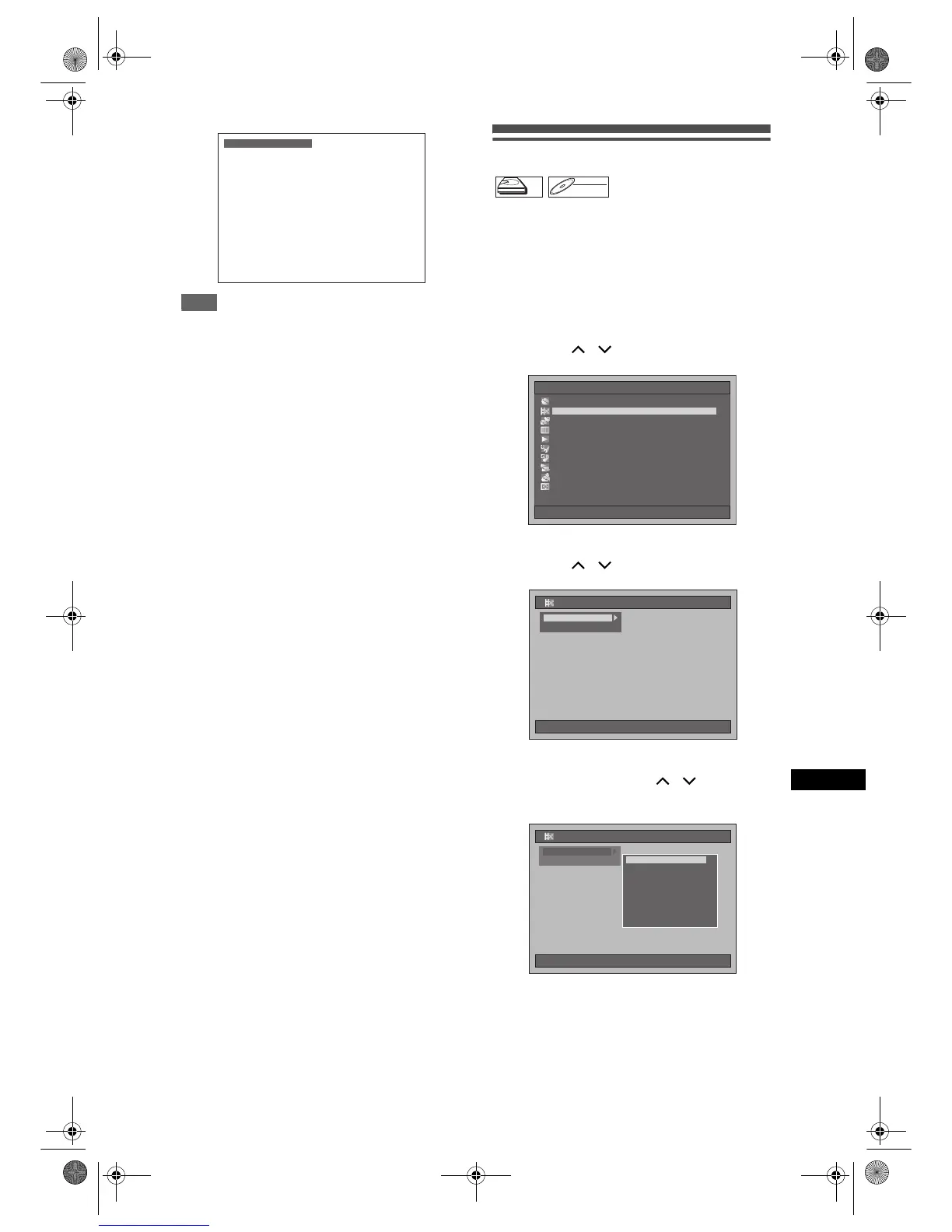
1 Press [SETUP] in stop mode.
Setup Menu will appear.
2 Select “Editing” using
[Cursor
/ ], then press [ENTER].
3 Select “Playlist” using
[Cursor
/ ], then press [ENTER].
4 Select “[HDD PL] New” or “[DVD PL]
New” using [Cursor
/ ], then
press [ENTER].
Chapter Mark Delete
HDD
DVD-RW
VR
Playlist
Setup Menu
10/04/06(Mon) 19:34
Disc Management
EditingEditing
DubbingDubbing
Timer ProgrammeTimer Programme
Title ListTitle List
Initial SettingInitial Setting
Digital Audio SettingDigital Audio Setting
PlaybackPlayback
RecordingRecording
DisplayDisplay
10/04/06(Mon) 19:34
Editing
P
Original
Playlist
10/04/06(Mon) 19:34
Editing
PlaylistEditingPlaylistEditing
Original
Playlist
HDD Playlist (New)HDD Playlist (New)
[HDD PL] Scene Delete[HDD PL] Scene Delete
[HDD PL] Title Combine[HDD PL] Title Combine
[HDD PL] Title Divide
[DVD PL] New
[DVD PL] Scene Delete
[DVD PL] Title Combine
[DVD PL] Title Divide
[HDD PL] New
E2B21BD_E2B28BD_EN.book Page 63 Monday, August 21, 2006 5:05 PM



 To Next Page