54
Playback
EN
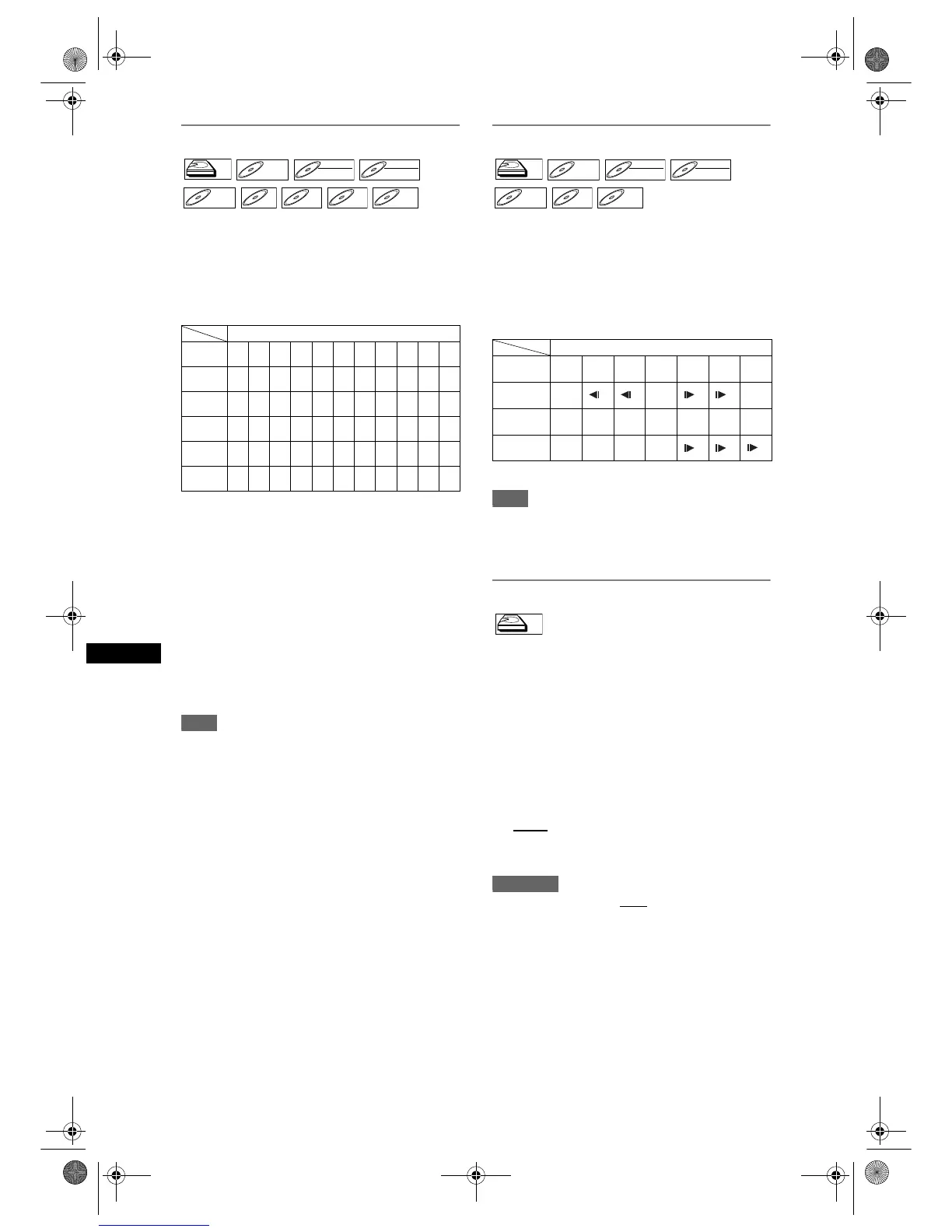
Fast forward / Fast reverse playback
If you are playing the HDD, press [HDD] first.
If you are playing a disc, press [DVD] first.
1 During playback, press [FWD f] or
[REV r].
Each time you press [FWD f] or [REV r], the
approximate speed will change as follows.
• For Audio CDs, approximate speed is fixed at x16
with sound.
• For Video CDs, approximate forward speeds are
x2, x8 and x16, and approximate reverse speeds
are x2, x8 and x16.
• For MP3 files, approximate speed is fixed at x8.
•For DivX
®
files, approximate forward speeds are
x2, x8 and x16, and approximate reverse speeds
are x2, x8 and x16.
• To return to playback at normal speed, press
[PLAY P].
• Picture quality of DivX
®
files in fast reverse is
lower than that in fast forward.
• For some DivX
®
files, Fast forward/Fast reverse
may not function.
Note
• Fast forward or fast reverse playback across titles
(for HDD/DVD) or tracks (for VCD/MP3/DivX
®
) is
impossible.
Slow forward / Slow reverse playback
If you are playing the HDD, press [HDD] first.
If you are playing a disc, press [DVD] first.
1 During playback, press [PAUSE p],
then press [FWD f] or [REV r].
Each time you press [FWD f] or [REV r], the
approximate speed change as follows.
(The sound will remain muted.)
To return to normal playback, press [PLAY P].
Note
•For some DivX
®
files, Slow forward may not
function.
• Only slow forward is available when playing back
Video CDs and discs with DivX
®
files.
Time shift playback
You can play back a title being recorded from the
beginning while recording continues.
Press [HDD] first.
1 Press [PLAY P] during recording.
Playback of the title you are recording will start
from the beginning.
• Elapsed playback time will be displayed in the
Front Panel Display.
2 To stop the playback, press [STOP S]
once
.
• The Front Panel Display will switch back to
show the elapsed recording time.
Important
• If you press [STOP S] twice, it will stop the
recording.
Available Speed
Speed
(HDD/DVD)
x64 x32 x16 x8 x2
Normal
speed
x2 x8 x16 x32 x64
Speed
(CD)
--x16--
Normal
speed
--x16--
Speed
(VCD)
--x16x8x2
Normal
speed
x2 x8 x16 - -
Speed
(MP3)
---x8-
Normal
speed
-x8- - -
Speed
(DivX
®
)
--x16x8x2
Normal
speed
x2 x8 x16 - -
OSD
indication
r5 r4 r3 r2 r1 f1 f2 f3 f4 f5
HDDHDD
DVD-VDVD-V DVD-RWDVD-RW
VR
DVD-RWDVD-RW
Video
DVD-RDVD-R CD



 To Next Page