72
Editing
EN
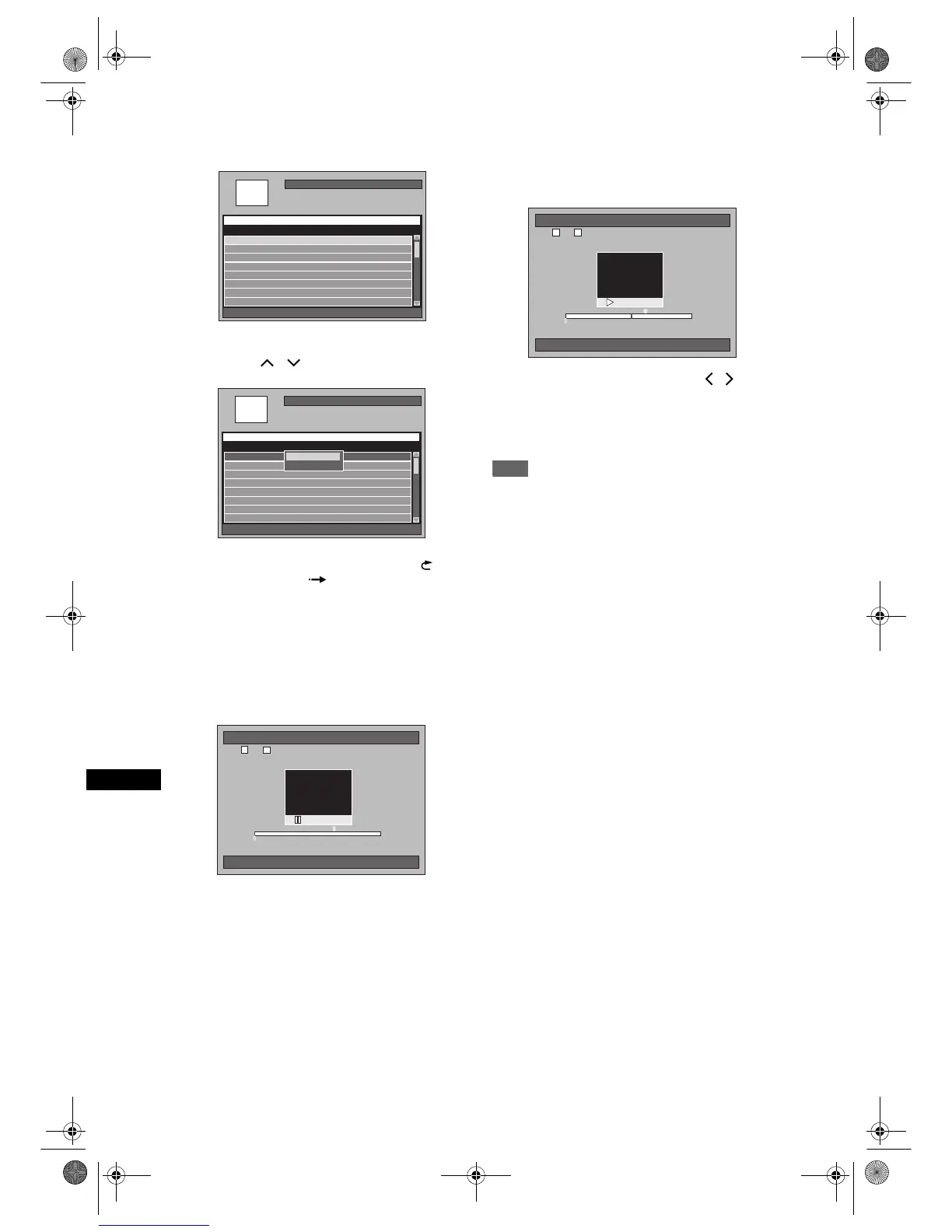
5 Select a desired title you want to
divide, then press [ENTER].
6 Select “Select” using
[Cursor
/ ], then press [ENTER].
• You can use [PLAY P], [REV r], [FWD f],
[SKIP B / F], [VARIABLE REPLAY ],
[VARIABLE SKIP ], [PAUSE p] or
[STOP S] (which is substitute for [PAUSE p]) to
find the divide point easily.
• If you want to quit the process, press [SETUP]
to exit.
• [STOP S] works as described below while
searching for the divide point:
While in play: to pause the playback.
While in pause: to jump back to the beginning of
the title.
7 When it reaches the desired dividing
point, press [ENTER], or press
[PAUSE p] or [STOP S] and then
[ENTER].
8 Select “Yes” using [Cursor / ],
then press [ENTER].
The title is divided.
9 Press [SETUP] to exit.
Note
• If an internal HDD or a DVD disc contains the
maximum number of titles (HDD: 600, DVD-RW
disc: 99), you cannot divide any titles.
• With DVD-RW disc, you cannot divide the titles if the
total number of chapters has already reached 999.
HDD Remain 72h00m(SP)
001/016
[HDD PL] Title Divide
Playlist Creation Date
P01 11:19 (0:00:06) SP 12/04/06(Wed)
P01 11:22 (0:14:13) XP 11/04/06(Tue)
P02 09:19 (0:22:40) SP 12/04/06(Wed)
Title Name 1 12/04/06(Wed)
Title Name 2 12/04/06(Wed)
Title Name 3 12/04/06(Wed)
Title Name 4 12/04/06(Wed)
P01 12:22 (1:04:40) XP 10/04/06(Mon)
P01 12:22 (1:04:40) XP
HDD Remain 72h00m(SP)
001/016
[HDD PL] Title Divide
Playlist Creation Date
P01 11:19 (0:00:06) SP 12/04/06(Wed)
P01 11:22 (0:14:13) XP 11/04/06(Tue)
P02 09:19 (0:22:40) SP 12/04/06(Wed)
Title Name 1 12/04/06(Wed)
Title Name 2 12/04/06(Wed)
Title Name 3 12/04/06(Wed)
Title Name 4 12/04/06(Wed)
P01 12:22 (1:04:40) XP 10/04/06(Mon)
P01 12:22 (1:04:40) XP
Title SortingTitle Sorting
Select
[HDD PL] Title Divide
0:00:00
0:00:00 1:04:40
1 1 1:04:40
P01
10/04/06(Mon) 12:22
T
C
12:22 (1:04:40) XP
[HDD PL] Title Divide
0:32:00
1 1 1:04:40
P01
10/04/06(Mon) 12:22
T
C
12:22 (1:04:40) XP
0:32:00 0:32:40
E2B21BD_E2B28BD_EN.book Page 72 Monday, August 21, 2006 5:05 PM



 To Next Page