80
Other Setups
EN
• Record the password in case you forget it.
•Press [CLEAR] to erase numbers entered
incorrectly.
If you forget your password or you want to clear all
settings in Parental Lock, press and hold [CLEAR]
for 8 seconds. Your password is cleared and
parental levels are set to “All”.
7. Angle Icon (Default: On)
You can set to “On” to show the Angle icon on the
screen whenever the feature is available.
(Follow steps 1 to 2 on page 77 and see page 60.)
Select “Angle Icon” using
[Cursor
/ ], then press [ENTER].
Select the desired setting using
[Cursor
/ ], then press [ENTER].
The selected setting will be checked and
activated.
8. TV System (Default: PAL)
You can set the TV system.
(Follow steps 1 to 2 on page 77.)
Select “TV System” using
[Cursor
/ ], then press [ENTER].
Select the desired setting using
[Cursor
/ ], then press [ENTER].
The selected setting will be checked and
activated.
PAL: Outputs a modified PAL signal for viewing
discs recorded with the NTSC system on a
PAL system TV.
Auto: Changes the video system (PAL / NTSC)
automatically according to the format of
the inserted disc.
Note
• With discs recorded using the PAL system, a PAL
signal is output for viewing on a PAL system TV.
• Discs recorded with the PAL system cannot be
viewed on an NTSC system TV.
• With discs recorded using the NTSC system, an
NTSC signal is output for viewing on an NTSC or
Multi system TV.
• With discs recorded using the NTSC system, select
PAL to view on a PAL system TV.
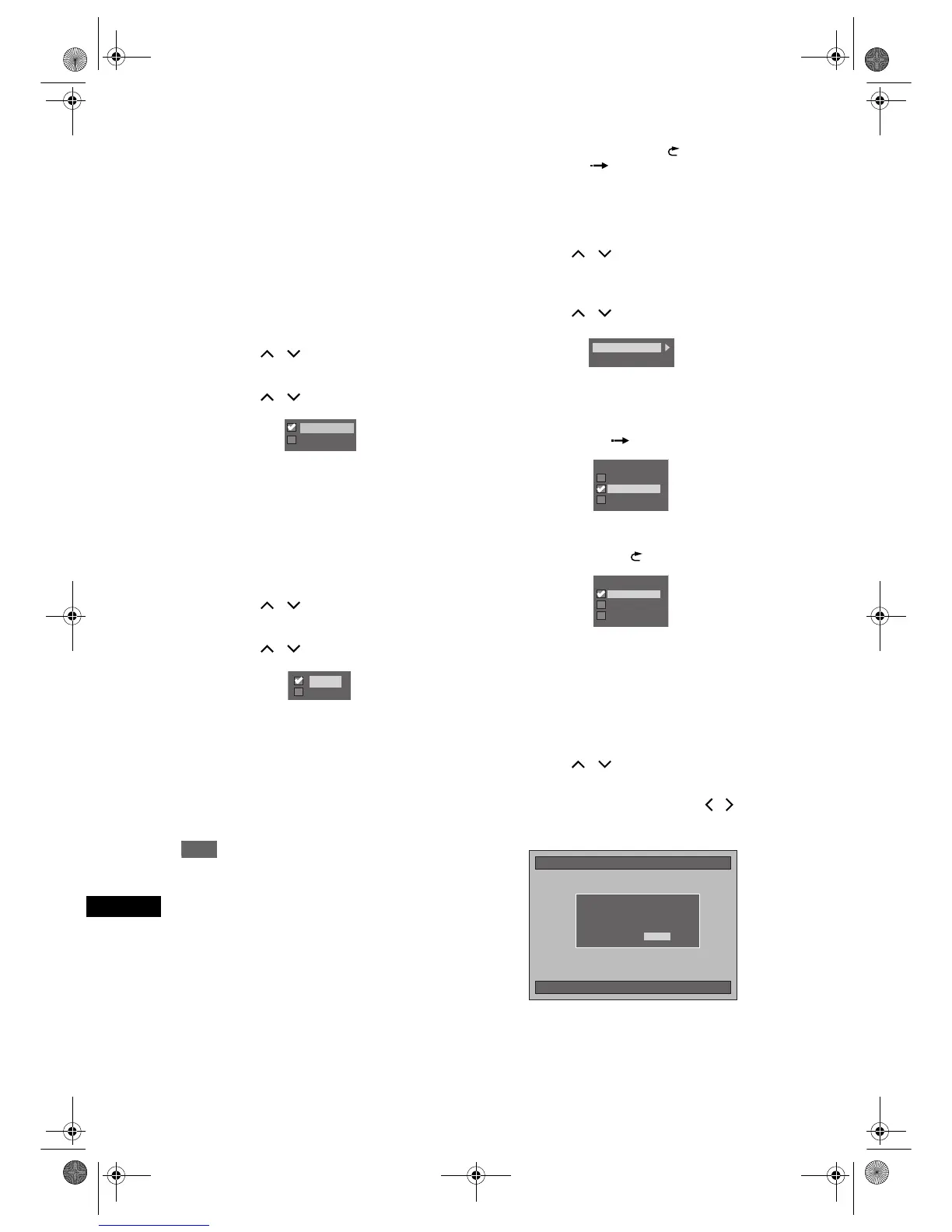
9. V. Replay/Skip Speed
Assign the [VARIABLE REPLAY ] or
[VARIABLE SKIP ] button to rewind or skip by a
certain amount of time.
(Follow steps 1 to 2 on page 77 and see page 56.)
Select “V. Replay/Skip Speed” using
[Cursor
/ ], then press [ENTER].
Sub Menu will appear.
Select a desired item to set using
[Cursor
/ ], then press [ENTER].
Refer to the explanations below and set the
selected item.
Variable Skip (Default: 30 seconds)
Sets the amount of skip time for
[VARIABLE SKIP ].
Variable Replay (Default: 15 seconds)
Sets the amount of rewind time for
[VARIABLE REPLAY ].
10. Initialise (Default: No)
Initialise the setting in Playback.
(Follow steps 1 to 2 on page 77.)
Select “Initialise” using
[Cursor
/ ], then press [ENTER].
Confirmation Window will appear.
Select “Yes” using [Cursor / ],
then press [ENTER].
Your setting in Playback will be initialised.
Off
On
Auto
PAL
Variable Replay
Variable Skip
Variable Skip
15 seconds
1 minute
30 seconds
Variable Replay
15 seconds
1 minute
30 seconds
10/04/06(Mon) 19:34
Initialise
No
Yes
Initialising the playback settings.
Setting will be reset to the factory default.
OK to proceed?
E2B21BD_E2B28BD_EN.book Page 80 Monday, August 21, 2006 5:05 PM



 To Next Page