1. OPERATION
1-32
How to activate a fish alarm
Multiple fish alarms (ALARM1 - ALARM5, default names) can be activated. In this
case, the audio and visual alarms are released when all alarm conditions are met. For
example, the [Bottom Type] alarm is set for [Rock] and the [Bottom] alarm is set for
10-20 feet. Then, if the system judges the bottom to be rock and the depth to the bot-
tom is 10-20 feet, the audio and visual alarms are released. The alarms are not re-
leased if only one condition is met.
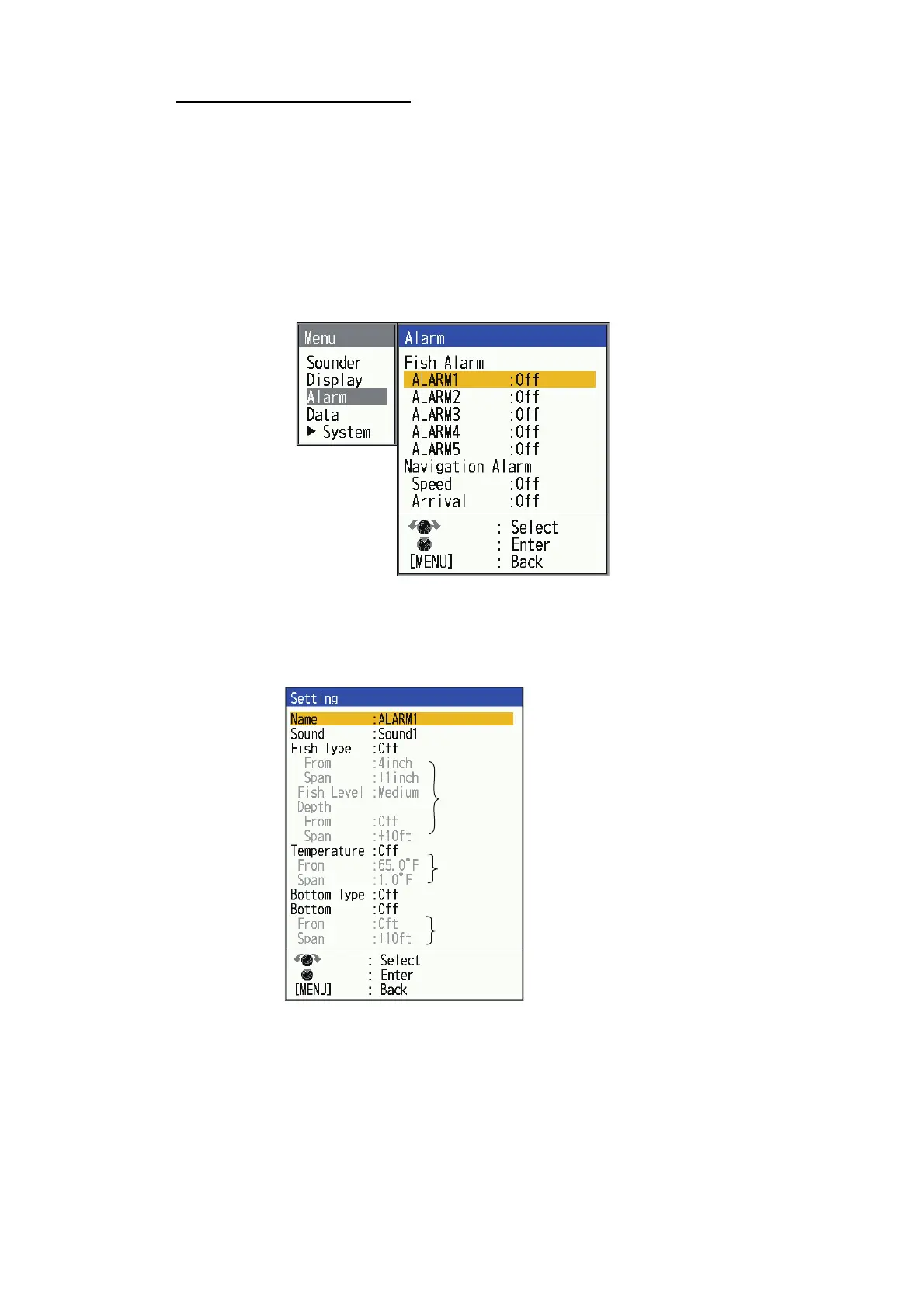
1. Press the MENU/ESC key to open the menu.
2. Select [Alarm], then press the KNOB.
3. Select an alarm among [ALARM1] - [ALARM5] (default alarm names), then press
the KNOB.
4. Select [Setting], then press the KNOB. If you want to change the name of an
alarm, go to step 5. Otherwise go to step 7.
5. To change the name of the alarm, select [Name], then press the KNOB.
6. Enter the name of the alarm. (Max. of eight characters)
See page 1-16.
7. Select [Sound], then press the KNOB.
8. Select the desired alarm sound (sound1 to sound4), then press the KNOB.
9. Select [Fish Type], [Temperature], [Bottom Type] or [Bottom] as applicable, then
press the KNOB.
* Operable when corresponding alarm is activated.
*
*
*



 To Next Page