Start-Up Procedures for PC and MUT-III System
11
3-1. Start-Up Procedures for PC and MUT-III System
[PC Start-Up]
Power up the PC.
Wait for the Windows operating system to
start up.
For more detailed PC operating instructions,
please refer to the instruction manual
included with the PC.
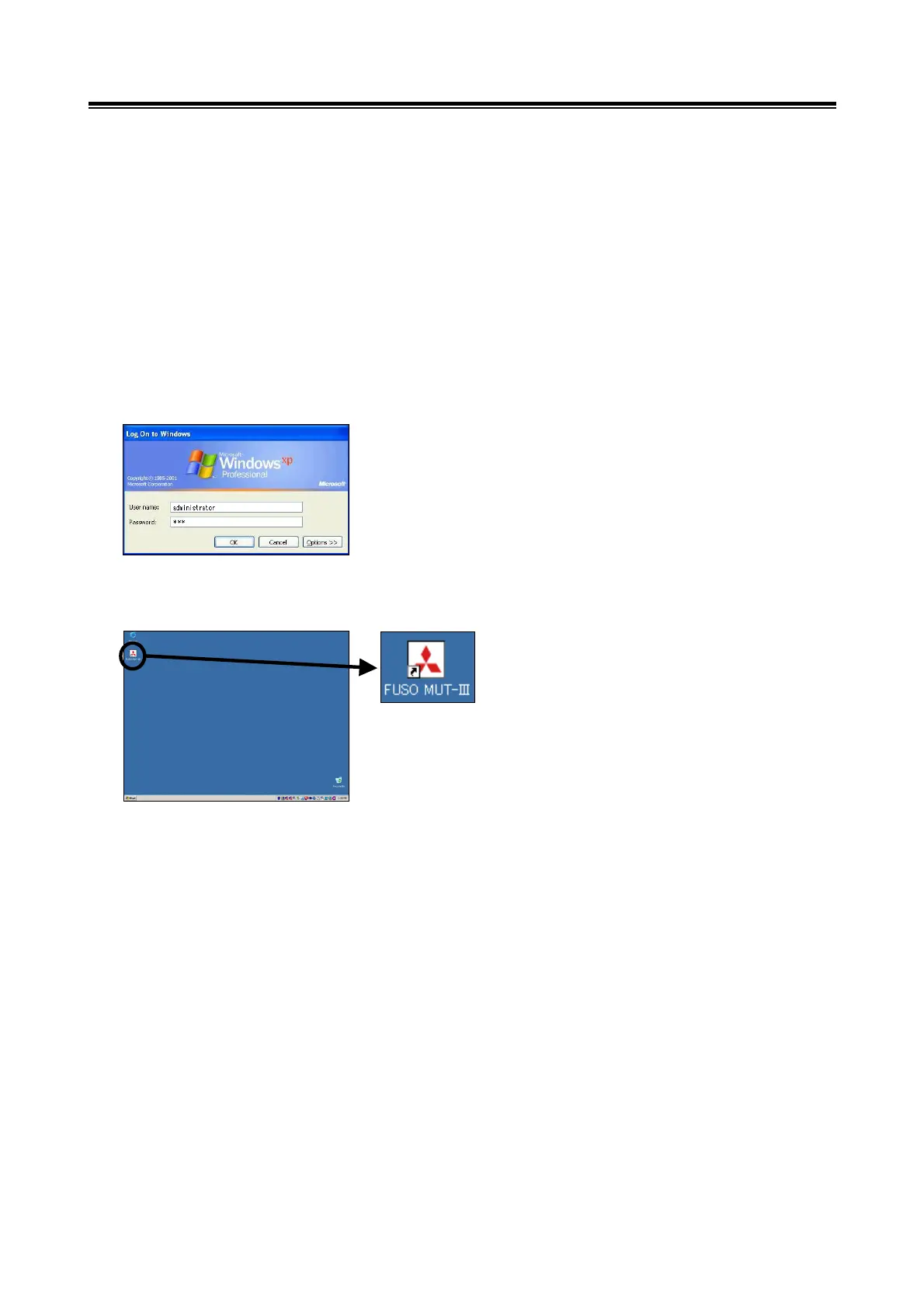
[Entering User Name / Password]
Once Windows is running, the logon
dialogue will be displayed.
Enter both the user name and the password
to logon as an administrator, then select the
"OK" button.
[MUT-III Start-Up]
Once the desktop screen is displayed,
touch the "FUSO MUT-III" icon, which is
located on the desktop, twice quickly.
This action will start MUT-III.
Information about Trademarks
• Microsoft
®
, WindowsXP
®
and Internet Explorer
®
are trademarks and registered trademarks of
Microsoft Corporation in the USA and other countries.
• Acrobat Reader Copyright 1987-2001 Adobe Systems Incorporated. All rights reserved.
Adobe, Adobe logo, Adobe Acrobat and Adobe Acrobat logo are trademarks of Adobe Systems
Incorporated.
[Enlarged View
of Icon]


 To Next Page