81
<Model Menu (Airplane/Glider Functions)>
MODEL MENU (AIRPLANE/GLIDER FUNCTIONS)
pe is selected are displa
age Menu
to preset the model t
pe
matched to the fuselage used. Later setting resets
t
ondition, as required. When
switch or stick position, use the
&RQ
RQV
(Up to 8 conditions can be used)
Note: The FX-40 is desi
ned so that the airplane and
The setting items are different, depending on the
number of servos, etc. according to the wing type
used. However, reread them. The setup screens in
the instruction manual are typical examples
ŏ7RXFKWKH0RGHO0HQXEXWWRQR
ŏ:KHQWKHEXWWRQRIWKHIXQFWLRQ
RXZDQWWRVHWLV
touched, a setu
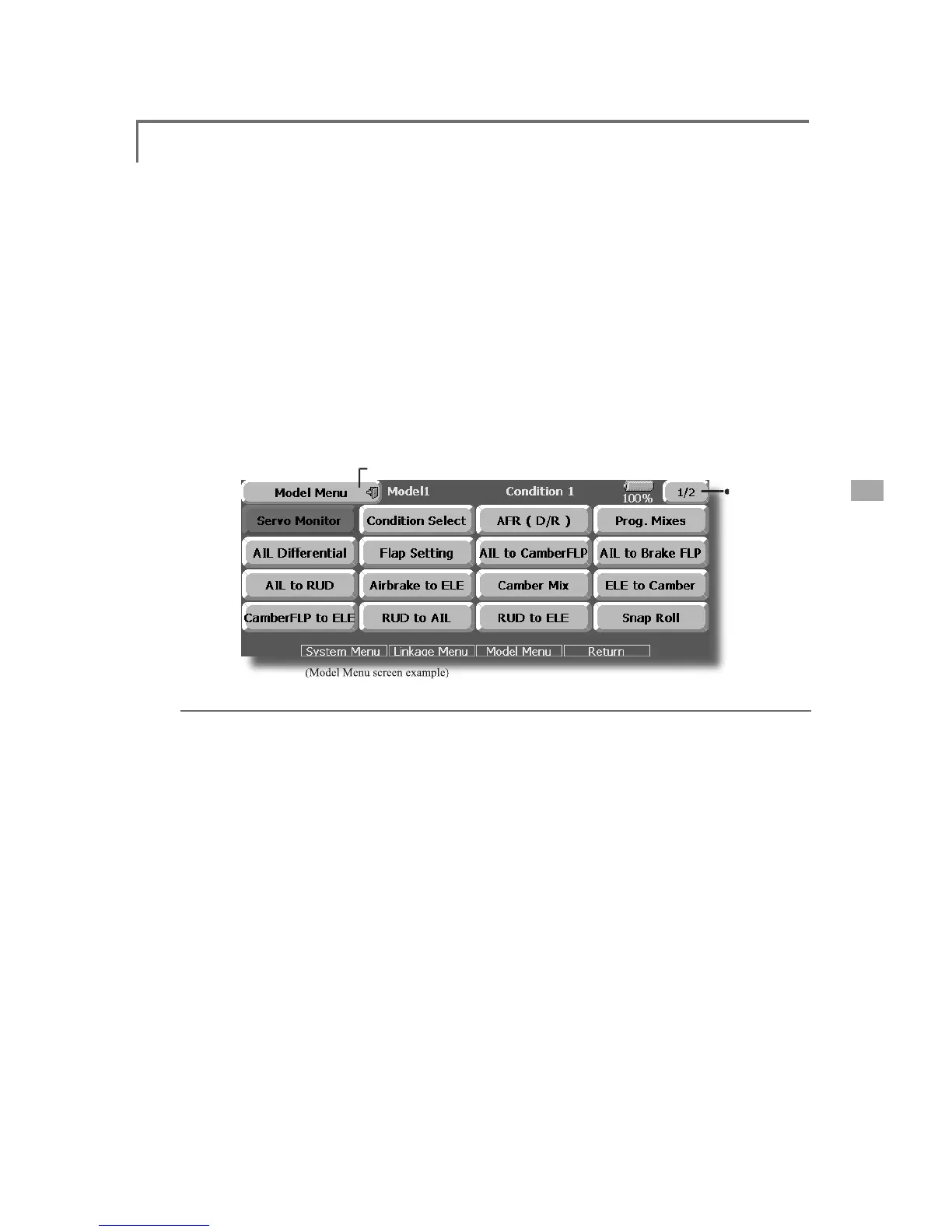
The Model Menu screen depends on the model type. This screen is for model type 4AIL+4FLP
ROOD[LVFRUUHFWLRQDQG¿QHWXQLQJZLWKD95DUH
lider, 2 ailerons or more]
operates the camber flaps in
t
he rudder with aileron operation. Bankin
e, etc. of stunt planes. [Airplane/



 To Next Page