40
<Model Basic Setting Procedure>
MODEL BASIC SETTING PROCEDURE
e FX-40
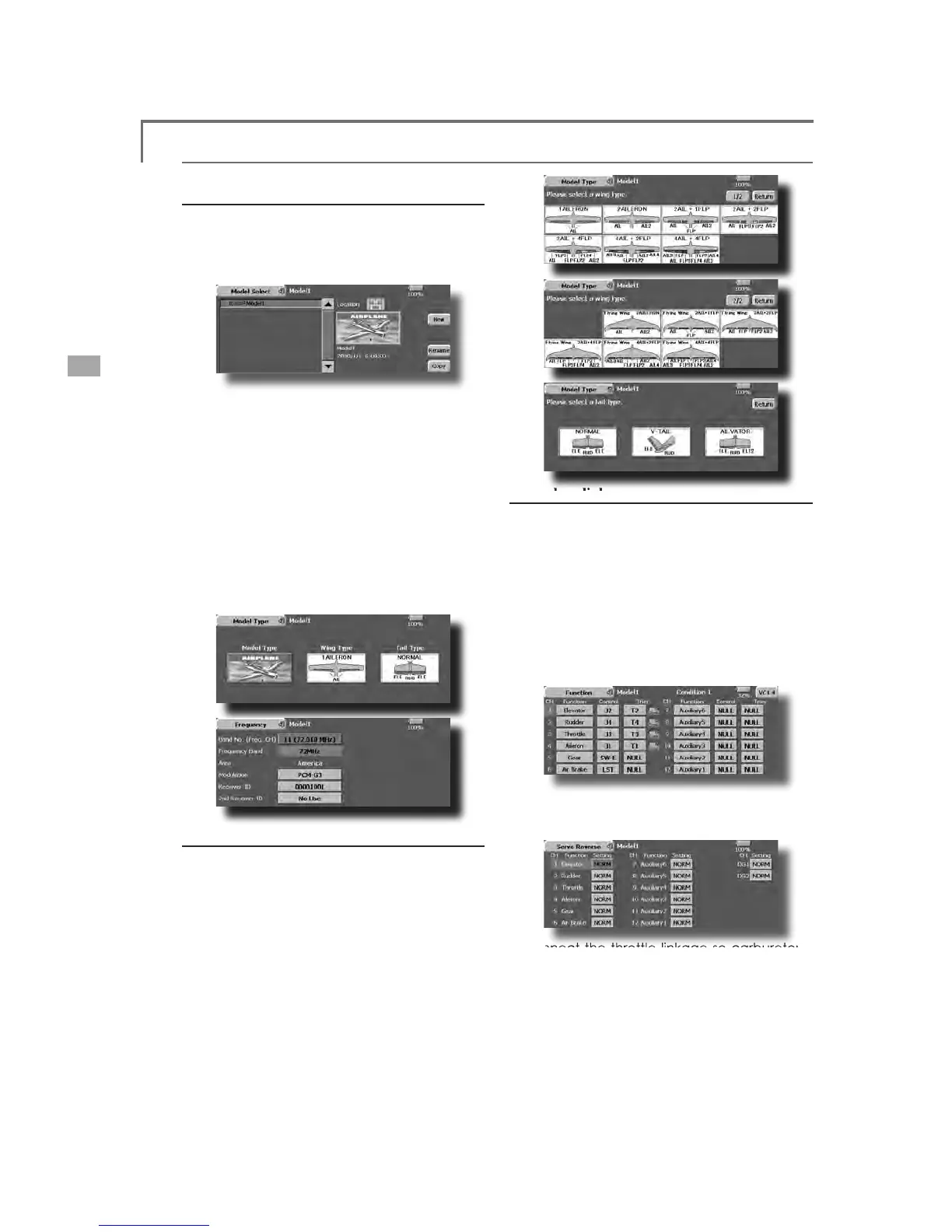
transmitter. The Model Select function of the
Linkage Menu is used to add models and to call
mo
istered. (The data of up to 30 models
called model name is displa
ed at the
top of the screen. Before flying and before changin
QDPH
When a new model was added, the Model t
elect screen and Frequency/Modulation mode/
Rece
ver ID setup screen automat
e aware that the transmitter will stop transmittin
hen you change the model.
pe select function of the Linka
or an airplane, select the model type from among the
pe select screen is displa
s selected when selecting the model type, the Tail type
here are 13 wing types and 3 tail types for airplane,
tion of the connection method, see the
Receiver and
onnection.
Note: The channel ass
hat even for the same "air
lane model", when the
wing type and tail type are different, the channel
ssignment may be different. (The channel assigned
o each function can be checked at the Function
menu of the Linkage Menu.
ŏ:KHQWKHGLUHFWLRQRIWKH OLQND
ŏ&RQQHFWWKHWKURWWOHOLQNDJHVRFDUEXUHWRULV
RVLWLRQFDQDOVREHVHWZLWKWKH(QG3RLQW
XQFWLRQ7KH(QG3RLQWIXQFWLRQFDQDG
PRXQWRIXSGRZQDQGOHIWUL



 To Next Page