74
<Model Menu (Common Functions)>
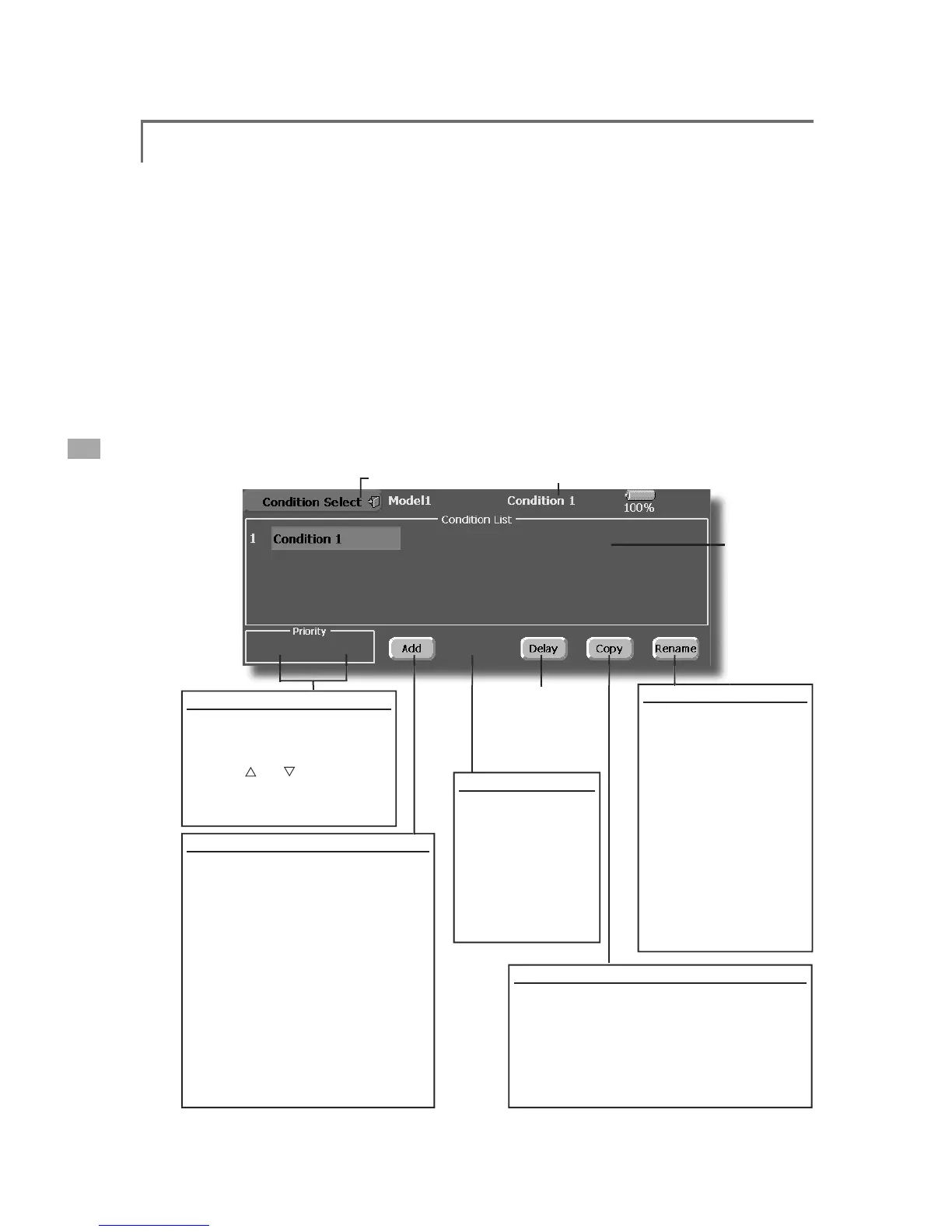
ht conditions addition, deletion, copy, condition renamin
ht conditions
E\XVLQJWKH&RQGLWLRQ6HOHFWIXQFWLRQWRDGGÀLJK
on
Select function, this setting is unnecessary. In
hen there are sudden changes in the servo
ositions and when there are variations in
time between channels durin
can be set for each channel.
ng to the set amount.
ŏ:KHQPXOW
peration priority can be freely chan
ed.
ŏ7KHFRQGLWLRQQDPHFDQEHFKDQ
elected condition name is dis
ive it a name which can be easily
. Touch the condition whose
7KHODVW
condition has the hi
RQ
:KHQWKH >$GG@EXWWRQLVWRXFKHGWKH
&RQGLWLRQ6HOHFWVFUHHQD
The selected conditions are added to
HOHFWWKHVZLWFKWREHXVHGLQFRQGLWLRQ
RQGLWLRQGDWDIRUWKHDGGHG
RQGLWLRQ5HVHW
6HOHFWWKHFRQGLWLRQ
s touched, the
condition is reset. (To
VW
7RXFKWKH>5HQDPH@EXWWRQ
rom
WKHNH\ERDUGZKLFK
appears on the screen.
:KHQWKHNH\ERDUG>5HWXUQ@
istration, touch the
>(6&@NH\
&RQGLWLRQ&RS\
ons.
3. Next, select the cond
EXWWRQLVWRXFKHGWKHGDWDLV
FRSLHG7RDERUWFRS\LQJWRXFKWKH>1R@EXWWRQ



 To Next Page