p.52
Additional Resources
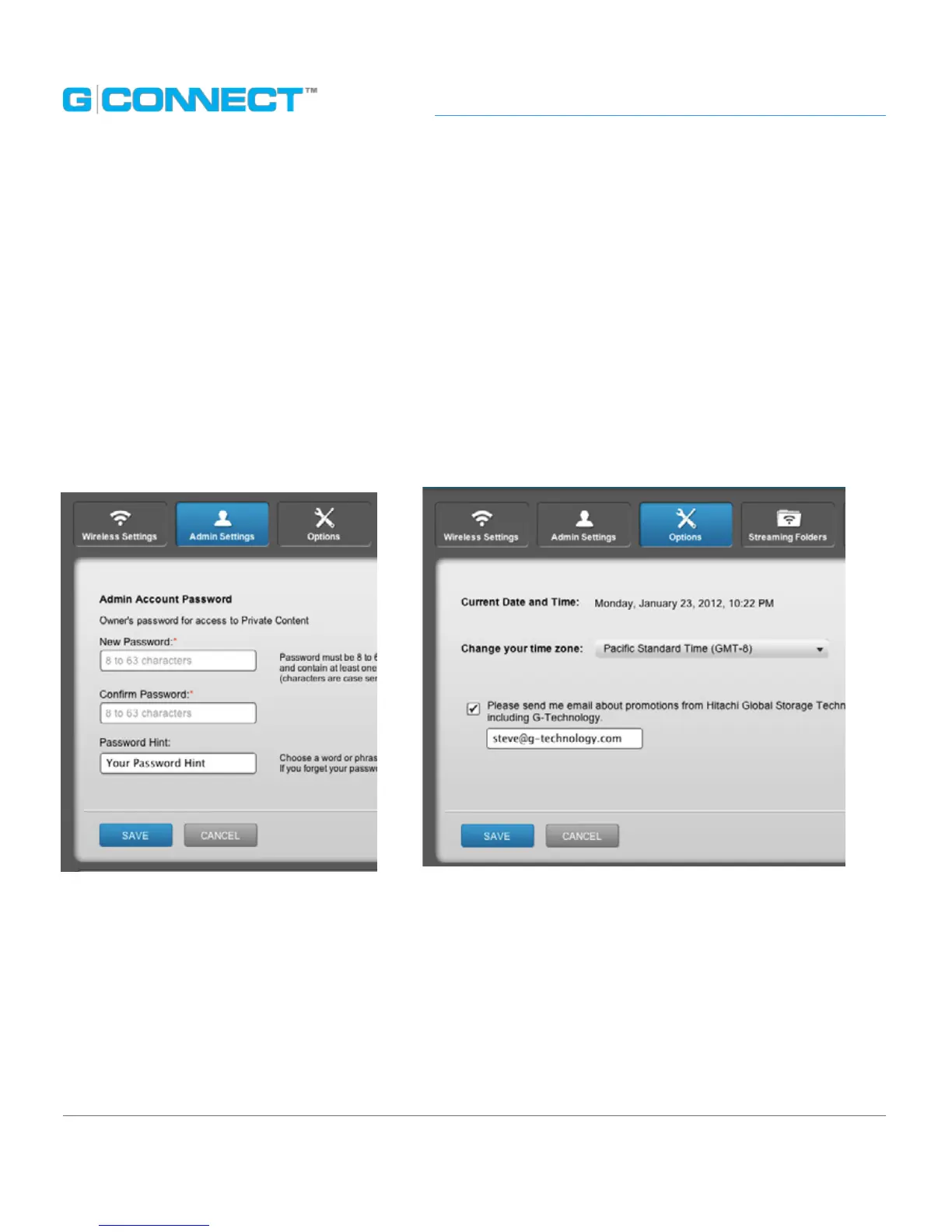
Admin Settings Tab
The Admin Settings tab is where the Admin user can update their password and
password hint information.
The Admin username is always ‘admin’ and not editable, but the Admin password can
be changed. Passwords must be 8 to 63 characters and contain at least one numeric
character.
The Admin’s current Password Hint will appear in the Password Hint eld. To update this,
delete the text in the eld and enter a new hint. Save to apply all changes.
Options Tab
The Options tab displays the current date and time information, which is already set. You
can also update your current time zone here.
This tab also includes a checkbox option to opt-in to HGST updates and receive emails
for future promotions.















 To Next Page