p.53
Additional Resources
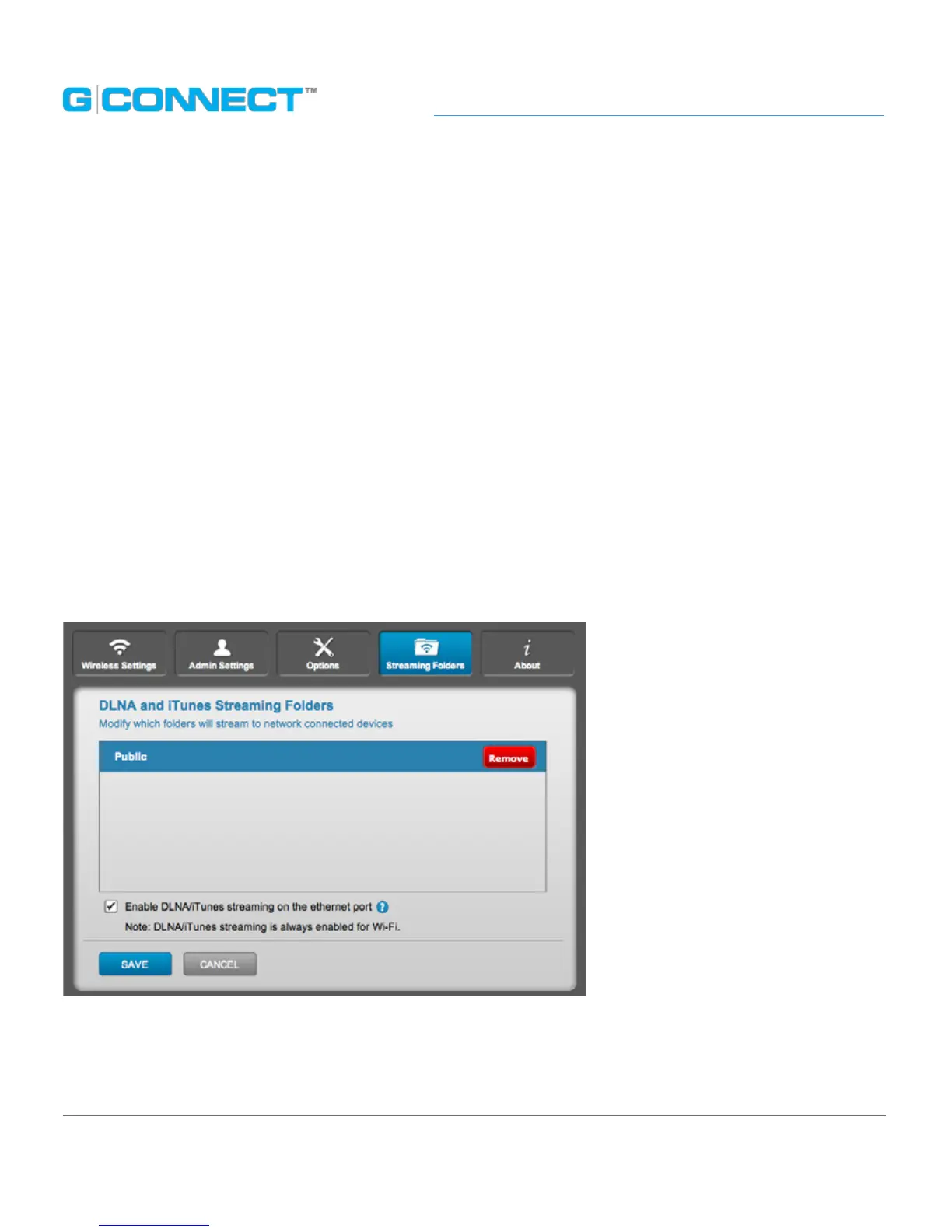
Streaming Folders Tab
The Streaming Folders tab displays a list of folders that are being streamed to DLNA and
iTunes Streaming devices.
To un-share a folder in this list, hover over a folder and click on the red REMOVE button.
Folders are added to this Streaming list with the ‘Streaming Share’ button in the File
Browser.
Enable DLNA/iTunes Streaming on the Ethernet Port checkbox
This checkbox is turned on by default and allows DLNA and iTunes streaming from the
G-CONNECT over the Ethernet port. DLNA and iTunes streaming is always turned on for
Wi-Fi connections.
Un-check the checkbox to turn o DLNA/iTunes streaming through the Ethernet port.















 To Next Page