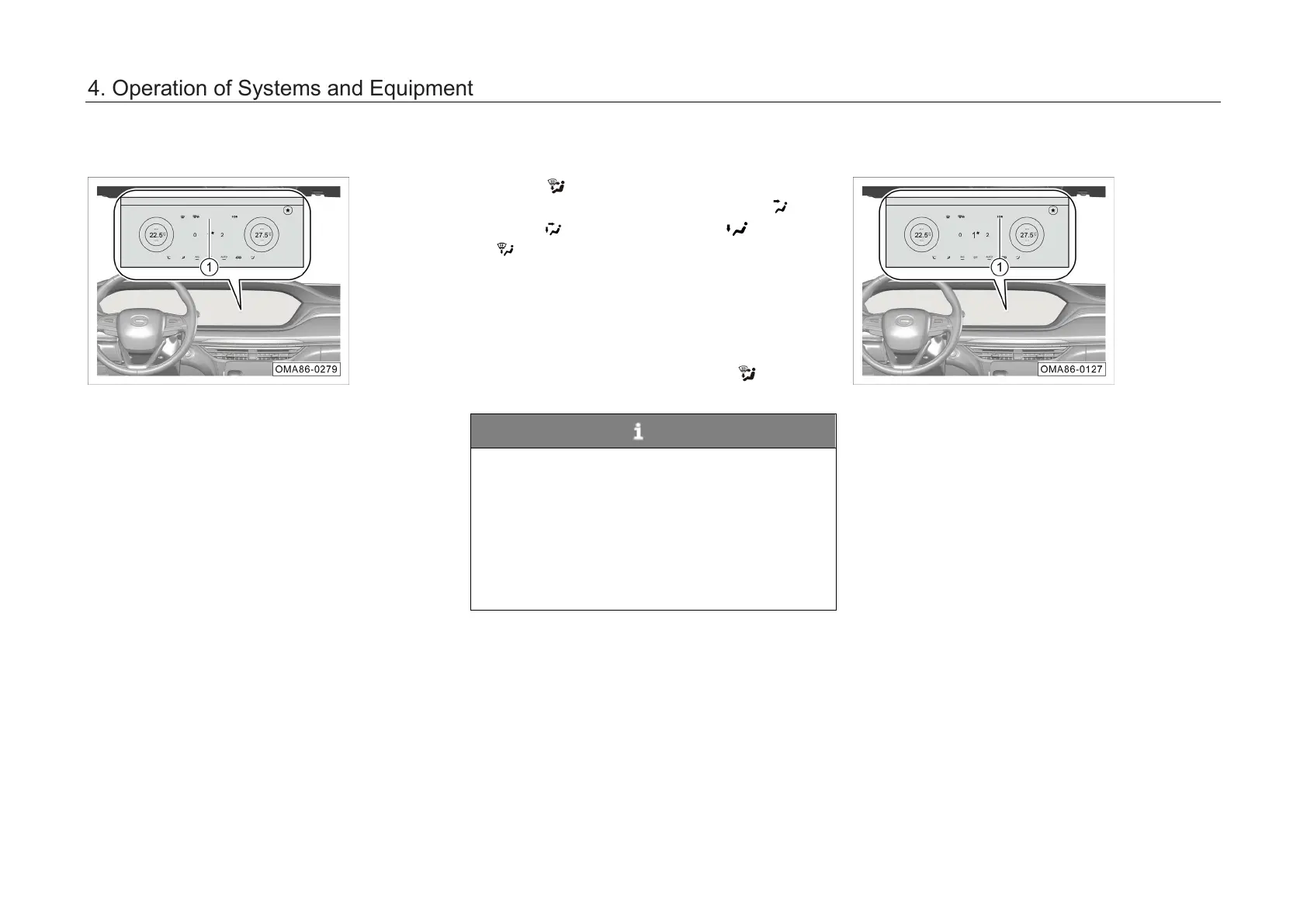
Dual zone mode
– Click the “Sync” soft key ①
indicator lamp will come on, indicating that the
A/C system enters the dual zone control
mode. The temperature in the left and right
areas is controlled independently.
– Click the “Sync” soft key ①
indicator lamp will go out, indicating that the
A/C system exits the dual zone control mode
and enters the single zone control mode, and
the indoor temperature is controlled as a
whole.
Air supply mode
Pressing
button, you can manually switch
between 4 air supply modes as follows: panel
mode →
panel/floor mode → floor mode
→
floor/defrost mode.
In auto mode, the A/C system will automatically
control the air supply mode. When the outlet air
temperature is high, most of the air will be directed
through the floor outlets; when the outlet air
temperature is low, most of the air will be directed
through the panel outlets. When
operated, the A/C system will exit the auto mode.
NOTE
• In order to ensure that the A/C system can
effectively control all the air supply modes
automatically, please keep all air outlets
open.
•
During cold start in winter, in the auto
mode, A/C system will start from the defrost
mode and enable a gradual transition to
other modes.
Negative ion air purifier*
Switch the AV system
to the A/C system control
interface, and click ION soft key ①
. The soft key
indicator lamp will come on, and the A/C system
will turn on the negative ion air purifier. It can
produce negative ions, effectively decompose
harmful gases such as formaldehyde and benzene
in the car, and purify the inside air.
Click ION soft button ①
indicator lamp will go out, and the A/C system will
turn off the negative ion air purifier.
Operating ION soft key and AUTO button can turn
on the negative ion air purifier.
nization
seats
nization
seats
4. Operation of Systems and Equipment



 To Next Page