3E1151SmartScale800UserManual
Page21
Displayingstatisticsforaclosedsession
Todisplaythestatisticsofaclosedsession,completethefollowingsteps:
1. Selectthesession,seeSelectingaSession(p17).
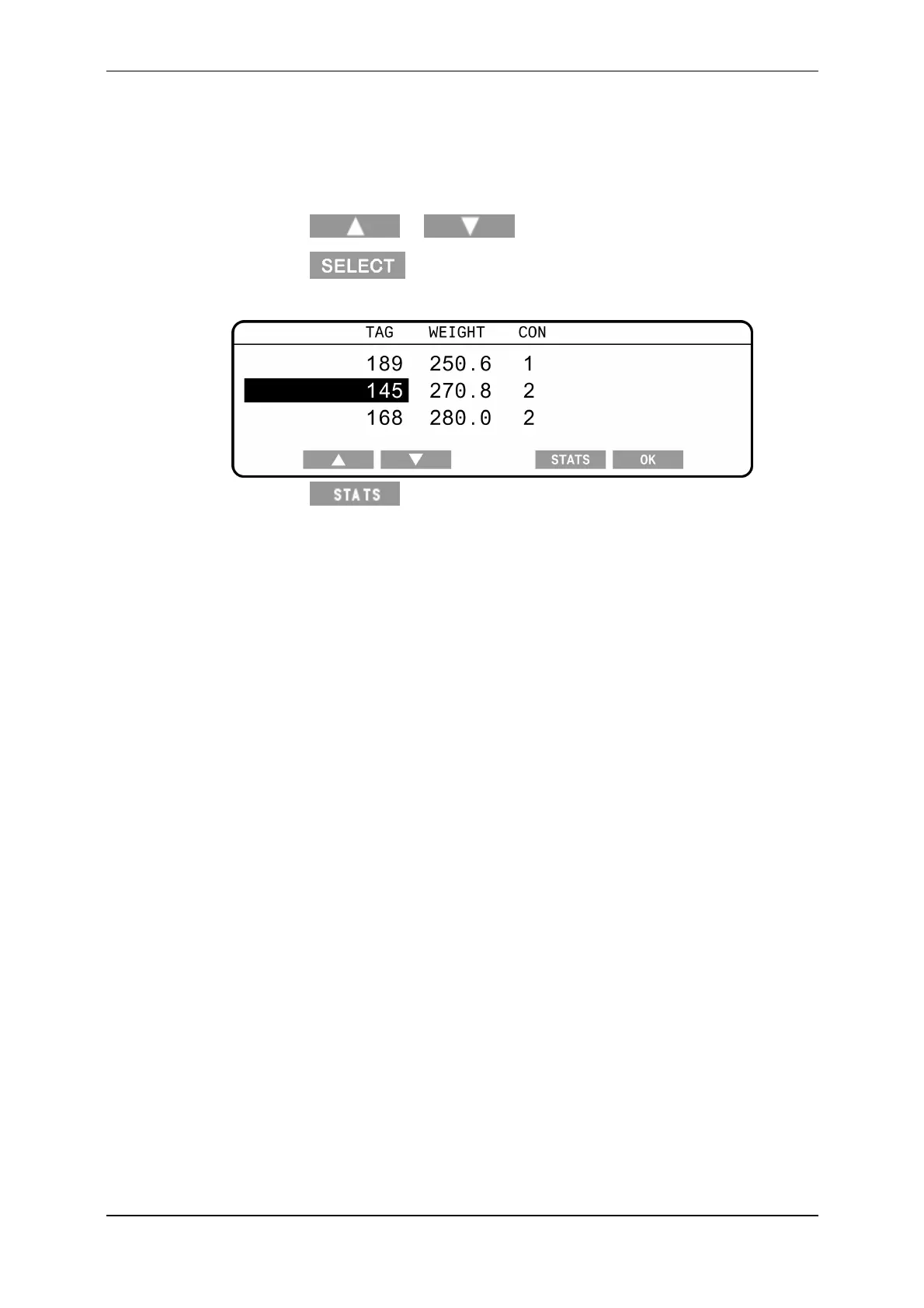
2. Pressthe or softkeystohighlightVIEW.
3. Pressthe softkey.
Thedetailsofthesessiondisplay.
4. Pressthe softkey.
Dependingonthemethodofsorting(byweightornot)oneonthefollowing
screensdisplays:
WeightStats
SortStats
FordetailsonthesestatsscreensseeStatisticsscreen(p36).



 To Next Page