Page 80
10) When you are satisfied with your selection
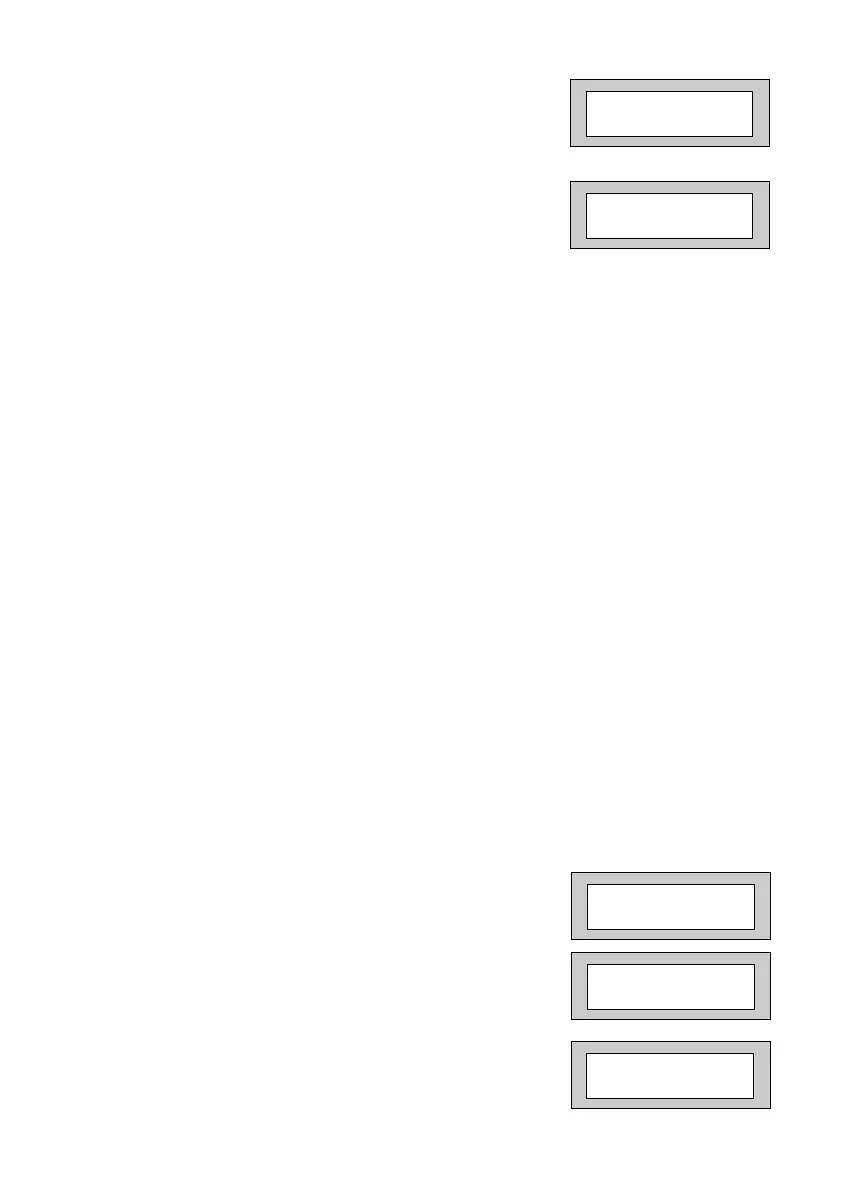
press Yes. The display will show for example:-
11) All Zones are Area 1 by default. Use the 1 to 7
keys to add or remove the zone to other Areas.
When you are satisfied press Yes.
The display will show for example:-
We will now be changing the Zone Tag options, available are:-
Remove- The zone may not be Removed (Omitted) by the end user. (Part
Sets are still allowed).
Remove+/DK Zone may be Removed (Omitted) by the end user and is a Double
Knock Zone (2 activations required within time window).
Remove-/DK Zone may not be Removed by end user (Part Sets are still allowed)
and is Double Knock Zone.
Off Zone is turned Off (Use with caution).
Norm Key Zone is a Keyswitch Zone for a normal type Keyswitch.
Bias Key Zone is a Keyswitch Zone for a Bias (momentary) type Keyswitch.
Remove+ Zone may be Removed by end user.
12) Press No until the setting you require is
displayed then press Yes.
13) The display will show the next zone to program.
You should repeat from Step 8 until you have
programmed all the zones.
14) When all required Zones have been
programmed press 0 (zero) key twice.
The display will show:-
15) Press No. The display will show:-
16) Press Yes. The display will show:-
001 = Ent/Ex A >
1 = Remove -
001 = Ent/Ex = A
1 2 3 4 > Remove -
Program Zone
Types ?
Program Zone
Descriptors ?
Enter Zone # _ _ _
PR5892 Rev11 800 Series Eng Ref 15.qxd 16/11/2006 11:21 Page 80



 To Next Page