Page 85
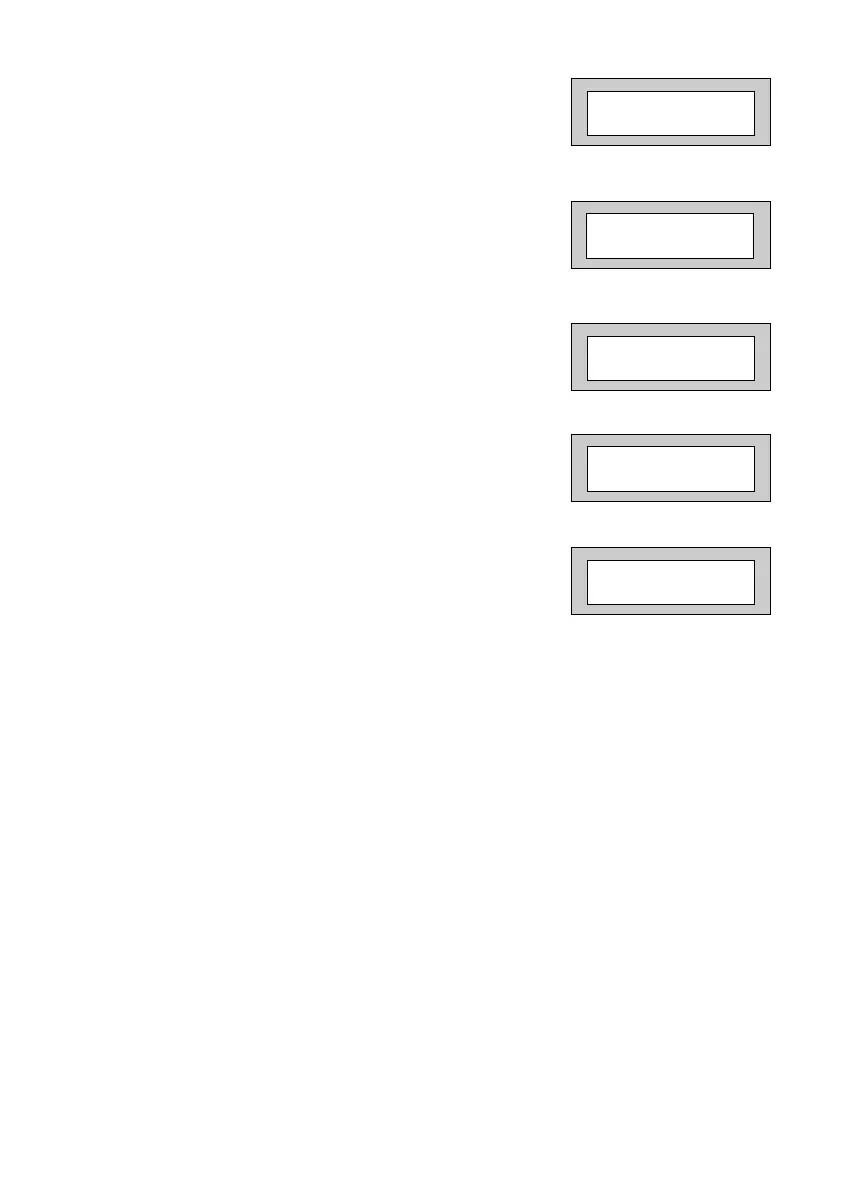
34) Press No until the required setting is displayed
then press Yes. The display will show:-
35) Press No until the required setting is displayed
then press Yes. The display will show:-
36) Repeat from Step 39 until all the ZEX Expanders
you require have been programmed.
The display will show:-
37) Press No. The display will show:-
38) Press Yes. The display will show:-
Any 12Hr type zone(s) may be placed on Test. A Zone on Test will never trigger
an alarm or send a central station signal. If the Zone(s) fails the Test when the
system is Set the display will show Test Fail when the user Un-Sets the system.
After 20 successful Sets and Un-Sets the Zone(s) will be taken out of Test by the
system.
ZEX 2 Wiring
= Off
Program Zone
Wiring ?
Program Zone
Attributes ?
Test None
ZEX 1 Pairing
= Off
PR5892 Rev11 800 Series Eng Ref 15.qxd 16/11/2006 11:21 Page 85


 To Next Page